
Background removal & image cleanup
Want to cut out a background or wipe an object from a photo without opening Photoshop? The tools below do it in your browser, usually in a few seconds. They're handy for product shots, profile pictures, marketplace listings, or any design where you need a clean cutout. Most use AI to find the edges for you, so you don't trace anything by hand.

sharkfoto.com
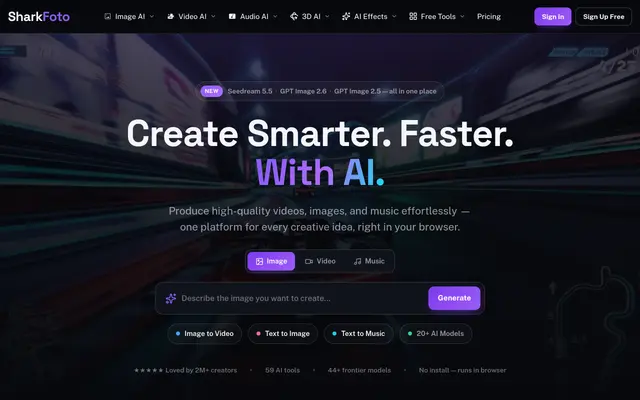
SharkFoto provides a comprehensive suite of AI tools for media creation. Users can generate images from text, remove backgrounds, enhance colors, and even create AI avatars and character generators. It also offers advanced features like AI headshot generation and photo restoration. For video, SharkFoto supports text-to-video, image-to-video, and various editing options such as watermark and background removal, upscaling, and AI talking photos. Audio tools include text-to-music, AI text-to-speech, vocal removal, and voice changing. The platform also includes free utilities for image, video, and audio conversion and compression.

imagesv2.ai
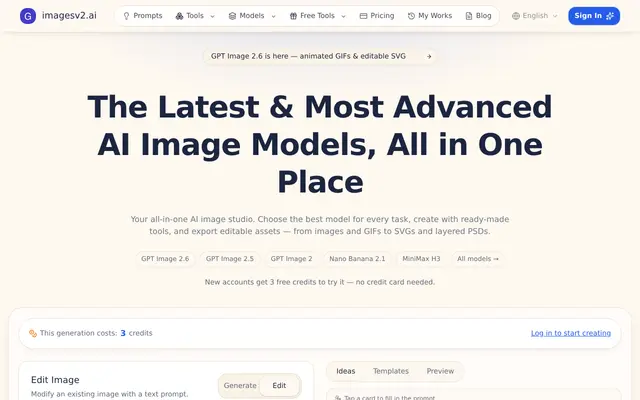
imagesv2.ai offers a suite of advanced AI image models, including GPT Image 2, 2.5, and 2.6, Nano Banana, and MiniMax H3. It provides ready-made tools for various tasks, from image generation and restoration to marketing design and social media content creation. Users can choose the best model for their needs and export editable assets like images, GIFs, SVGs, and layered PSDs. The platform includes free tools for common image issues such as converting file types (HEIC to JPG, WebP to PNG), preparing images for social media (Instagram grid maker, image splitter), and basic photo fixes like sharpening, blurring backgrounds, and rotating images. New accounts receive three free credits to explore the features without requiring a credit card.

imagetoimage-ai.org
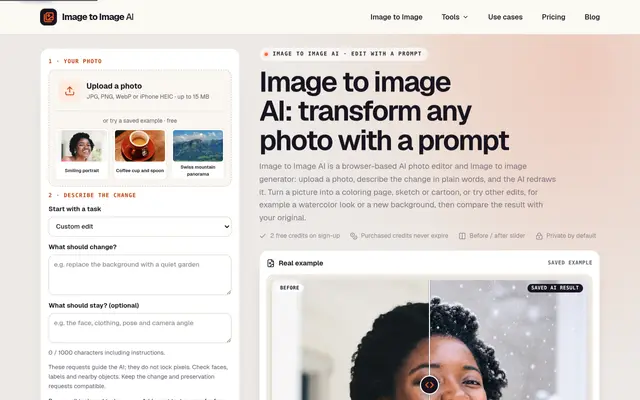
Upload a photo (JPG, PNG, WebP or iPhone HEIC up to 15 MB) and describe the desired change in plain words. The AI redraws the image, allowing you to turn a picture into a coloring page, sketch, cartoon, or apply other edits like a watercolor look or new background. You can add exact text or crop for free, adjust ratio, and choose between two AI models. New accounts receive 2 free credits, and purchased credits never expire. A before/after slider helps compare the result with your original image.

packshotdesk.com
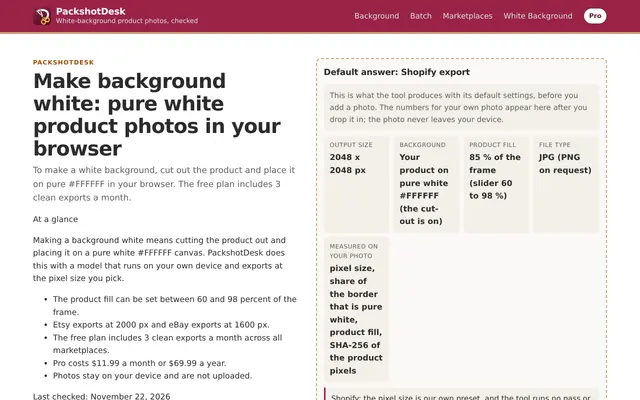
This tool makes a product background pure white (#FFFFFF) by cutting out the product and placing it on a new canvas. The model runs directly on your device, ensuring photos are not uploaded and remain private. It allows you to set product fill between 60 and 98 percent of the frame and supports marketplace-specific export sizes, such as 2000 px for Etsy and 1600 px for eBay. The free plan includes 3 clean exports per month.
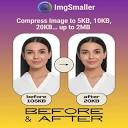
imgsmaller.com
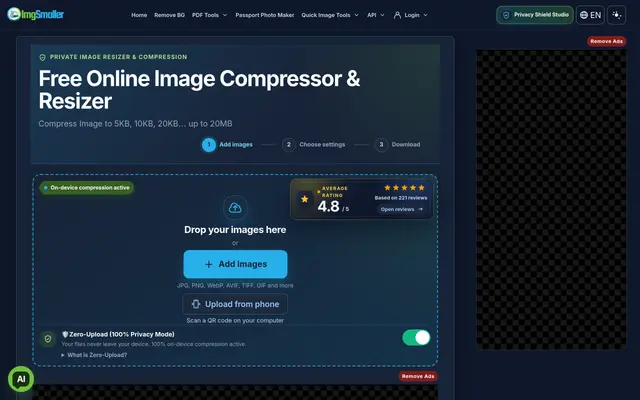
ImgSmaller offers fast, on-device browser compression for JPG, PNG, WebP, AVIF, TIFF, GIF, and more. You can compress up to 20 images at once without uploading them to a server, ensuring 100% privacy. The tool allows you to set a fixed target size, a maximum target size, or use auto-compression. It also includes options for advanced settings like format, metadata, and dimensions, and supports batch downloading of compressed images.

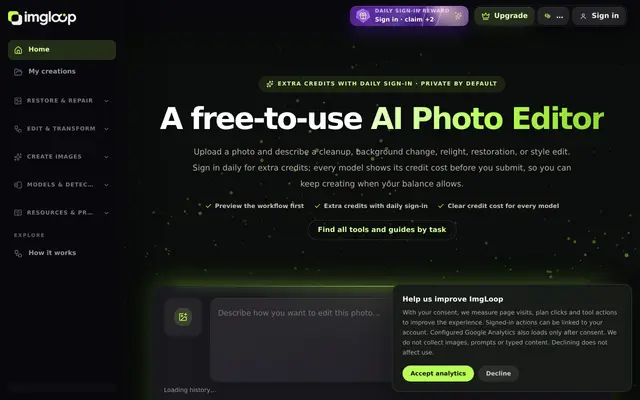
imgloop.ai
ImgLoop is a free-to-use AI photo editor that allows you to upload an image and describe edits like cleanup, background changes, relighting, restoration, or style modifications. Before you commit, the credit cost for each model is displayed, and you can compare the AI-generated result with your original source image. The platform includes focused workflows for tasks such as photo restoration, AI interior design, AI tattoo generation, and turning photos into coloring pages. It offers features like natural language edits, local canvas controls for cropping and rotating, and the ability to reuse editing recipes.

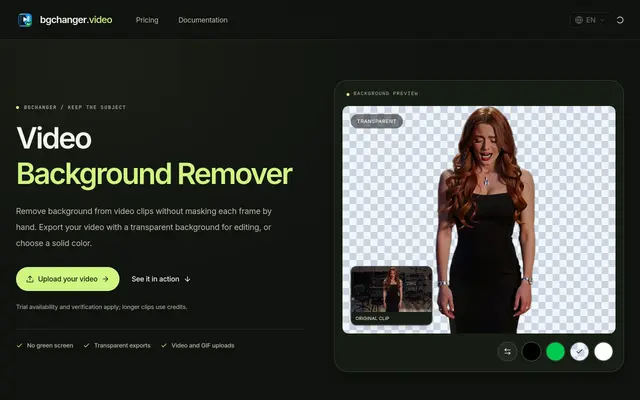
bgchanger.video
Video Background Remover removes backgrounds from video clips and isolates the subject. You can export the video with a transparent background for editing, or choose a solid color. It also accepts video and GIF uploads and lets you preview the background. Traditional video workflows can involve a green screen setup, manual masks, and repeated adjustments. This tool lets AI handle the first pass of subject separation across the clip. You can create a green-screen asset from ordinary footage by exporting your subject on a solid green background for later chroma key work. It also lets you choose white, black, green, or a custom color.
Launch your
powerful website
Reach thousands of users across YouTube, Instagram and our newsletter.
- Live within 24 hours
- Custom launch video

imagecombiner.net
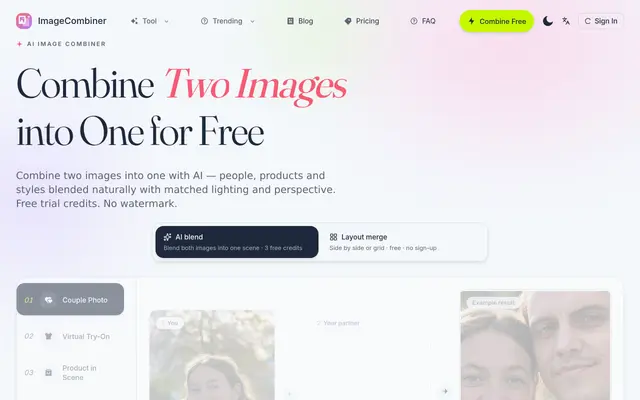
Upload two photos and ImageCombiner will merge them with matched lighting and perspective. It offers various templates like Couple Photo, Product in Scene, and You + Your Pet, generating results in 10-60 seconds. The tool supports JPG, PNG, and WebP formats, preserves faces from original images, and automatically refunds failed generations. It also provides free credits upon sign-up and does not add watermarks.

vorapix.ai
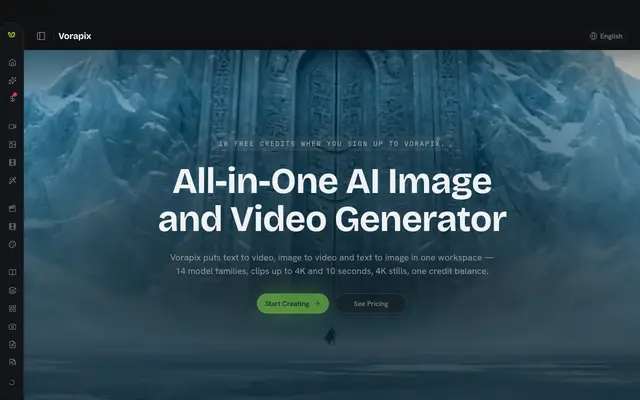
Vorapix is a versatile AI tool that brings text-to-video, image-to-video, and text-to-image capabilities into a single workspace. It offers access to 14 different AI model families, allowing users to generate video clips up to 4K resolution and 10 seconds long, as well as 4K still images. The platform includes dedicated studios for video and image generation, a photo enhancer to restore faded or damaged pictures, and a tool to remove watermarks from AI-generated images you own. Both studios share a single credit balance, and users get 10 free credits upon signing up.

aiedittextinimage.com
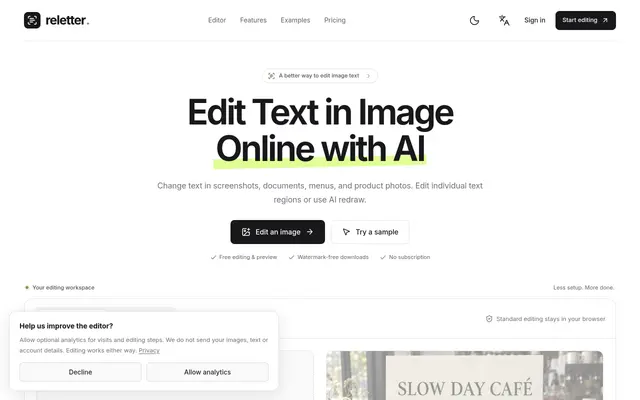
Reletter offers two ways to edit text in images. For flat backgrounds like screenshots and simple documents, you can use the Standard editor to manually adjust font, size, and color with a live preview. For more complex images with textures, lighting, and styled lettering, the Pro AI redraw blends new words naturally into the existing image while preserving context.

editimagetextonline.com
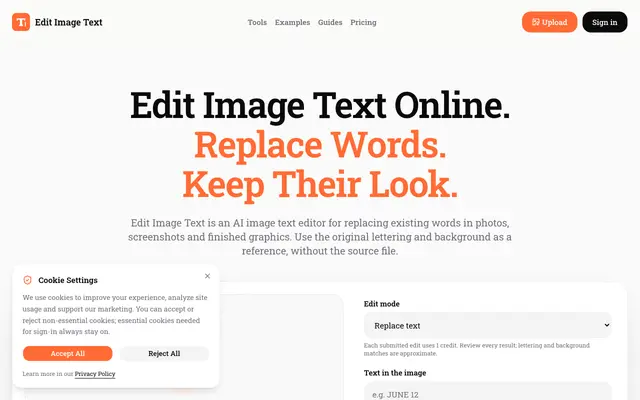
This AI tool lets users change text in images like product photos, event posters, and screenshots, preserving the original lettering and background style without needing the source file. Users can upload PNG, JPEG, or WebP images up to 10 MB. Features include replacing, fixing, removing, or translating text (including Chinese, Japanese, and Korean). New accounts receive one free 'Fast 1K' edit, and credits never expire. The service ensures failed generations are refunded and allows commercial use of edited images.

imagelayered.com
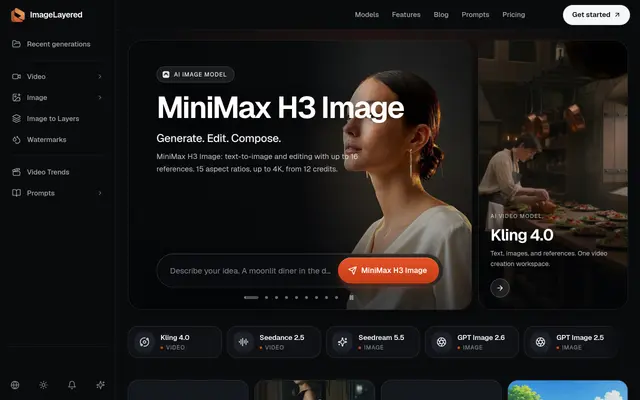
ImageLayered provides AI models like MiniMax H3 Image for text-to-image and editing with up to 16 references, and Kling 4.0 for video creation. It supports various aspect ratios and resolutions up to 4K for image generation. Key features include background removal, image extension, watermark removal for both images and videos, and tools to animate images. The platform also offers specific tools for product visuals, portraits, and anime illustration.

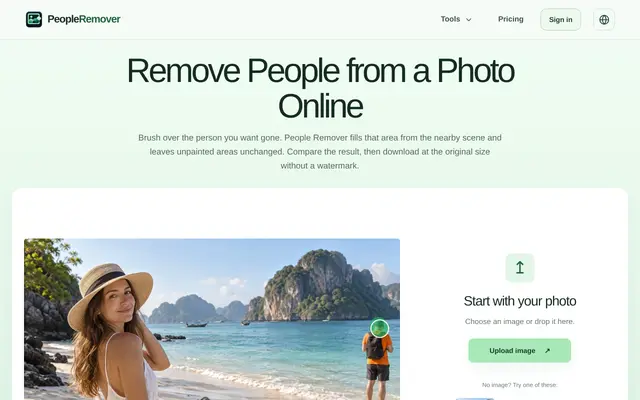
peopleremover.com
People Remover is a browser-based tool for removing people from photos. You simply brush over the person you want gone, and the editor fills the area using the nearby scene, leaving unpainted areas unchanged. New accounts receive one free edit. Each subsequent new edit costs 3 credits. Photos can be uploaded as JPG, PNG, or WebP files, up to 20 MB, and downloads are full-resolution PNGs without watermarks.

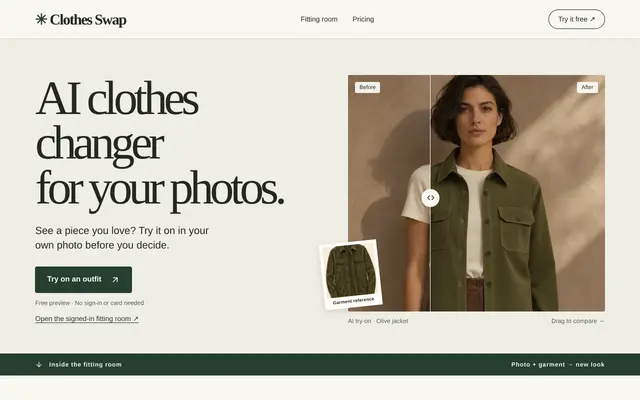
aiclothesswap.app
AI Clothes Changer helps you visualize new outfits on your own body. Upload a photo of yourself and a photo of a garment, and the AI generates a new image with you wearing the item. The tool allows you to compare the "before" and "after" side-by-side, download your new look, or export a comparison card to share with friends. A free guest preview is available without signing in, and paid plans offer additional swaps.

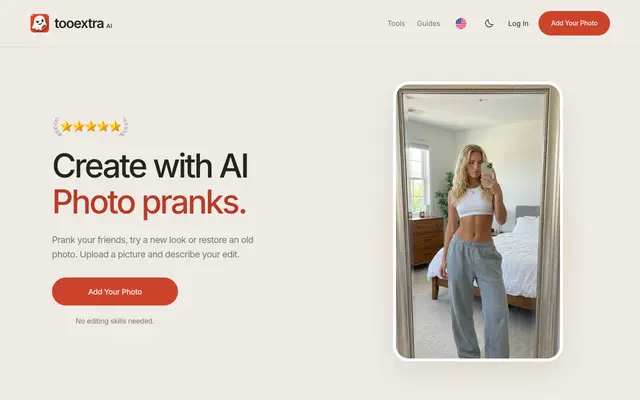
tooextra.app
TooExtra AI helps you edit photos without needing any special skills. Simply upload a picture, describe the changes you want, and the AI will generate the edited image. The platform provides over 180 templates for various edits, including glow-ups, new haircuts, room makeovers, pet portraits, and tattoo previews. You can compare the edited photo with the original and easily download or share your creations.

prompttovisual.com
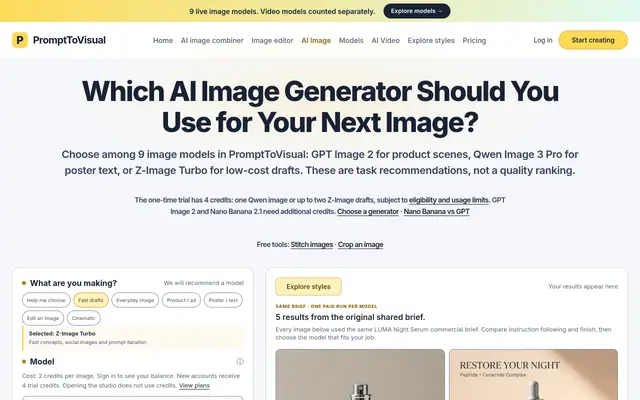
PromptToVisual offers 9 distinct AI image models, including GPT Image 2 for product scenes, Qwen Image 3 Pro for poster text, and Z-Image Turbo for fast drafts. Users can generate images from text, edit existing photos, and download their creations. Additional features include an AI image combiner and specific models tailored for tasks like commercial detail, creative iteration, and cinematic visuals. The platform supports JPG, PNG, and WEBP uploads up to 5 MB for editing, and new accounts receive 4 trial credits.
gen.new
Gen.new provides an AI creative workspace that allows users to chat with agents, generate images, videos, audio, and 3D assets, and organize their ideas on an infinite canvas. It's designed for various creative tasks from initial thought to final product. The platform supports popular AI models like GPT-6 Luna, ChatGPT, GPT Image 1.5, H3 Max Turbo, and TRELLIS for 3D assets, with planned integrations for others. Users can create, edit, and refine content within the same conversation, keeping context for their projects.
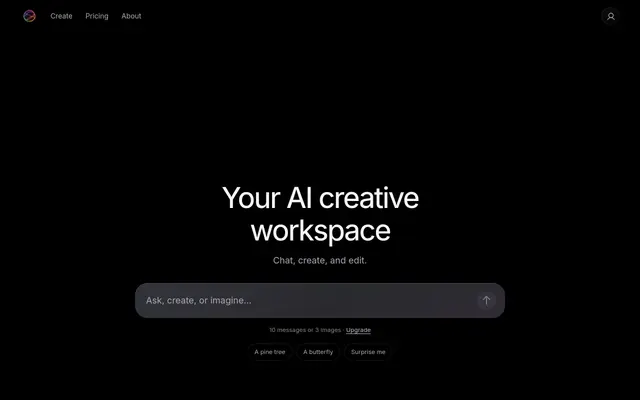
photo-craft.online
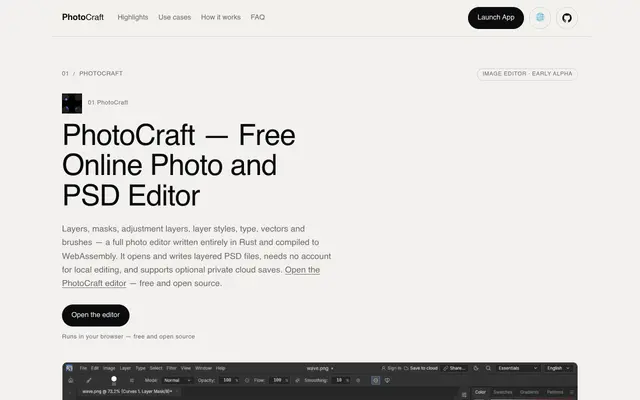
PhotoCraft is a free, open-source online photo editor that runs directly in your browser. It offers a familiar interface with layers, masks, adjustment layers, type, and brushes, and is built in Rust and compiled to WebAssembly for native-speed performance. It can open and save layered PSD files and its native .pcraft format, supports non-destructive workflows, and includes professional features like ICC color management and various bit depths. No account is required for local editing, with optional private cloud storage.

photoroom.com
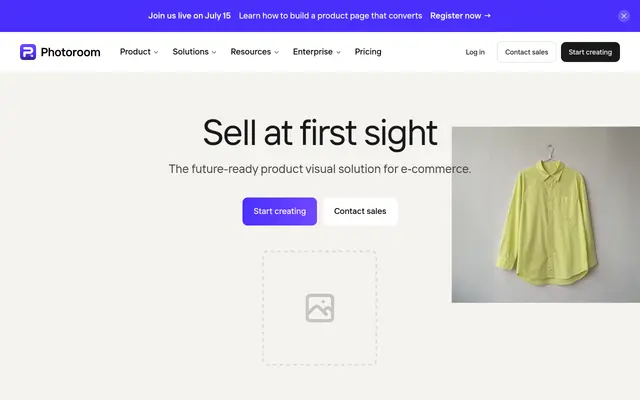
Photoroom is an AI photo studio built for e-commerce. It removes backgrounds, places products in generated scenes, and batch-edits hundreds of images to a consistent brand look. There is a free tier with paid plans for higher volume and full resolution.

remove.bg
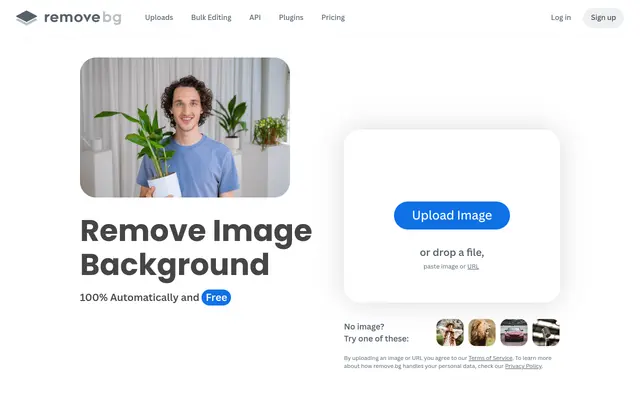
remove.bg uses AI to strip the background from any photo automatically, handing back a transparent PNG in about five seconds. It handles tricky edges like hair and fur, and offers desktop apps, a Photoshop plugin, and an API for bulk work. The basic cutout is free; full resolution and volume need a paid plan.

clipdrop.co
Clipdrop, from Stability AI, bundles a suite of AI image tools: remove backgrounds, erase objects, upscale, relight, and generate images from text. Most tools have a free tier and results are cleared for commercial use. There is also an API for developers who want the same features in their own apps.

pfpmaker.com
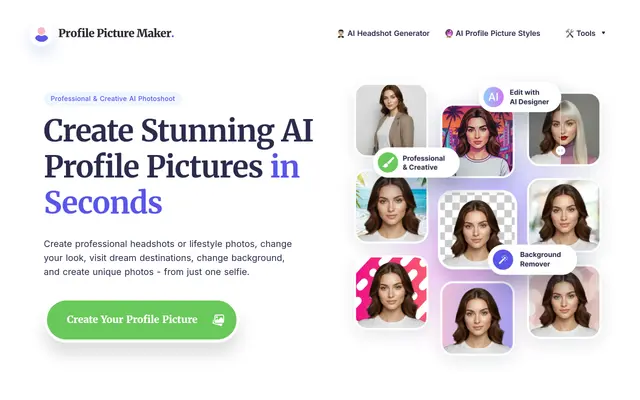
PFPMaker turns an ordinary selfie into professional headshots and styled profile pictures using AI. It also removes backgrounds and offers artistic photoshoot styles. Basic tools are free, with premium AI headshots available.

photopea.com
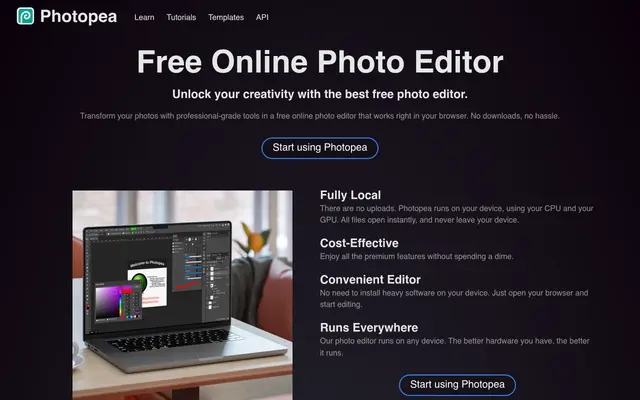
Photopea is a browser-based image editor that opens and saves Photoshop PSDs natively, with layers, masks, and 40+ supported formats. It runs entirely client-side with no upload or install. It's a free, capable stand-in for desktop editors.
autodraw.com
Anyone who needs quick graphics but lacks artistic skill. Perfect for presentations, social media, and brainstorming sessions.

m8 i can draw rhat shit myself it’s just lines
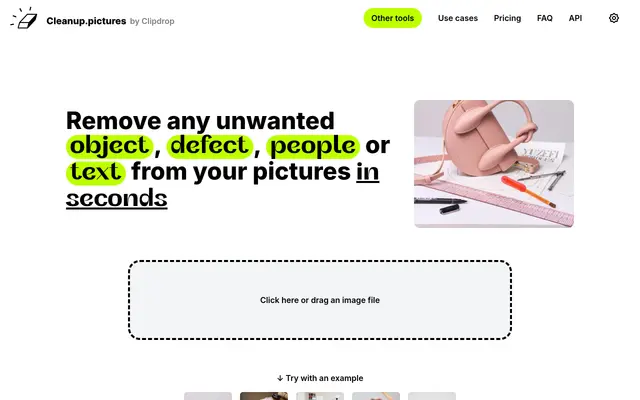
cleanup.pictures
Real estate photographers, e-commerce sellers, and anyone who needs quick photo cleanup without learning Photoshop.

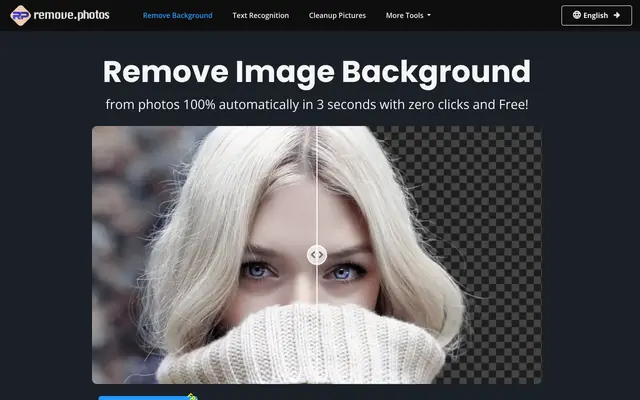
remove.photos
AI background remover and image editing tools for quick photo editing in your browser.

143.. SKZ MENTIONED?
squoosh.app
Google's image compression tool that optimizes images in your browser with side-by-side comparison.
Frequently asked questions
Are these background removers free?
Yes. Every tool here has a free tier that removes backgrounds without an account or payment. A few charge for extras like full-resolution downloads or batch processing, but the basic cutout is free.
Do I need to install anything?
No. They all run in the browser, so they work the same on a Mac, a Windows PC, or a Chromebook. Nothing to download.
Which one is best for product photos?
For store listings, pick a tool that gives a clean white or transparent background and handles tricky edges like hair or glass. Several here are built for exactly that.