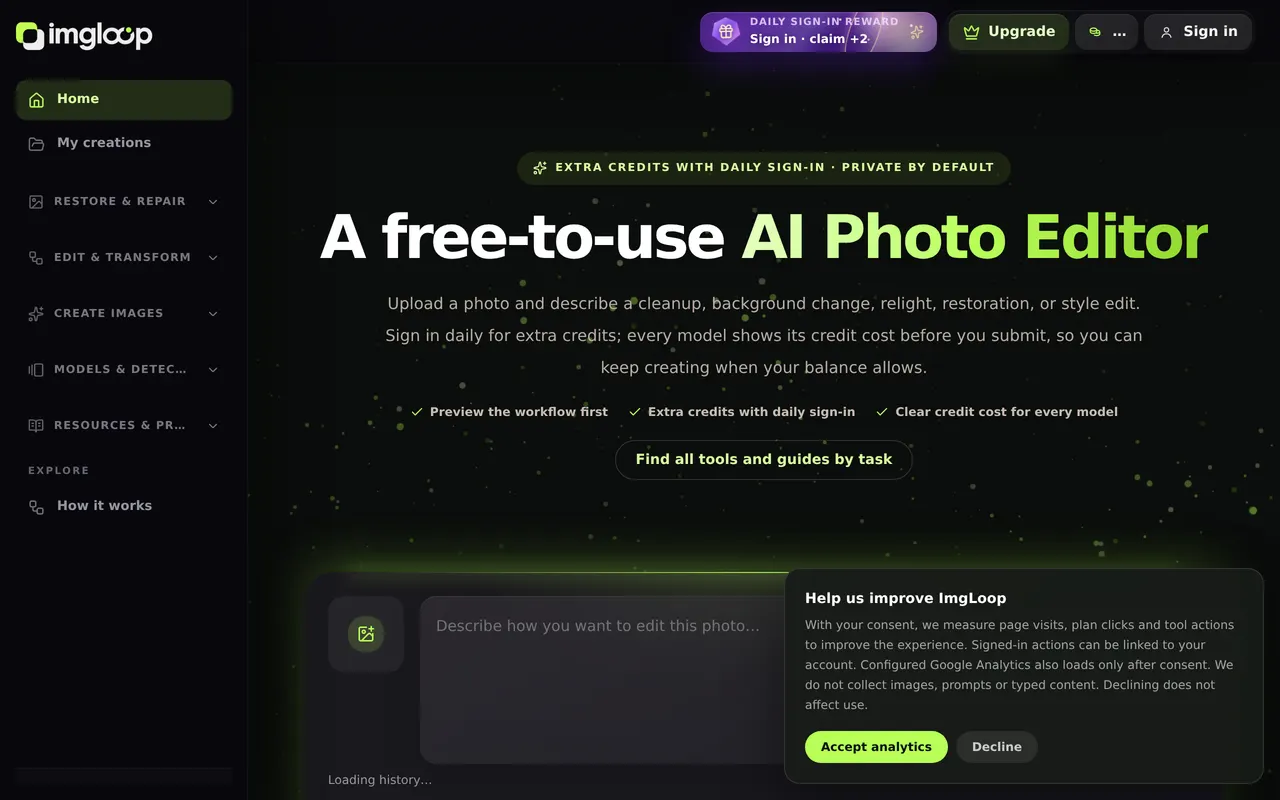
imgloop.ai
ImgLoop is a free AI photo editor that helps you edit, restore, and generate images online with various creative tools.
About
ImgLoop is a free-to-use AI photo editor that allows you to upload an image and describe edits like cleanup, background changes, relighting, restoration, or style modifications. Before you commit, the credit cost for each model is displayed, and you can compare the AI-generated result with your original source image.
The platform includes focused workflows for tasks such as photo restoration, AI interior design, AI tattoo generation, and turning photos into coloring pages. It offers features like natural language edits, local canvas controls for cropping and rotating, and the ability to reuse editing recipes.
Highlights
- +Sign in daily for extra credits.
- +Preview the credit cost for each model before submitting.
- +Keep your images private if you have a paid subscription or purchased a credit pack.
Own imgloop.ai?
Claim it to manage your listing and get your badge link.
Frequently asked questions
What is imgloop.ai?
ImgLoop is a free-to-use AI photo editor that allows you to upload an image and describe edits like cleanup, background changes, relighting, restoration, or style modifications.
Is imgloop.ai free?
imgloop.ai has a free tier, with paid plans for more advanced features.
What are some alternatives to imgloop.ai?
Similar sites in our directory include imagecombiner.net, vorapix.ai, aiedittextinimage.com.
imgloop.ai alternatives & similar sites

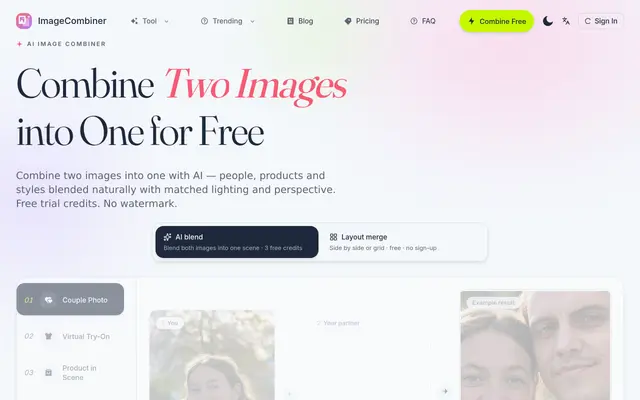
imagecombiner.net
Upload two photos and ImageCombiner will merge them with matched lighting and perspective. It offers various templates like Couple Photo, Product in Scene, and You + Your Pet, generating results in 10-60 seconds. The tool supports JPG, PNG, and WebP formats, preserves faces from original images, and automatically refunds failed generations. It also provides free credits upon sign-up and does not add watermarks.

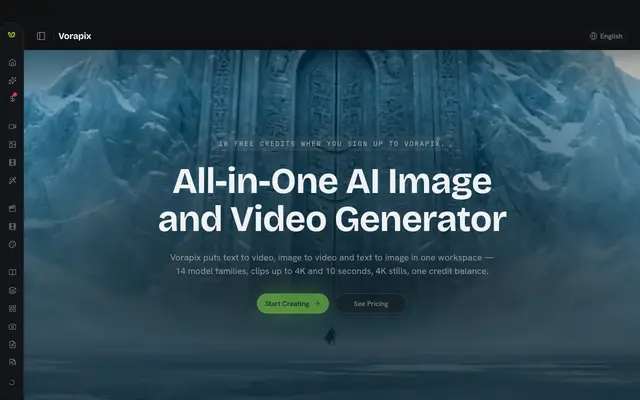
vorapix.ai
Vorapix is a versatile AI tool that brings text-to-video, image-to-video, and text-to-image capabilities into a single workspace. It offers access to 14 different AI model families, allowing users to generate video clips up to 4K resolution and 10 seconds long, as well as 4K still images. The platform includes dedicated studios for video and image generation, a photo enhancer to restore faded or damaged pictures, and a tool to remove watermarks from AI-generated images you own. Both studios share a single credit balance, and users get 10 free credits upon signing up.

aiedittextinimage.com
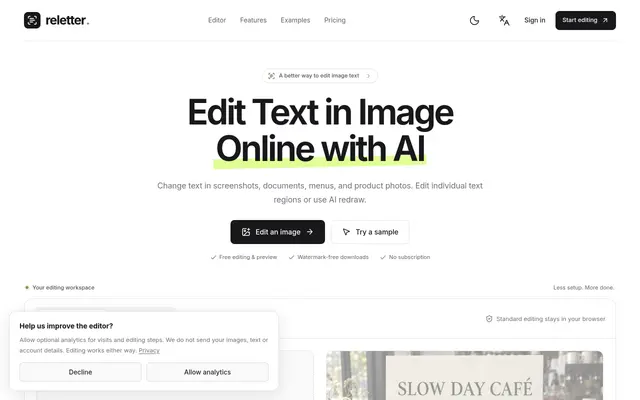
Reletter offers two ways to edit text in images. For flat backgrounds like screenshots and simple documents, you can use the Standard editor to manually adjust font, size, and color with a live preview. For more complex images with textures, lighting, and styled lettering, the Pro AI redraw blends new words naturally into the existing image while preserving context.
Launch your
powerful website
Reach thousands of users across YouTube, Instagram and our newsletter.
- Live within 24 hours
- Custom launch video

editimagetextonline.com
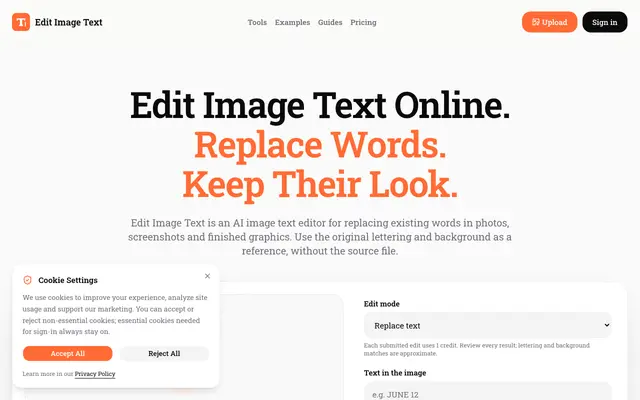
This AI tool lets users change text in images like product photos, event posters, and screenshots, preserving the original lettering and background style without needing the source file. Users can upload PNG, JPEG, or WebP images up to 10 MB. Features include replacing, fixing, removing, or translating text (including Chinese, Japanese, and Korean). New accounts receive one free 'Fast 1K' edit, and credits never expire. The service ensures failed generations are refunded and allows commercial use of edited images.

imagelayered.com
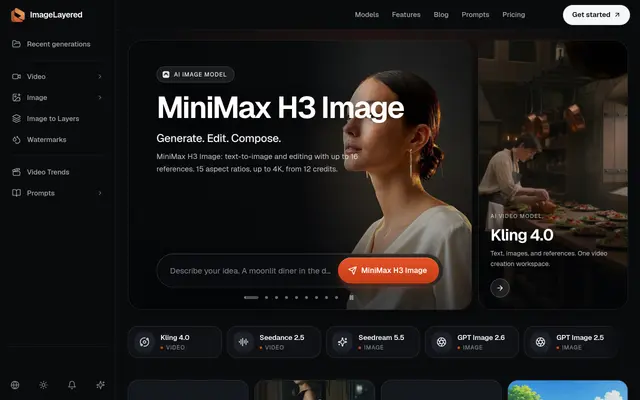
ImageLayered provides AI models like MiniMax H3 Image for text-to-image and editing with up to 16 references, and Kling 4.0 for video creation. It supports various aspect ratios and resolutions up to 4K for image generation. Key features include background removal, image extension, watermark removal for both images and videos, and tools to animate images. The platform also offers specific tools for product visuals, portraits, and anime illustration.

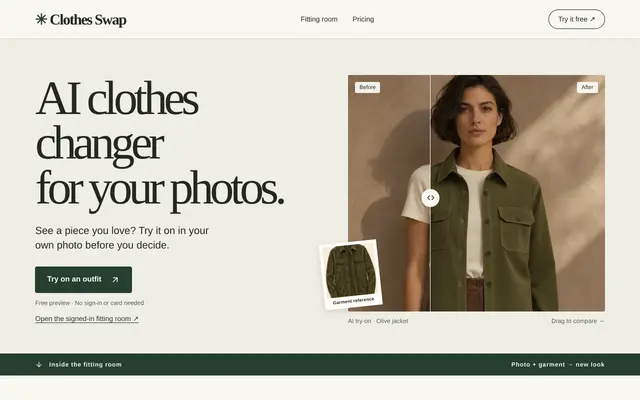
aiclothesswap.app
AI Clothes Changer helps you visualize new outfits on your own body. Upload a photo of yourself and a photo of a garment, and the AI generates a new image with you wearing the item. The tool allows you to compare the "before" and "after" side-by-side, download your new look, or export a comparison card to share with friends. A free guest preview is available without signing in, and paid plans offer additional swaps.