
AI tools for non-designers
If you need a decent graphic but do not know design software, these tools do the heavy lifting. They turn rough sketches into clean icons, remove backgrounds and unwanted objects, build diagrams from plain text, and put together graphics from templates. The point is to get a usable result without learning Photoshop. Good for slides, social posts, listings, and quick mockups.

homeai.studio
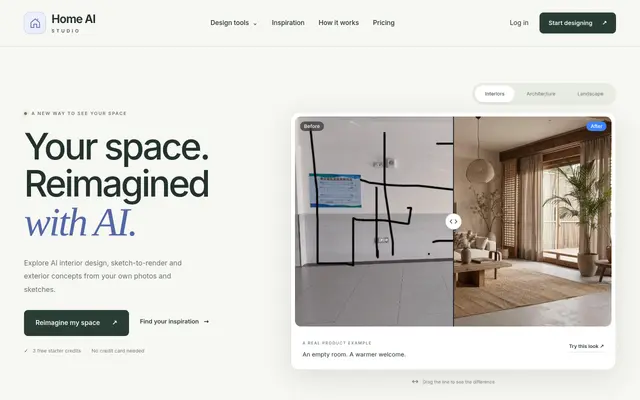
Home AI Studio allows you to upload photos of your rooms, building exteriors, or sketches to generate new design concepts using AI. You can explore furniture, finishes, and lighting directions for interiors, or apply new materials and styles to architectural and landscape designs. New users receive 3 free starter credits to explore the tools without needing a credit card. The platform accepts JPG, PNG, and WebP files for image uploads.

quotesmaker.com
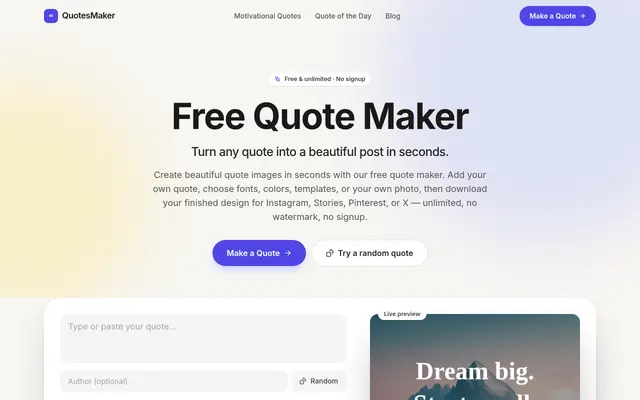
This free quote maker lets you quickly turn any text into a beautiful quote image. Add your own text or use the AI quote generator to create an original quote, then customize it with various fonts, colors, templates, or your own photos. Optimized for platforms like Instagram, Stories, Pinterest, and X, you can download unlimited quote images without watermarks or signup. Choose from multiple preset sizes to ensure your design fits perfectly on any social media platform.
transpic.ai
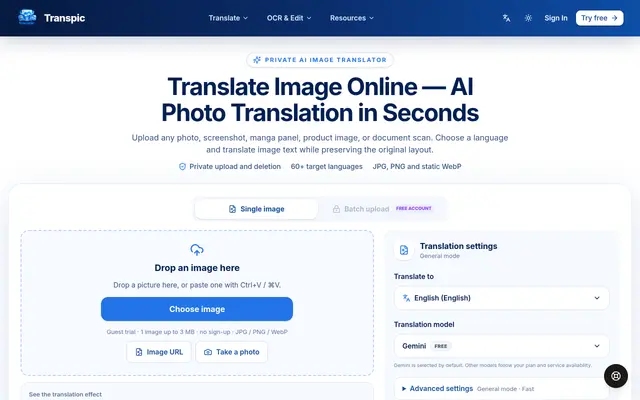
Transpic allows users to upload an image and translate text into over 60 languages without losing the original visual context. It handles JPG, PNG, and static WebP files, and maintains the relationship between translated text and its visual source, such as product prices next to items or manga dialogue with characters. The service ensures private uploads and deletions, and offers an editor for comparing original and translated images, inspecting text blocks, and making adjustments. Free image downloads include a watermark, and a guest trial is available for single images up to 3MB.

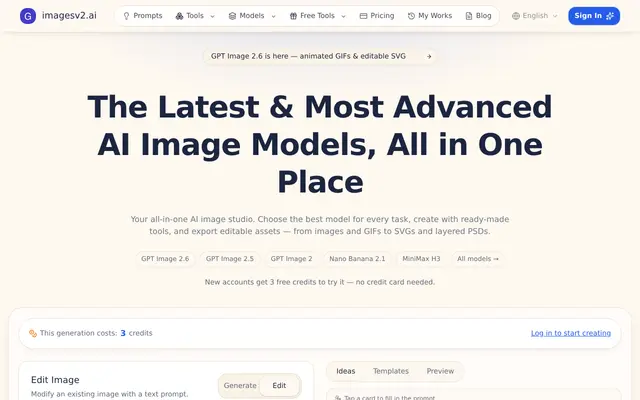
imagesv2.ai
imagesv2.ai offers a suite of advanced AI image models, including GPT Image 2, 2.5, and 2.6, Nano Banana, and MiniMax H3. It provides ready-made tools for various tasks, from image generation and restoration to marketing design and social media content creation. Users can choose the best model for their needs and export editable assets like images, GIFs, SVGs, and layered PSDs. The platform includes free tools for common image issues such as converting file types (HEIC to JPG, WebP to PNG), preparing images for social media (Instagram grid maker, image splitter), and basic photo fixes like sharpening, blurring backgrounds, and rotating images. New accounts receive three free credits to explore the features without requiring a credit card.

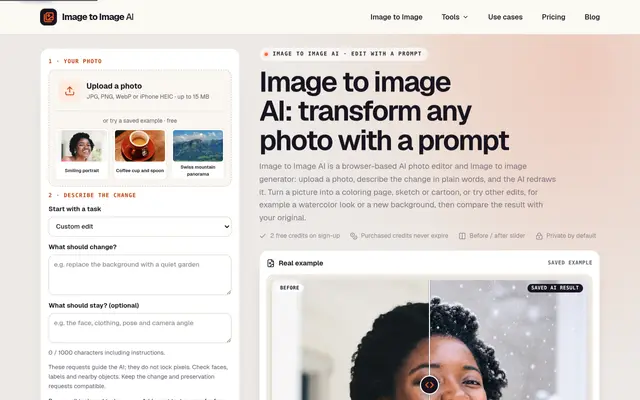
imagetoimage-ai.org
Upload a photo (JPG, PNG, WebP or iPhone HEIC up to 15 MB) and describe the desired change in plain words. The AI redraws the image, allowing you to turn a picture into a coloring page, sketch, cartoon, or apply other edits like a watercolor look or new background. You can add exact text or crop for free, adjust ratio, and choose between two AI models. New accounts receive 2 free credits, and purchased credits never expire. A before/after slider helps compare the result with your original image.

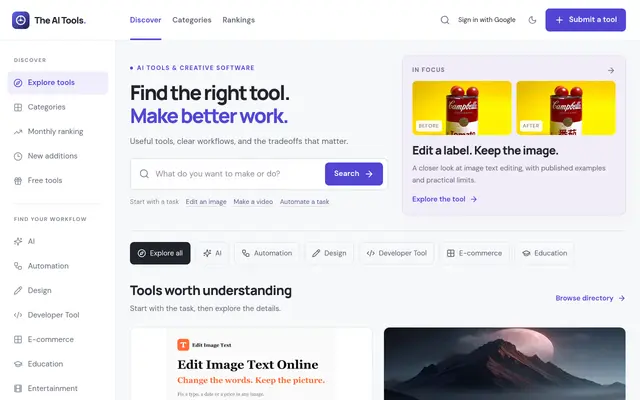
theai.tools
This directory lets you explore AI tools based on categories like AI Automation, Design, Developer Tools, E-commerce, Education, Entertainment, Productivity, and Utility. You can search for tools based on tasks, such as editing an image, making a video, or automating a task. Listings include details on features, pricing, and practical use cases.
psl-scale.net
Upload a front-facing photo for a free scan to explore your facial proportions. The tool interprets one submitted photo on an informal 0-8 scale, offering insights into visible structures and overall balance. Optional AI reports provide a score, band, photo clarity assessment, model observations, and practical tips for retakes. You can compare Mini Insight and Complete Report samples.
Launch your
powerful website
Reach thousands of users across YouTube, Instagram and our newsletter.
- Live within 24 hours
- Custom launch video

imgloop.ai
ImgLoop is a free-to-use AI photo editor that allows you to upload an image and describe edits like cleanup, background changes, relighting, restoration, or style modifications. Before you commit, the credit cost for each model is displayed, and you can compare the AI-generated result with your original source image. The platform includes focused workflows for tasks such as photo restoration, AI interior design, AI tattoo generation, and turning photos into coloring pages. It offers features like natural language edits, local canvas controls for cropping and rotating, and the ability to reuse editing recipes.

yovid.ai
Yovid provides an AI video generator and AI image generator with over 10 top AI models, including Seedance, Kling, Veo, Sora, MiniMax, and Wan. It supports creating videos up to 4K resolution with no watermark, and users get free credits to start. Key features include text-to-video, image-to-video, video-to-video, and video upscaling. It also offers AI image tools like an image upscaler, watermark remover, background remover, and image extender. Users can generate dialogue and sound with models that support audio.

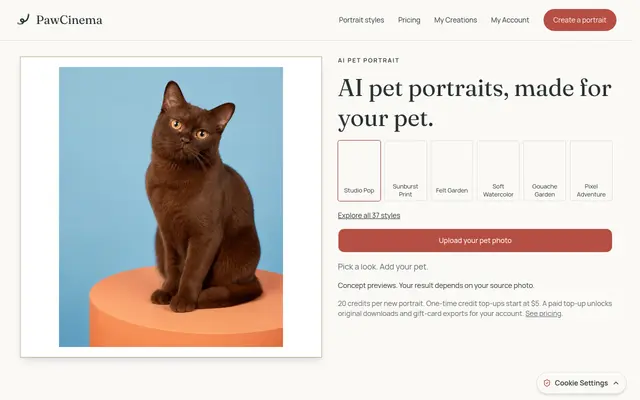
pawcinema.com
PawCinema offers AI-generated pet portraits from your uploaded photos. You can select from a wide range of artistic styles, including Soft Watercolor, Gallery Oil, Line Art, and Ceramic, among others. The service provides concept previews and allows you to download your digital portrait. New portraits require credits, with one-time top-ups available starting at $5 to unlock original downloads and gift-card exports.

imagecombiner.net
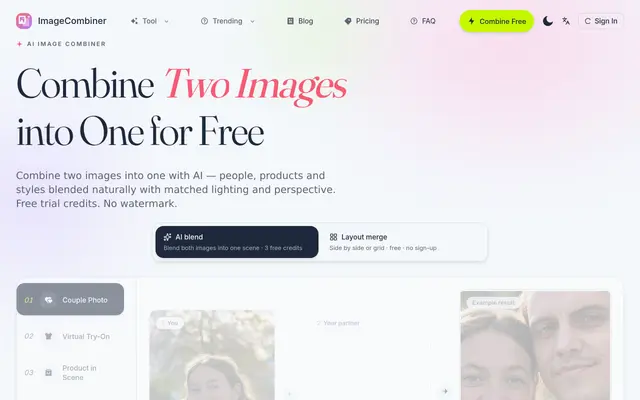
Upload two photos and ImageCombiner will merge them with matched lighting and perspective. It offers various templates like Couple Photo, Product in Scene, and You + Your Pet, generating results in 10-60 seconds. The tool supports JPG, PNG, and WebP formats, preserves faces from original images, and automatically refunds failed generations. It also provides free credits upon sign-up and does not add watermarks.

nanobananana.com
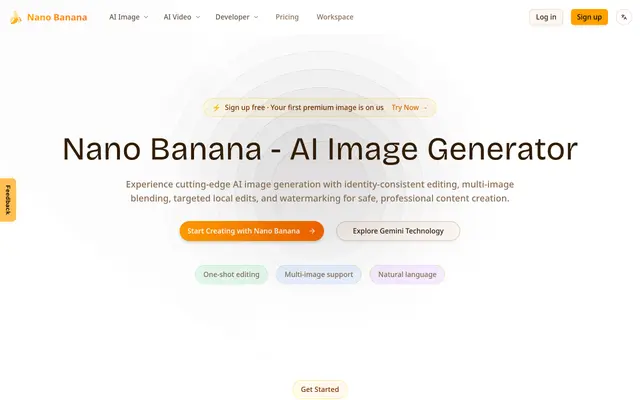
Nano Banana offers AI image generation powered by Google's Gemini 2.5 Flash Image technology. It allows for identity-consistent editing, multi-image blending, and targeted local edits using natural language commands. The platform supports both text-to-image and image-to-image modes. Images generated include Google's SynthID watermarking for transparent AI content identification and come with professional commercial licensing.

bulkimggenerator.net
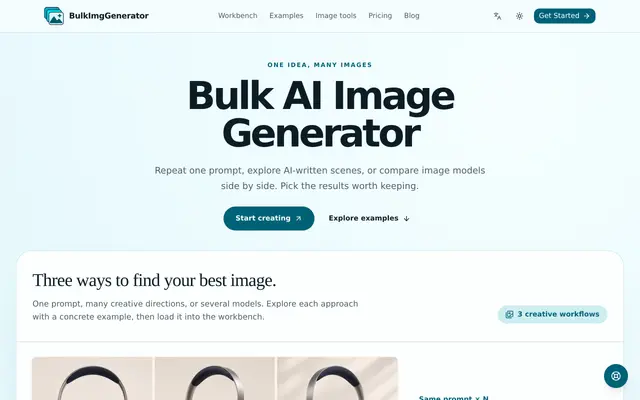
BulkImgGenerator offers three creative workflows to help users find the best image from a single idea. Users can repeat a prompt to generate multiple variations, use AI to suggest distinct scene prompts around a theme, or compare results from different AI image models side-by-side. The platform supports up to 24 images per batch and allows users to upload up to five reference images. Users can choose from various AI models like FLUX 3 Klein, Seedream 5.5, and Nano Banana Pro, each with different credit costs and capabilities.

createaitattoo.app
Turn your tattoo ideas into custom designs using AI. Describe your vision, select a style like fine line, blackwork, or Japanese, and generate an original design. You can save your favorite references to share with a tattoo artist. The platform offers 20 free credits upon signup, allowing you to create multiple designs. Explore various styles and visualize your chosen artwork on different body placements before committing to ink.


vorapix.ai
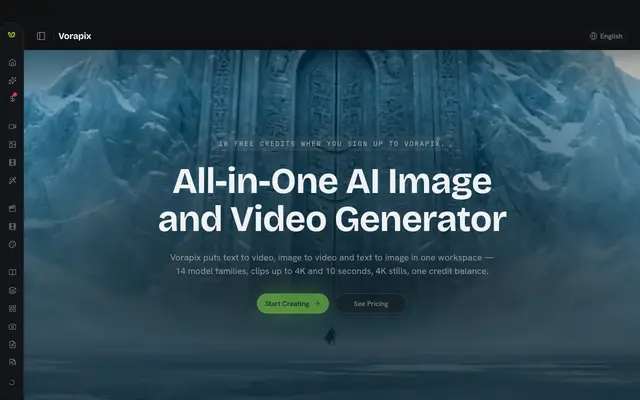
Vorapix is a versatile AI tool that brings text-to-video, image-to-video, and text-to-image capabilities into a single workspace. It offers access to 14 different AI model families, allowing users to generate video clips up to 4K resolution and 10 seconds long, as well as 4K still images. The platform includes dedicated studios for video and image generation, a photo enhancer to restore faded or damaged pictures, and a tool to remove watermarks from AI-generated images you own. Both studios share a single credit balance, and users get 10 free credits upon signing up.

aiedittextinimage.com
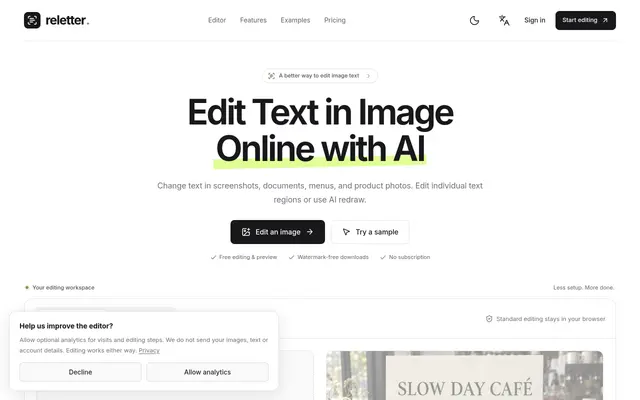
Reletter offers two ways to edit text in images. For flat backgrounds like screenshots and simple documents, you can use the Standard editor to manually adjust font, size, and color with a live preview. For more complex images with textures, lighting, and styled lettering, the Pro AI redraw blends new words naturally into the existing image while preserving context.

editimagetextonline.com
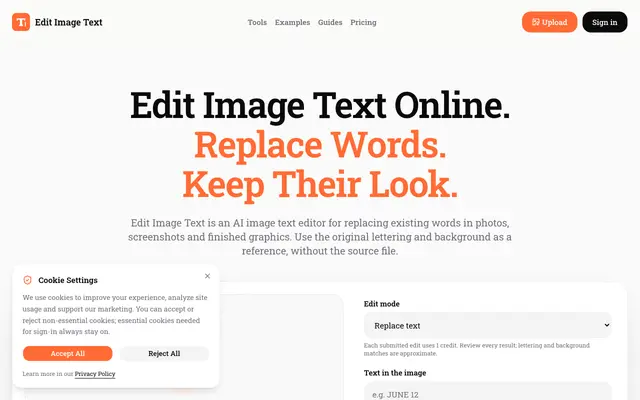
This AI tool lets users change text in images like product photos, event posters, and screenshots, preserving the original lettering and background style without needing the source file. Users can upload PNG, JPEG, or WebP images up to 10 MB. Features include replacing, fixing, removing, or translating text (including Chinese, Japanese, and Korean). New accounts receive one free 'Fast 1K' edit, and credits never expire. The service ensures failed generations are refunded and allows commercial use of edited images.

imagelayered.com
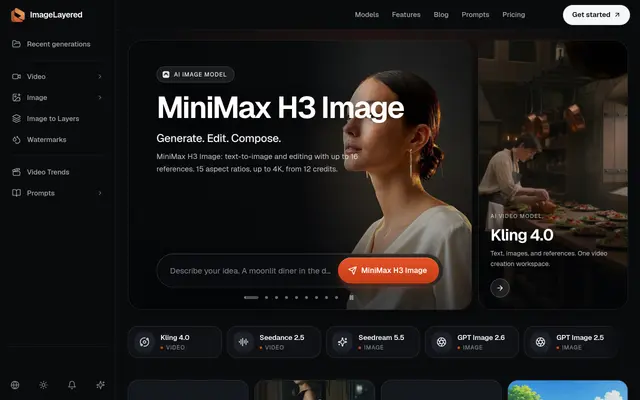
ImageLayered provides AI models like MiniMax H3 Image for text-to-image and editing with up to 16 references, and Kling 4.0 for video creation. It supports various aspect ratios and resolutions up to 4K for image generation. Key features include background removal, image extension, watermark removal for both images and videos, and tools to animate images. The platform also offers specific tools for product visuals, portraits, and anime illustration.

glowupai.vip
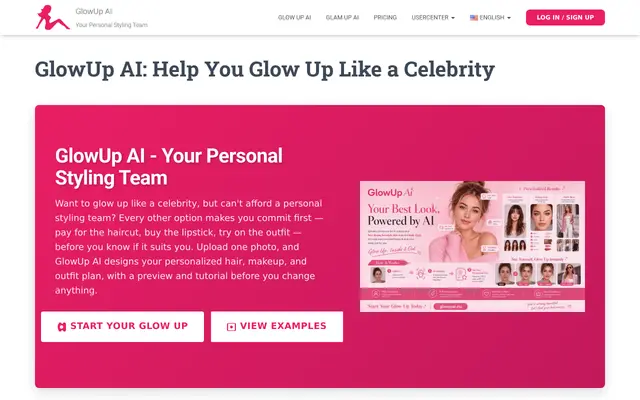
GlowUp AI analyzes your face shape, skin tone, and body type from a single uploaded photo. It then generates a customized plan for your hair, makeup, and outfit, complete with a preview and tutorial. The tool offers various makeover options including hair try-on with styles like bob, wolf cut, and mermaid waves, and hair colors such as natural black, ash brown, and rose gold. You can also select occasions like everyday, date, business, or wedding for tailored styling advice.
ai-babygenerator.com
Upload photos of two parents, and the AI will identify and fuse facial features to generate a prediction of your future baby's appearance. You can optionally specify features like eye color or hairstyle for personalized results. The service provides realistic results in 10-30 seconds, with options for family portraits, baby photos, or mother/father and child combinations. Photos are kept in your history for 30 days and then deleted, never sold.


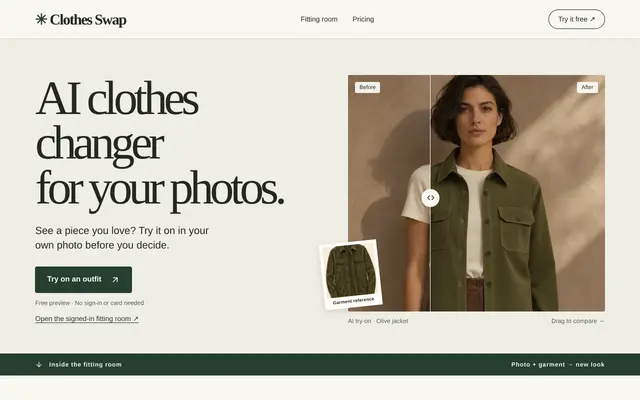
aiclothesswap.app
AI Clothes Changer helps you visualize new outfits on your own body. Upload a photo of yourself and a photo of a garment, and the AI generates a new image with you wearing the item. The tool allows you to compare the "before" and "after" side-by-side, download your new look, or export a comparison card to share with friends. A free guest preview is available without signing in, and paid plans offer additional swaps.

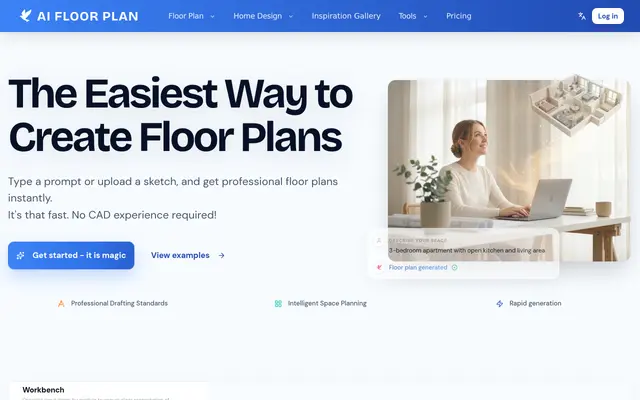
aifloorplan.ai
This platform allows you to create professional floor plans instantly by typing a prompt or uploading a sketch, with no CAD experience required. It quickly transforms concepts into reality, supporting text-to-floor plan generation and intelligent image editing. AI Floor Plan ensures full compliance with international professional standards and includes a project management system for one-click delivery. A complimentary trial is available, making it easy to generate various layouts like restaurant, apartment, bedroom, and kitchen plans.
createimage.online
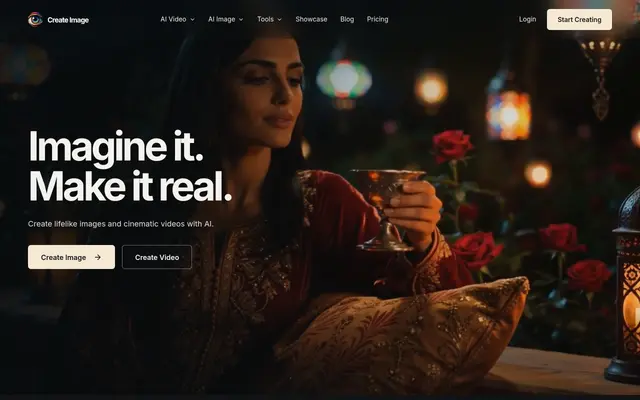
Create Image is a browser workspace for generating AI images and videos. Describe your ideas with text prompts or use reference images to create characters, product visuals, covers, scenes, and more. The platform supports both still image creation with detailed control over composition and texture, and video generation to bring action, pacing, and camera movement together. You can start with a text prompt or an image, then refine details step-by-step.

scenetra.com
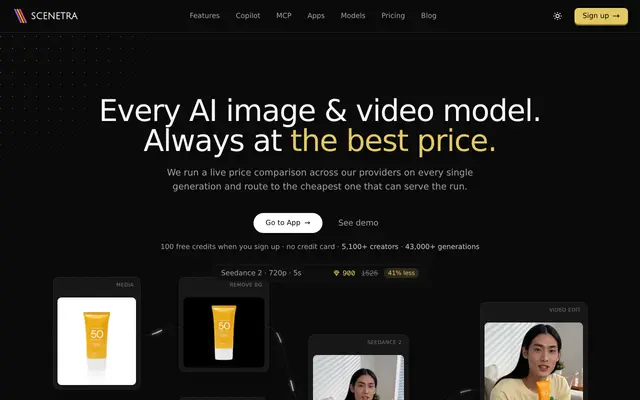
Scenetra is a visual AI workspace that uses a node-based interface to generate images, videos, and audio. It features a live price comparison across 16 providers for every generation, routing to the cheapest option without any markup on usage. The platform offers a Copilot to design workflows and prompts, and an MCP server for agents like Claude to build and run boards. It also provides ready-made apps for specific tasks, such as product photography, AI fashion photoshoots, and virtual try-ons.

tooextra.app
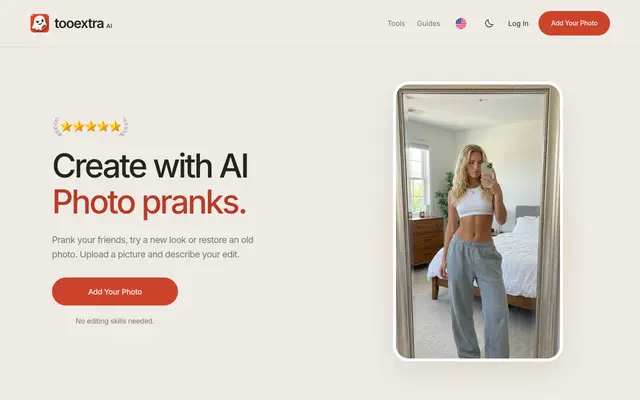
TooExtra AI helps you edit photos without needing any special skills. Simply upload a picture, describe the changes you want, and the AI will generate the edited image. The platform provides over 180 templates for various edits, including glow-ups, new haircuts, room makeovers, pet portraits, and tattoo previews. You can compare the edited photo with the original and easily download or share your creations.

bustdownfilter.com
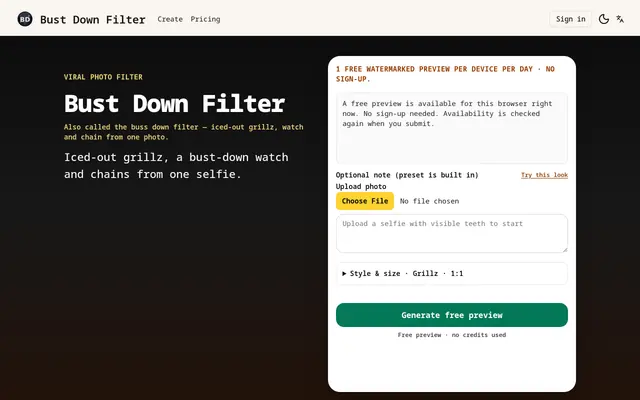
Bust Down Filter (also called Buss Down Filter) adds AI-generated diamond jewelry to your photo. You can choose to add grillz, grillz plus a watch, or go for the full iced-out look. Upload a selfie with visible teeth; for the watch, keep a hand or wrist in the frame. Download an HD image or a 9:16 version for TikTok and Reels. One free watermarked preview is available per device per day, with no sign-up needed.

creenai.app
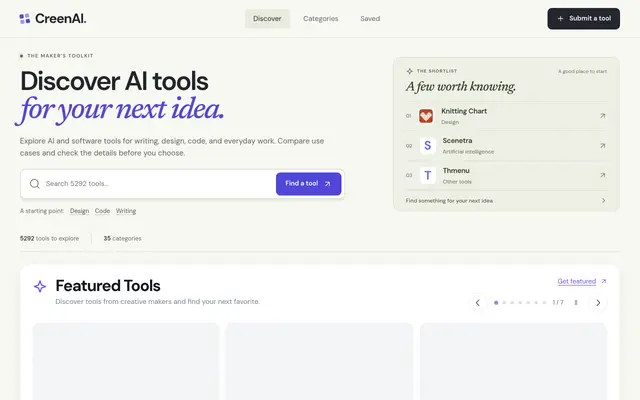
CreenAI offers a comprehensive directory of AI and software tools, categorized for easy discovery in areas like writing, design, code, and everyday productivity. It provides comparison checklists and use cases to help users select the right tool for their needs. The directory features over 5,000 tools across 35 categories, including popular options and new additions, making it a valuable resource for finding innovative solutions.

petportraitai.net
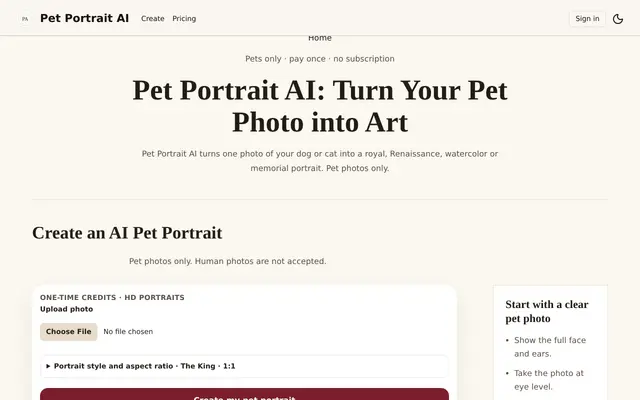
Pet Portrait AI allows you to create an AI portrait from a single photo of your pet. You can choose from various styles such as Royal (King, Queen, Duke), Paintings (Renaissance, Old Masters, Baroque Oil), Art mediums (Watercolor, Pencil Sketch, Pop Art, Cartoon Characters), or Characters (Knight, Astronaut). Memorial and Holiday themed portraits are also available. You upload a clear photo of one pet, select a style and aspect ratio, and then download the HD portrait without a watermark. Human photos are not accepted.

prompttovisual.com
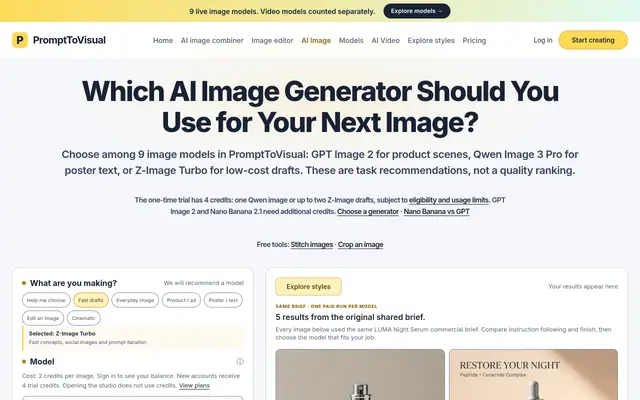
PromptToVisual offers 9 distinct AI image models, including GPT Image 2 for product scenes, Qwen Image 3 Pro for poster text, and Z-Image Turbo for fast drafts. Users can generate images from text, edit existing photos, and download their creations. Additional features include an AI image combiner and specific models tailored for tasks like commercial detail, creative iteration, and cinematic visuals. The platform supports JPG, PNG, and WEBP uploads up to 5 MB for editing, and new accounts receive 4 trial credits.

welcome2027.com
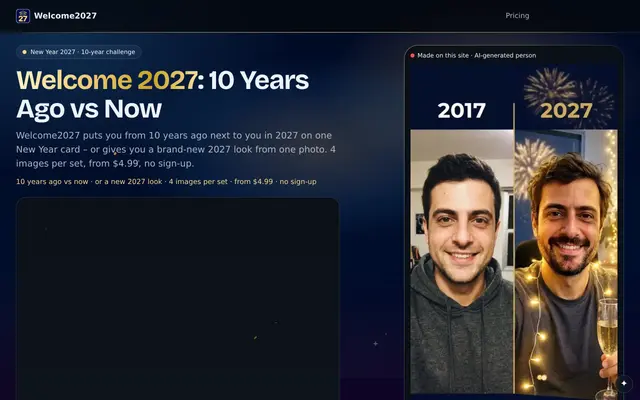
Welcome2027 is a browser-based tool to make New Year photo cards. You can either combine a photo from about 10 years ago with a current photo for a "then vs now" card, or transform a single photo into a new 2027 look. Each set provides 4 images with various framing options in about 5 minutes. Pricing starts at $4.99 for 2 sets (8 images), with no sign-up or subscription required.

isthisimageai.io
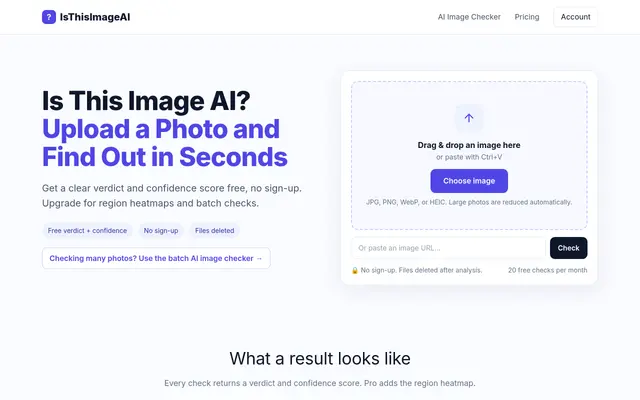
IsThisImageAI is a free AI image detector. Upload JPG, PNG, WebP, or HEIC image files, or paste an image URL, to get a verdict, confidence score, and plain-English reasons if it is likely AI-generated. Free checks do not require sign-up, and files are deleted after analysis. Paid upgrades offer region heatmaps, all reasons, and batch checking for multiple images.

photoroom.com
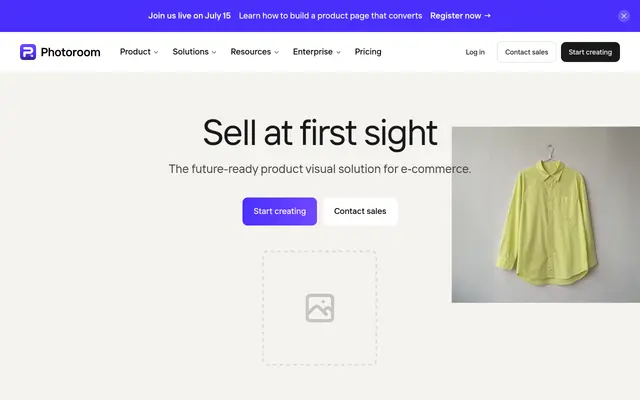
Photoroom is an AI photo studio built for e-commerce. It removes backgrounds, places products in generated scenes, and batch-edits hundreds of images to a consistent brand look. There is a free tier with paid plans for higher volume and full resolution.

magnific.com
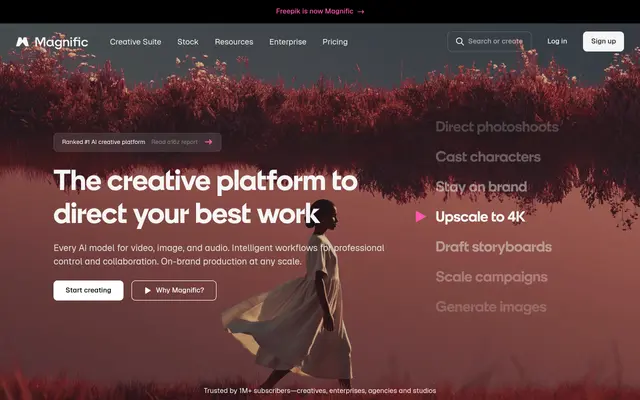
Magnific is an AI upscaler and enhancer that adds realistic detail as it enlarges an image, reconstructing textures, hair, and surfaces rather than just interpolating pixels. Creatives use it to rescue low-res art, renders, and photos. It is a paid tool.

clipdrop.co
Clipdrop, from Stability AI, bundles a suite of AI image tools: remove backgrounds, erase objects, upscale, relight, and generate images from text. Most tools have a free tier and results are cleared for commercial use. There is also an API for developers who want the same features in their own apps.

vizcom.com
Vizcom is an AI design tool that turns hand sketches into photorealistic renders driven by natural-language prompts. Designers at companies like Ford and Nike use it to explore form and color fast and preview concepts from multiple angles. There is a free starter plan with paid tiers for teams.
leonardo.ai
Leonardo AI is an image generation platform with fine control over style, composition, and consistency. It has presets, model choices, and editing tools aimed at production work, not just one-off images. There's a free daily allowance before paid plans.


perchance.org
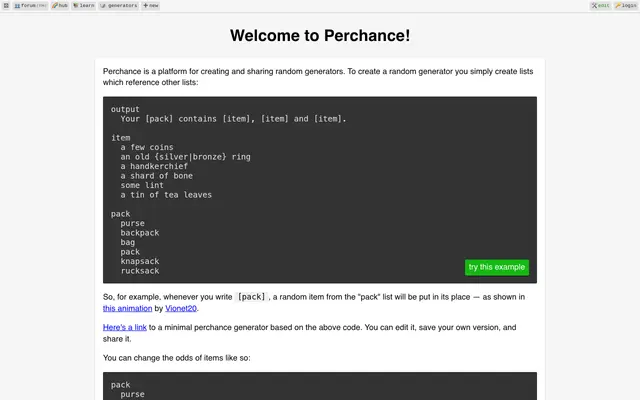
Perchance is a hub of user-made random generators covering names, stories, tables, and AI image and text generation. You can use thousands of existing generators or build your own. It's free, with no sign-up for most things.

huemint.com
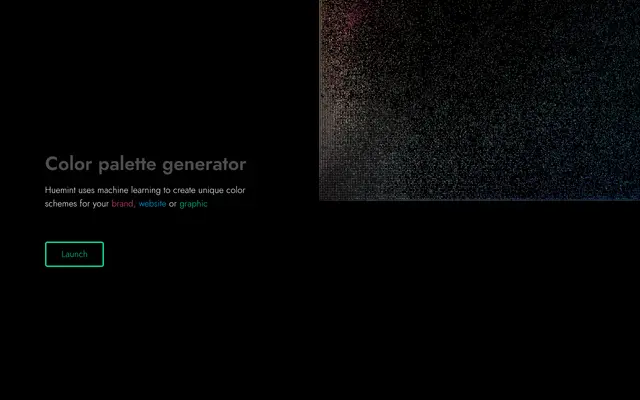
Huemint uses machine learning to generate color schemes tuned to how you'll use them, such as branding, a website, or graphics. You can lock colors and regenerate the rest. The results aim for usable, balanced palettes.

method.ac
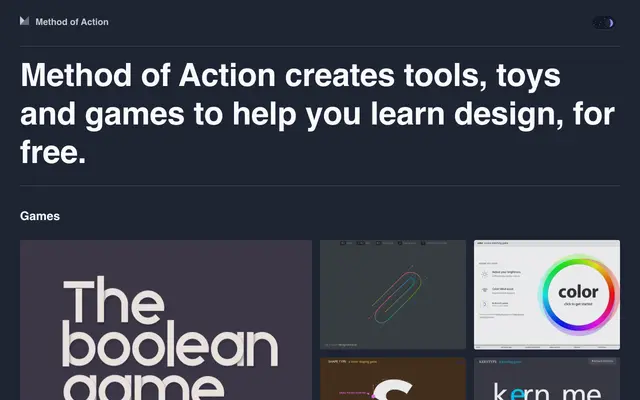
Method hosts small interactive games that train design fundamentals, including a popular pen-tool challenge and color and shape exercises. Each one teaches by doing. They're quick, fun, and genuinely useful for designers.
blobmaker.app
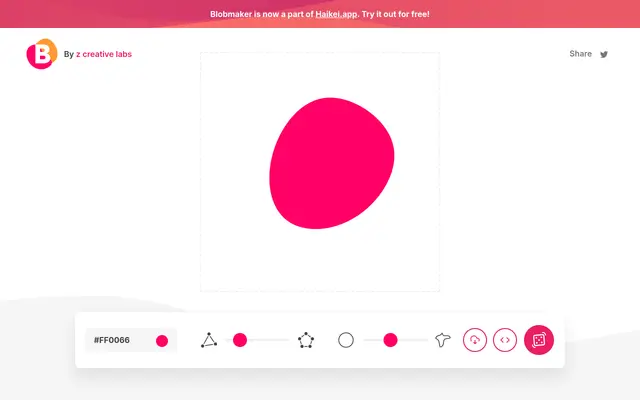
Blobmaker is a free tool for generating unique organic-looking SVG blob shapes. Adjust complexity and randomness, then copy the SVG or download it. It's a quick way to add the soft, rounded shapes common in modern web design.
getwaves.io
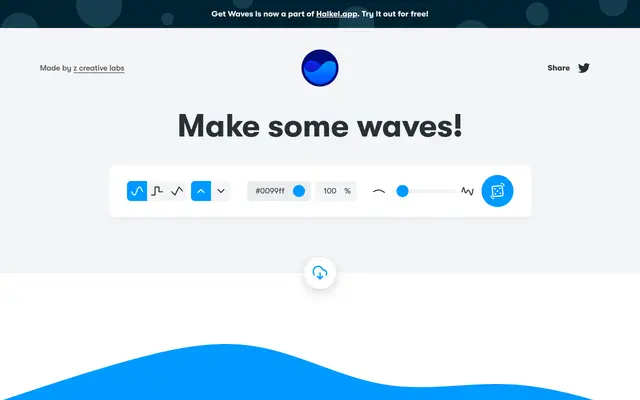
Get Waves is a free SVG wave generator for creating smooth section dividers. Tweak the wave shape, randomize it, flip it, and export clean SVG code. It's a handy tool for the layered wave look popular on landing pages.

weavesilk.com
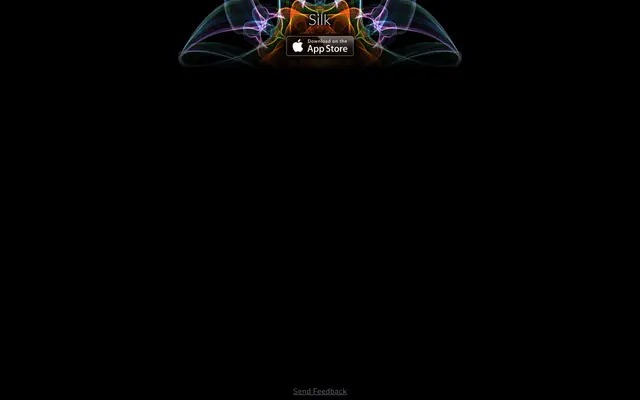
Silk is an interactive generative art toy that turns mouse movements into flowing, symmetrical patterns of light. Drag to paint glowing strands that mirror across the canvas, then save your creation. It's meditative, beautiful, and instantly satisfying.
pfpmaker.com
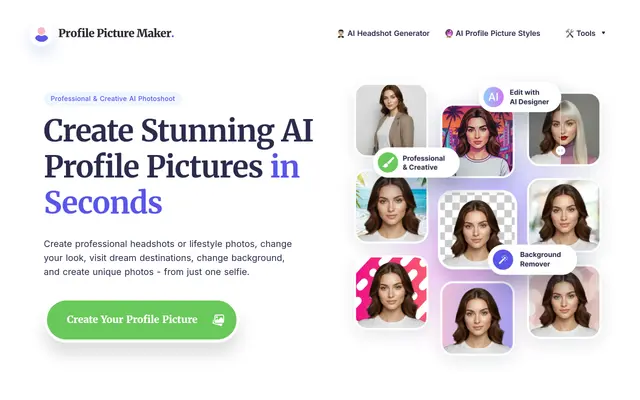
PFPMaker turns an ordinary selfie into professional headshots and styled profile pictures using AI. It also removes backgrounds and offers artistic photoshoot styles. Basic tools are free, with premium AI headshots available.
krea.ai
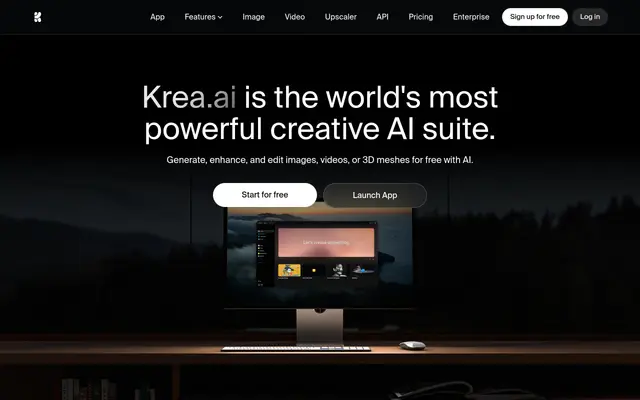
Krea is an AI creative suite that puts 60+ models like Flux, Veo, and Runway behind a single real-time canvas. You can generate, upscale, and edit visuals as you sketch, with outputs rendering in milliseconds. It spans image, video, and 3D workflows.

ideogram.ai
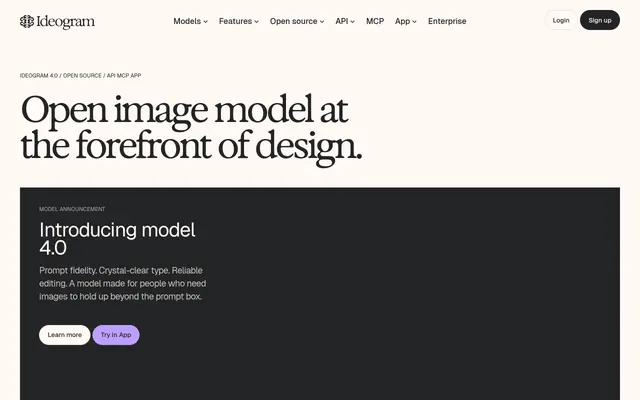
Ideogram is an AI image generator known for accurately rendering text inside images, making it useful for logos, typography, and posters. It offers style controls and a magic-prompt feature to expand short ideas. A free tier covers casual use.

recraft.ai
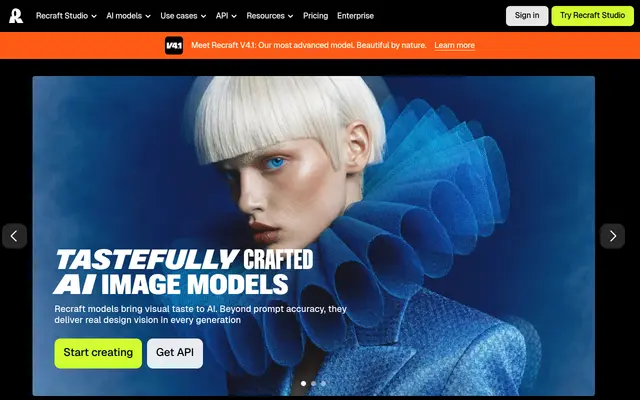
Recraft is an AI design tool that generates editable vector graphics, icons, and photorealistic images. You can define a custom style and reuse it across assets for brand consistency. It's built for professional design work rather than one-off image generation.
vectorizer.ai
Vectorizer.AI uses AI to trace raster images into scalable SVG, PDF, EPS, and DXF vectors. It fits true geometric shapes with sub-pixel precision for crisp results. You can preview free and pay per download for full-resolution files.

huggingface.co
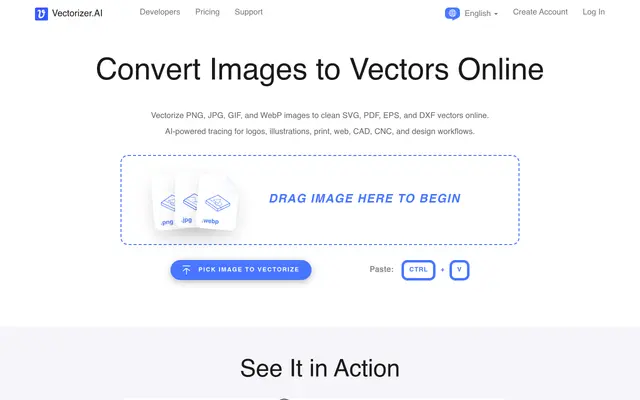
This Hugging Face Space by multimodalart wraps the Qwen image model with a virtual 3D camera control, letting users render an image and then re-render it from different viewpoints. It runs on Zero GPU in-browser, so anyone can try multi-angle generation without local setup. Useful for storyboarding, product mockups, and exploring consistent scenes from new perspectives.
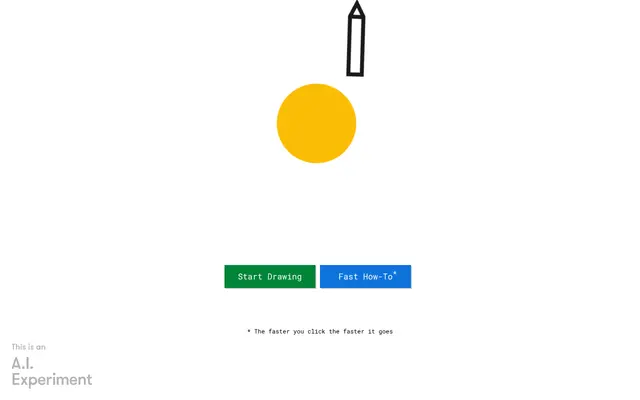
autodraw.com
Anyone who needs quick graphics but lacks artistic skill. Perfect for presentations, social media, and brainstorming sessions.

m8 i can draw rhat shit myself it’s just lines
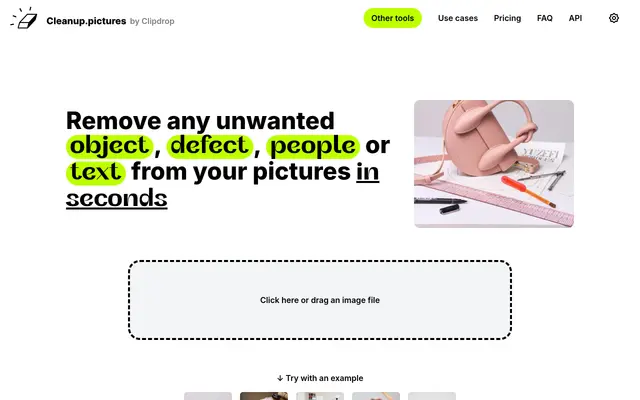
cleanup.pictures
Real estate photographers, e-commerce sellers, and anyone who needs quick photo cleanup without learning Photoshop.
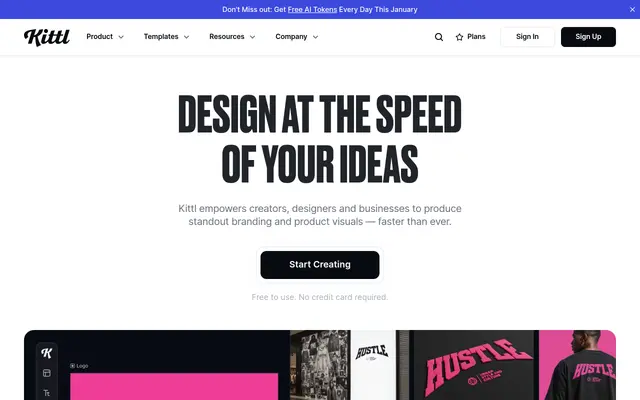
kittl.com
Print-on-demand sellers, freelance designers, and small businesses who need professional-looking designs without hiring a designer.

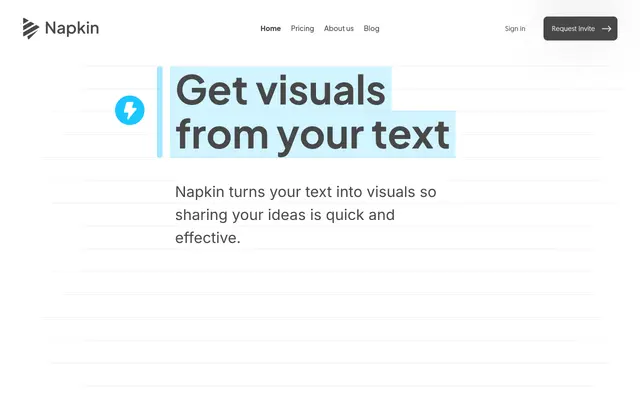
napkin.ai
AI tool that transforms text into visual diagrams and illustrations automatically.

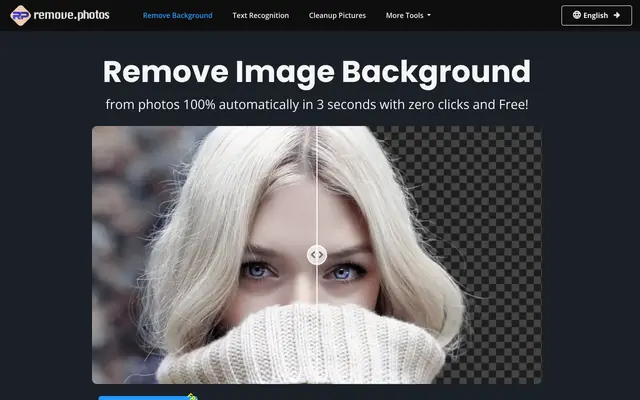
remove.photos
AI background remover and image editing tools for quick photo editing in your browser.

143.. SKZ MENTIONED?
Frequently asked questions
Are these tools really usable with no design skills?
Yes, that is the point. AutoDraw guesses what your scribble is meant to be, Napkin builds diagrams from your text, and the cleanup tools fix photos with a brush or one click. You describe or rough out the idea and the tool handles the polish.
Are they free?
Many have free tiers. AutoDraw is fully free, and the background and object removers let you try them at no cost, often with watermarks or lower resolution until you pay. Template tools like Kittl mix free and paid assets.
Can I use the results for commercial work?
Usually yes on paid plans, but it depends on the tool and the specific assets you used. Free tiers sometimes restrict commercial use or add watermarks. Check the license, especially for templates and stock elements inside a design.