
AI presentations & visuals
For anyone who needs a deck, a one-pager, or a diagram but doesn't want to fight with slide layouts. These three tools turn rough text or data into presentations, charts, and visuals, with AI doing most of the formatting. Gamma builds full decks from a prompt, Napkin turns written notes into diagrams, and Flourish handles interactive charts and data stories.

infograph.in
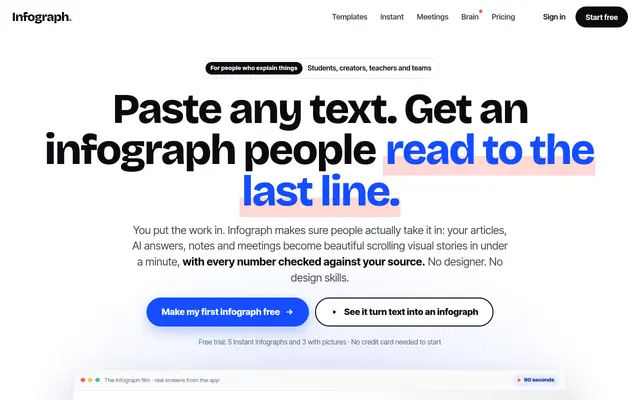
Infograph takes your articles, AI answers, notes, or meeting minutes and converts them into engaging visual stories in under a minute. It requires no design skills and includes features like number verification against the source text. You can grab text from anywhere, choose from eight art-directed templates and 26 languages, and export your infograph as carousels, images, PDFs, videos with voice-over, or shareable links.

glowupai.vip
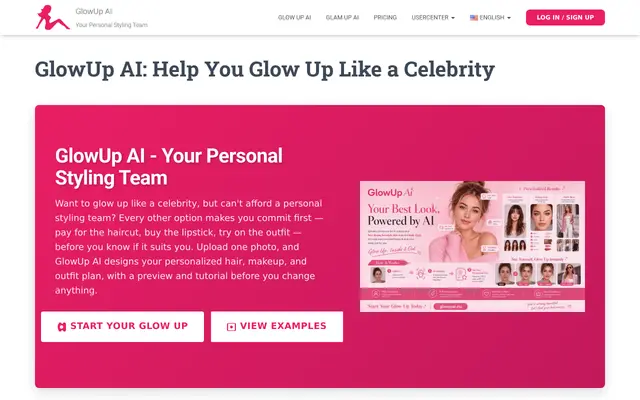
GlowUp AI analyzes your face shape, skin tone, and body type from a single uploaded photo. It then generates a customized plan for your hair, makeup, and outfit, complete with a preview and tutorial. The tool offers various makeover options including hair try-on with styles like bob, wolf cut, and mermaid waves, and hair colors such as natural black, ash brown, and rose gold. You can also select occasions like everyday, date, business, or wedding for tailored styling advice.

flourish.studio
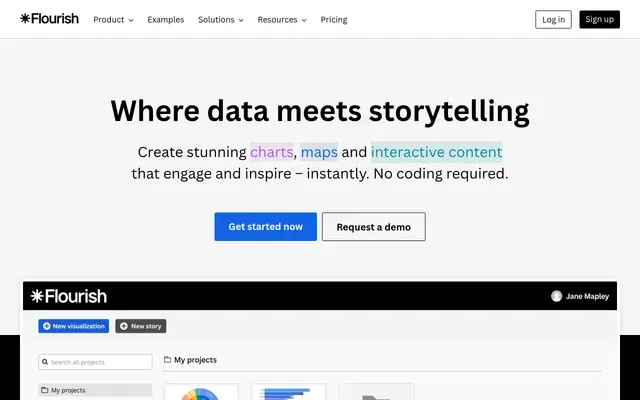
Newsrooms, marketing teams, and organizations that need professional data visualizations without hiring a developer. Especially useful for interactive reports and presentations.
Launch your
powerful website
Reach thousands of users across YouTube, Instagram and our newsletter.
- Live within 24 hours
- Custom launch video

gamma.app
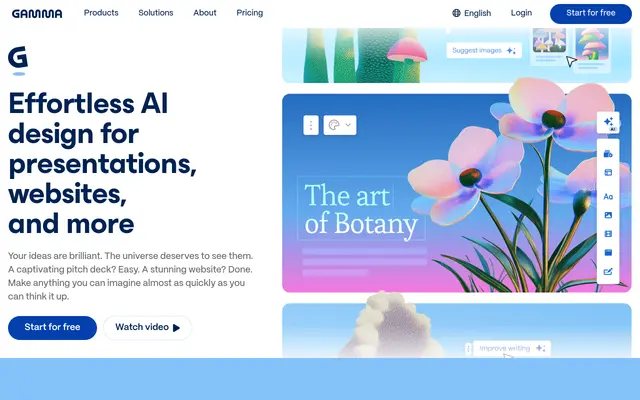
Anyone who dreads making presentations. Whether you're a student, startup founder, or marketer, this turns "I need slides for tomorrow" from a crisis into a 10-minute task.

am i employed? no do i wanna have a job rn? no did i watch this? yes

napkin.ai
AI tool that transforms text into visual diagrams and illustrations automatically.
Frequently asked questions
Are these free to use?
All three have free tiers. Gamma and Napkin let you make things for free with some limits, and paid plans remove watermarks or add credits. Flourish is free for public projects, with paid plans for private work.
Do I need design skills?
No. The point of these tools is that you write or paste your content and the AI handles the layout, spacing, and visuals. You can still tweak the results by hand if you want.
Only three tools here. Is that enough?
It's a small, focused set. Each one covers a different job: full decks, quick diagrams, and data charts. Try the one that matches what you're making rather than expecting one tool to do all three well.