
Screenshot beautifiers & mockups
Raw screenshots look flat. These tools drop them into clean backgrounds, browser frames, and device mockups so they're ready for a landing page, a pitch deck, or social. Screely wraps any screenshot in a tidy window, ray.so makes code look sharp, and Shots builds device and 3D mockups right in the browser.

ray.so
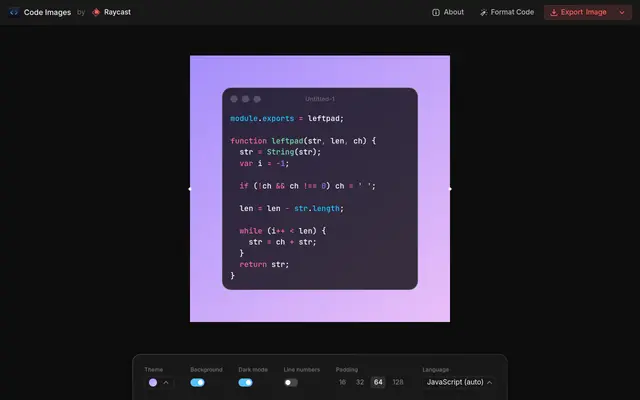
Ray.so turns pasted code into a styled image with themes, colors, and window controls. Pick a language and background, then export or copy the picture. It's made for sharing code that looks presentable.

screely.com
Screely wraps a screenshot in a tidy browser window or gradient background so it looks polished. Paste or upload an image, tweak the frame, and download. It's a quick fix for ugly raw screenshots.

shots.so
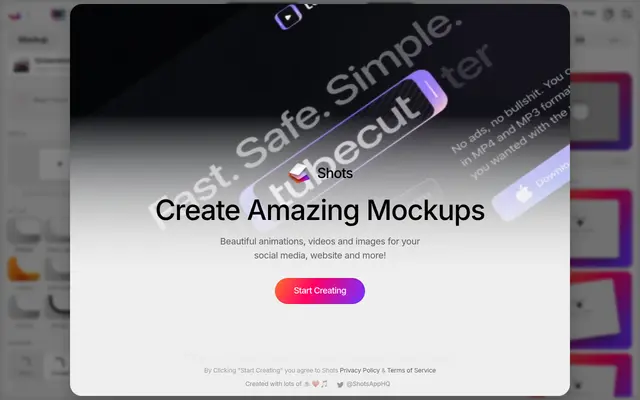
Shots is a mockup tool that wraps screenshots in polished device frames, backgrounds, and animations. It offers iPhone, Android, iPad, and desktop presets plus auto-generated backdrops. It's built for making product visuals look professional in seconds.
Launch your
powerful website
Reach thousands of users across YouTube, Instagram and our newsletter.
- Live within 24 hours
- Custom launch video
Frequently asked questions
Are these free?
Yes. Each has a free tier that exports beautified screenshots without an account. A few gate 4K exports or extra templates behind a paid plan, but the basics are free.
Do I need Photoshop or design skills?
No. You paste or upload a screenshot, pick a background or frame, and download — it all runs in the browser.
What are they good for?
Landing page hero shots, app-store images, pitch decks, tweets, and READMEs — anywhere a bare screenshot would look unfinished.