
Free Canva alternatives
Canva is easy for templates, but sometimes you need a real photo editor, a packaging mockup, or UI parts you can drop straight into a project. These six free tools cover those gaps. Photopea is a full Photoshop-style editor that runs in your browser, Pixilart handles pixel art and simple graphics, Freepik and Kittl give you templates plus AI-generated assets, Pacdora builds box and product packaging, and Uiverse hands you ready-made UI elements to copy. Everything works in the browser with nothing to install.
photo-craft.online
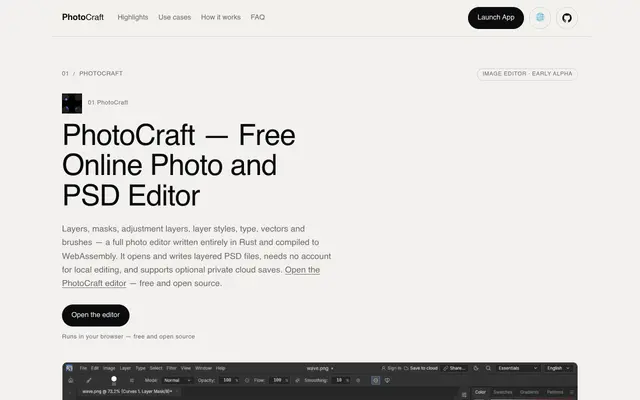
PhotoCraft is a free, open-source online photo editor that runs directly in your browser. It offers a familiar interface with layers, masks, adjustment layers, type, and brushes, and is built in Rust and compiled to WebAssembly for native-speed performance. It can open and save layered PSD files and its native .pcraft format, supports non-destructive workflows, and includes professional features like ICC color management and various bit depths. No account is required for local editing, with optional private cloud storage.

pixilart.com
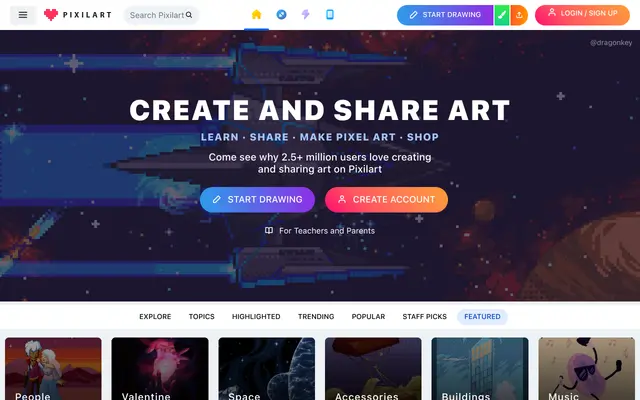
Pixilart is a free browser-based pixel art editor with drawing tools, layers, and frame-by-frame animation. There's a big community where you can post art and join challenges. It works for sprites, icons, and game assets.

photopea.com
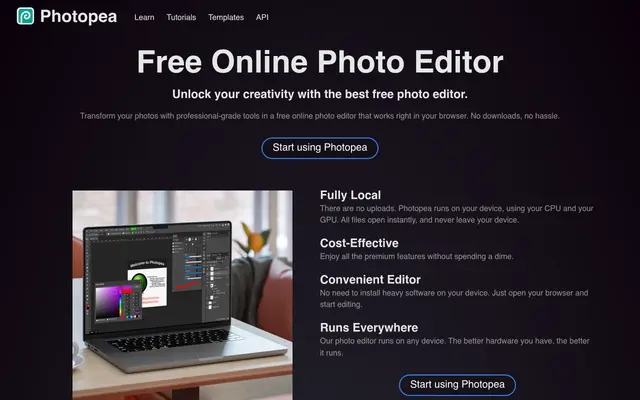
Photopea is a browser-based image editor that opens and saves Photoshop PSDs natively, with layers, masks, and 40+ supported formats. It runs entirely client-side with no upload or install. It's a free, capable stand-in for desktop editors.
Launch your
powerful website
Reach thousands of users across YouTube, Instagram and our newsletter.
- Live within 24 hours
- Custom launch video

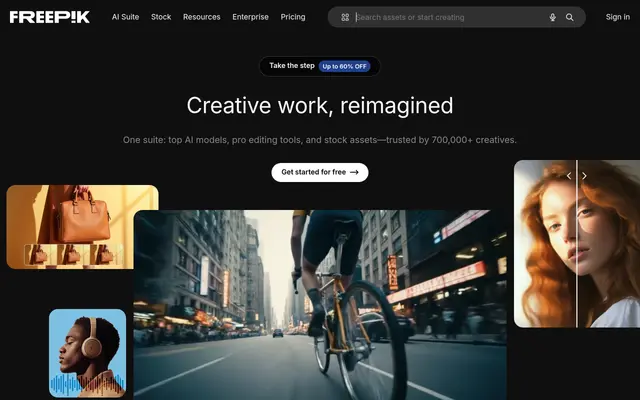
freepik.com
Designers, marketers, and content creators who need a reliable source of graphics without licensing headaches. The AI addition makes it a one-stop shop.

Waiting for free website

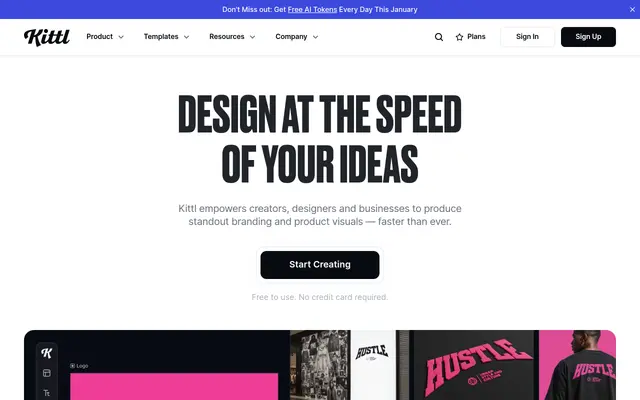
kittl.com
Print-on-demand sellers, freelance designers, and small businesses who need professional-looking designs without hiring a designer.

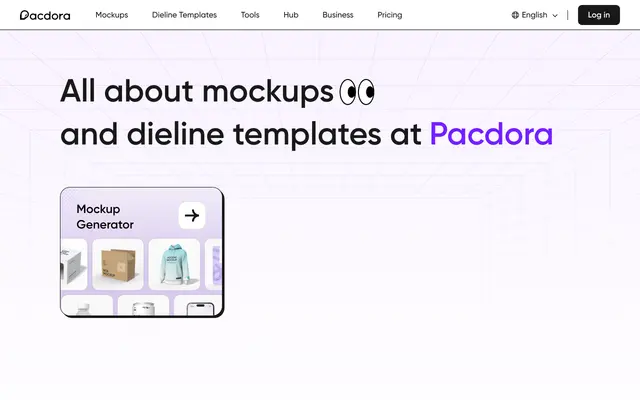
pacdora.com
Online mockup generator for product packaging and branding with 3D visualization.

Freepik is a misleading name
uiverse.io
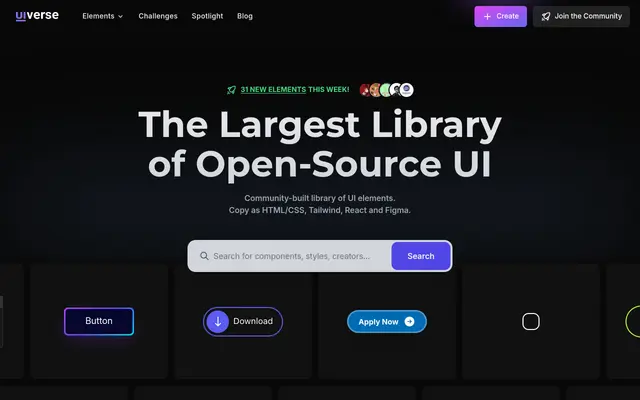
Community-driven library of free, open-source UI elements including buttons, cards, loaders, and more.

You fail to mention that you will not share a spreadsheet, but instead what you do is ask for an email and use it as a newsletter. And god knows what you do with the emails you have. I don't trust your "I respect your privacy". And anyone who blindly trusts that is just ignorant and disingenuous.
Frequently asked questions
Are these actually free?
All of them have a free tier you can use without paying. Freepik and Kittl gate some premium templates, downloads, or AI credits behind paid plans, while Uiverse's open-source UI components are free to grab outright.
Do I need to create an account?
Usually yes for saving or exporting work. You can browse and preview most of these without signing up, but exporting a design or claiming AI credits typically requires a free account.
Can I use the designs commercially?
Mostly, but check each tool's license. Uiverse components are MIT-licensed and fine for commercial projects. Freepik and Kittl have specific licensing on premium assets, so read the terms before using anything in a paid client project.