imgsmaller.com
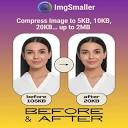
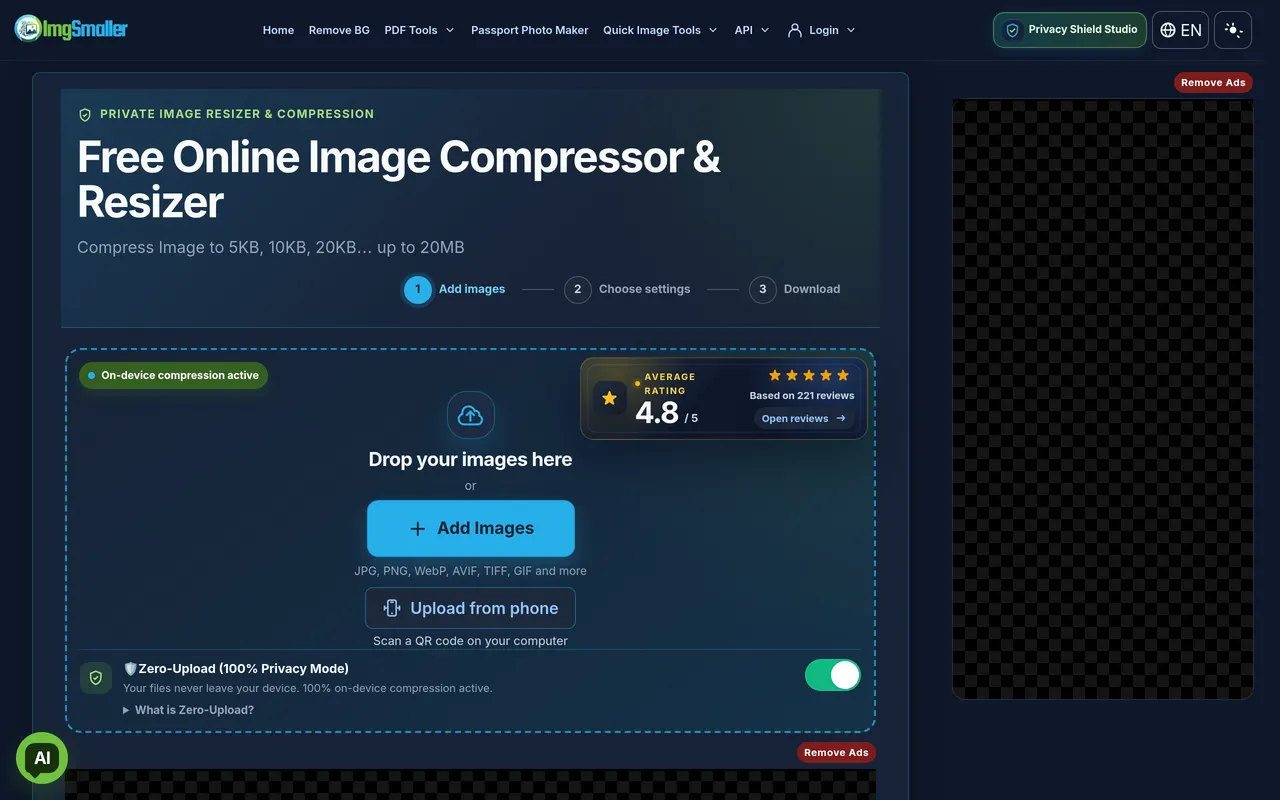
ImgSmaller is a free online image compressor and resizer that lets you set a target size in KB or MB and compress images in your browser.
About
ImgSmaller offers fast, on-device browser compression for JPG, PNG, WebP, AVIF, TIFF, GIF, and more. You can compress up to 20 images at once without uploading them to a server, ensuring 100% privacy.
The tool allows you to set a fixed target size, a maximum target size, or use auto-compression. It also includes options for advanced settings like format, metadata, and dimensions, and supports batch downloading of compressed images.
Highlights
- +On-device browser compression for privacy
- +Set a specific KB or MB target for image size
- +Compress multiple image formats including JPG, PNG, WebP, AVIF
Own imgsmaller.com?
Claim it to manage your listing and get your badge link.
Frequently asked questions
What is imgsmaller.com?
ImgSmaller offers fast, on-device browser compression for JPG, PNG, WebP, AVIF, TIFF, GIF, and more.
Is imgsmaller.com free?
Yes. imgsmaller.com is free to use.
What are some alternatives to imgsmaller.com?
Similar sites in our directory include squoosh.app, sharkfoto.com, imagesv2.ai.
imgsmaller.com alternatives & similar sites
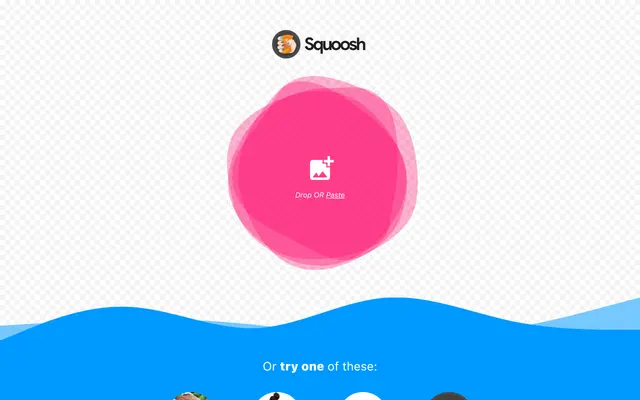
squoosh.app
Google's image compression tool that optimizes images in your browser with side-by-side comparison.

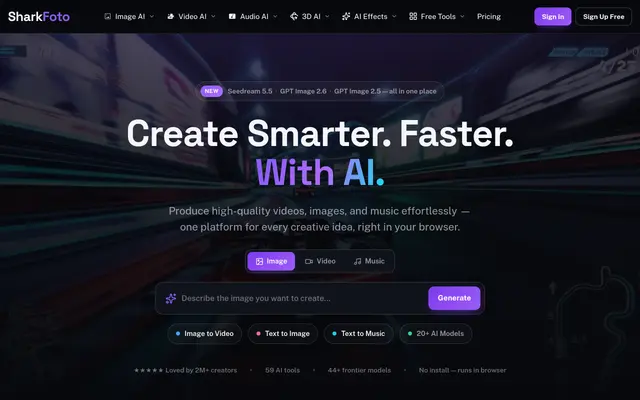
sharkfoto.com
SharkFoto provides a comprehensive suite of AI tools for media creation. Users can generate images from text, remove backgrounds, enhance colors, and even create AI avatars and character generators. It also offers advanced features like AI headshot generation and photo restoration. For video, SharkFoto supports text-to-video, image-to-video, and various editing options such as watermark and background removal, upscaling, and AI talking photos. Audio tools include text-to-music, AI text-to-speech, vocal removal, and voice changing. The platform also includes free utilities for image, video, and audio conversion and compression.

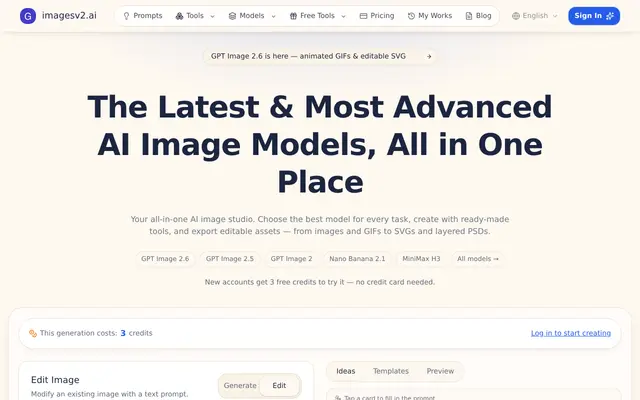
imagesv2.ai
imagesv2.ai offers a suite of advanced AI image models, including GPT Image 2, 2.5, and 2.6, Nano Banana, and MiniMax H3. It provides ready-made tools for various tasks, from image generation and restoration to marketing design and social media content creation. Users can choose the best model for their needs and export editable assets like images, GIFs, SVGs, and layered PSDs. The platform includes free tools for common image issues such as converting file types (HEIC to JPG, WebP to PNG), preparing images for social media (Instagram grid maker, image splitter), and basic photo fixes like sharpening, blurring backgrounds, and rotating images. New accounts receive three free credits to explore the features without requiring a credit card.
Launch your
powerful website
Reach thousands of users across YouTube, Instagram and our newsletter.
- Live within 24 hours
- Custom launch video

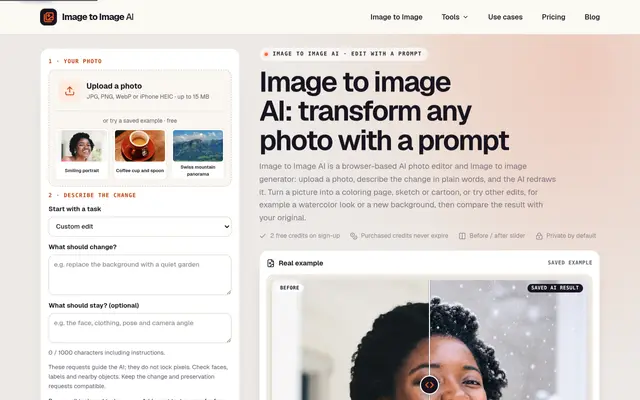
imagetoimage-ai.org
Upload a photo (JPG, PNG, WebP or iPhone HEIC up to 15 MB) and describe the desired change in plain words. The AI redraws the image, allowing you to turn a picture into a coloring page, sketch, cartoon, or apply other edits like a watercolor look or new background. You can add exact text or crop for free, adjust ratio, and choose between two AI models. New accounts receive 2 free credits, and purchased credits never expire. A before/after slider helps compare the result with your original image.

packshotdesk.com
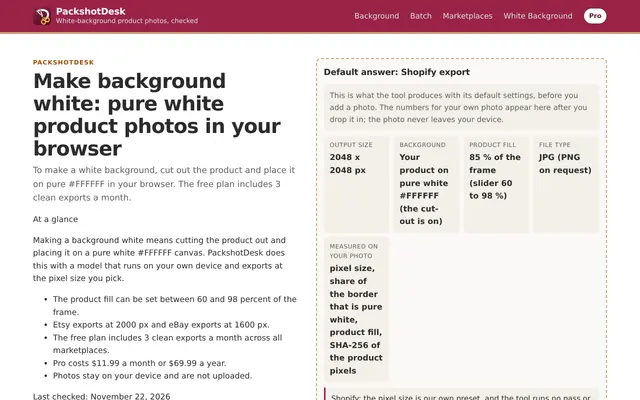
This tool makes a product background pure white (#FFFFFF) by cutting out the product and placing it on a new canvas. The model runs directly on your device, ensuring photos are not uploaded and remain private. It allows you to set product fill between 60 and 98 percent of the frame and supports marketplace-specific export sizes, such as 2000 px for Etsy and 1600 px for eBay. The free plan includes 3 clean exports per month.

imgloop.ai
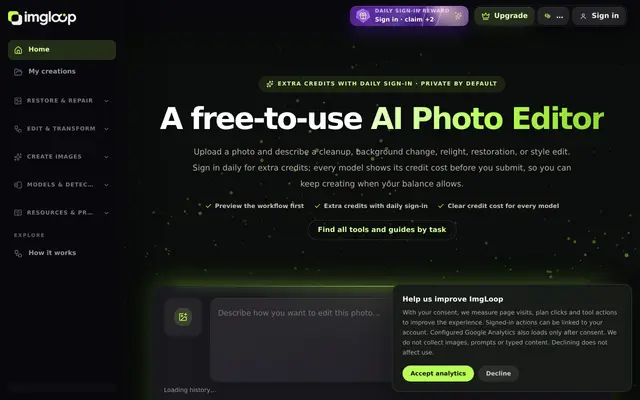
ImgLoop is a free-to-use AI photo editor that allows you to upload an image and describe edits like cleanup, background changes, relighting, restoration, or style modifications. Before you commit, the credit cost for each model is displayed, and you can compare the AI-generated result with your original source image. The platform includes focused workflows for tasks such as photo restoration, AI interior design, AI tattoo generation, and turning photos into coloring pages. It offers features like natural language edits, local canvas controls for cropping and rotating, and the ability to reuse editing recipes.