
AI video generation & editing
For creators and marketers who want to make or edit video without sitting in a timeline for hours. These tools use AI to generate footage, animate still images, or cut and clean up clips you already have. A few turn a photo or sketch into motion. Quality varies by tool and by what you feed it, so expect to do some trial and error.

aiavatarvideo.com
AI Avatar Video Generator creates talking avatar videos from a single photo and an audio clip. Upload your photo and audio, and the tool animates the face so the mouth matches your words. This is suitable for product pitches, podcast intros, or greetings without needing to film anything. Choose from various modes like "Clean Portrait," "Podcast Guest," "News Desk," or "Street Interview" to set the scene. Videos can be rendered up to 1080p quality, with adjustable clip lengths up to 15 seconds. New accounts receive 10 free credits.


boomclapai.com
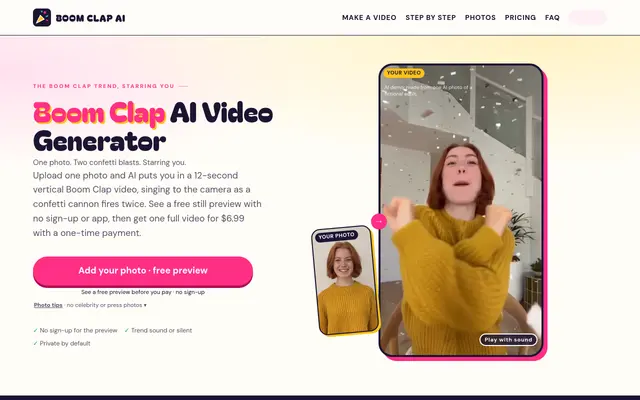
Boom Clap AI generates a 12-second vertical video for the Boom Clap trend. You upload one photo of yourself, and the AI places you in the video, singing to the camera while confetti blasts twice. You can see a free still preview of you in the confetti without signing up. The full 12-second video, ready for TikTok and Reels, can be purchased for $6.99 as a one-time payment. The video is private by default and typically ready in 10 to 15 minutes.

flowaivideogen.com
Flow AI Video Generator takes one photo and generates an AI video in minutes. It offers eight scene presets, including Cinematic Scene, Vertical Hook, Product Showcase, and Anime Scene, to give your photo a studio-grade look. You can generate videos in 9:16 or 16:9 aspect ratios, with resolutions up to 1080p, all without watermarks. The service works directly in your browser, without needing an app or editing skills. It accepts JPG, PNG, or WebP photos up to 10 MB, featuring a clear, front-facing person, pet, or product. New users receive free credits to create a starter clip.


hotellobbyaigen.com
This AI video generator takes two photos and creates a short, shareable video. It's designed for users who want to quickly make fun, face-swapped clips without needing to download an app. Users get 10 free credits when they sign up and can generate videos up to 1080p resolution.


rapvideoai.com
RapVideoAI lets you create AI rap videos using one or two photos. You can put yourself in viral dance and meme trends, including the Hotel Lobby AI trend, or generate custom rap songs for occasions like birthdays or anniversaries. The process involves uploading photos and choosing a stage. The AI generates lyrics, beats, vocals, and renders a lip-synced video in minutes. Videos are $9.99 each with no subscription required.

sharkfoto.com
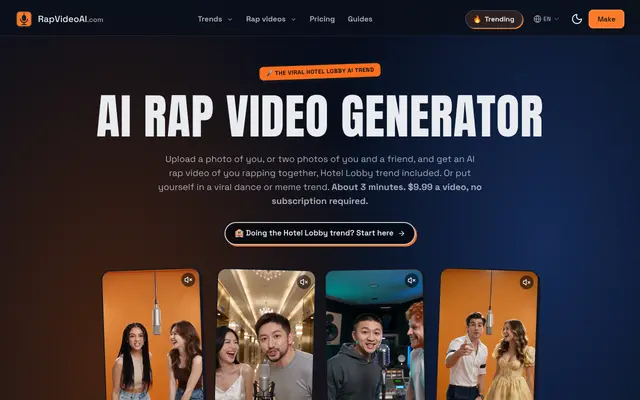
SharkFoto provides a comprehensive suite of AI tools for media creation. Users can generate images from text, remove backgrounds, enhance colors, and even create AI avatars and character generators. It also offers advanced features like AI headshot generation and photo restoration. For video, SharkFoto supports text-to-video, image-to-video, and various editing options such as watermark and background removal, upscaling, and AI talking photos. Audio tools include text-to-music, AI text-to-speech, vocal removal, and voice changing. The platform also includes free utilities for image, video, and audio conversion and compression.

flyingcarai.io
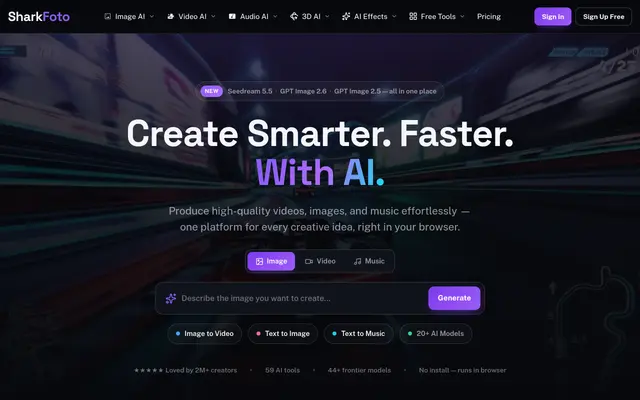
Flying Car AI is a video maker that puts you behind the wheel of a flying car. You upload a clear, front-facing photo of yourself, and optionally a photo of your own car. You then choose one of four scenes: stuck in traffic, tangled in the wires, everyone flies while you drive, or the cop who needs a ladder. For the traffic scene, you can also pick a city like Los Angeles or London. In 1 to 3 minutes, the AI builds a 15-second clip with engine, thruster, and street sounds. The video is ready to download as an MP4 and post on platforms like TikTok, Instagram Reels, YouTube Shorts, or X.
Launch your
powerful website
Reach thousands of users across YouTube, Instagram and our newsletter.
- Live within 24 hours
- Custom launch video

magi2ai.video
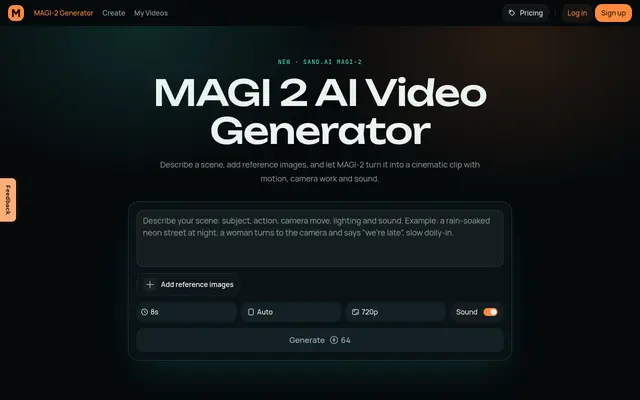
MAGI 2 AI, developed by Sand.ai, is a video generator that creates up to 30 seconds of 1080p video at 25 frames per second. It integrates native audio, including dialogue with lip-sync, foley, ambient sound, and music, matching it directly to the video. Users can describe a scene and add reference images to produce cinematic clips with motion and camera work. The generator is built for short ads, character scenes, and multi-shot stories, supporting up to 20 references per request.

outstanding-tiny-desk.app
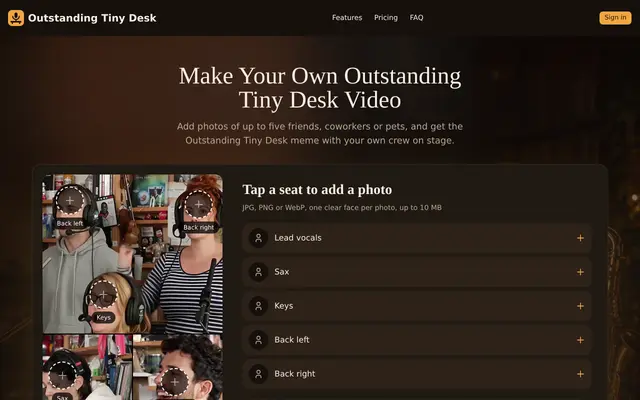
Outstanding Tiny Desk AI Video Maker lets you turn photos into the popular Outstanding Tiny Desk meme video. You can add photos of up to five individuals or pets to fill the band's seats: lead vocals, sax, keys, and two in the back row. Empty seats keep the original performers. Each video is 17 seconds long, vertical (9:16), and comes in two versions: one with the song and a silent copy for TikTok trends. The process takes about 8 minutes, and you can close the page while it generates. Use clear, front-facing photos, up to 10 MB.
removewatermarkfromvideo.org
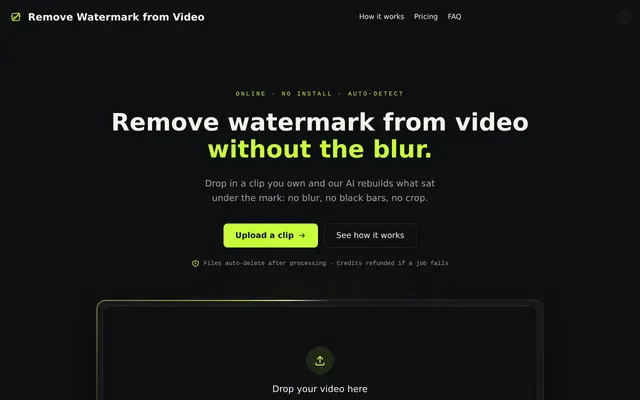
This online AI tool removes watermarks from videos by rebuilding the pixels and motion behind the mark, ensuring full quality without blur, black bars, or cropping. It automatically detects watermarks and processes videos like MP4, MOV, and WebM. Designed for creators reusing their own footage, it runs entirely in your browser without installation. Files are automatically deleted after processing, and you can preview the clean result before downloading.

samebutme.com
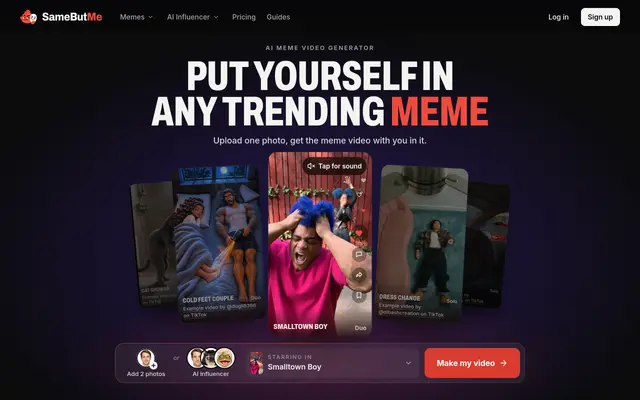
SameBut Me is an AI meme video generator that takes your photo and puts you into popular trending video clips. You can choose from various AI video templates, including dance, duo, and solo trends. The process involves uploading one photo to get the meme video with you in it, complete with original moves, camera work, and sound. Videos are generated without watermarks and are ready in about six minutes.

theai.tools
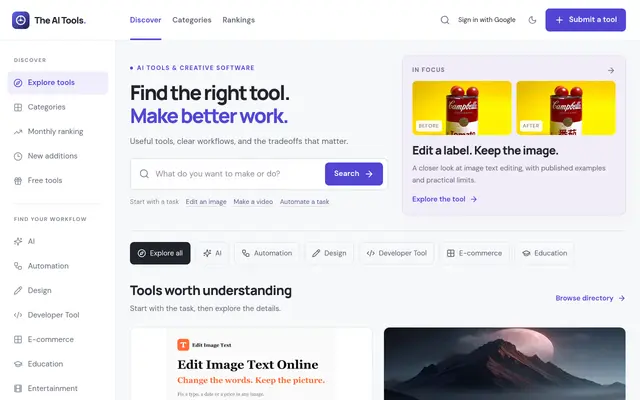
This directory lets you explore AI tools based on categories like AI Automation, Design, Developer Tools, E-commerce, Education, Entertainment, Productivity, and Utility. You can search for tools based on tasks, such as editing an image, making a video, or automating a task. Listings include details on features, pricing, and practical use cases.

domer.io
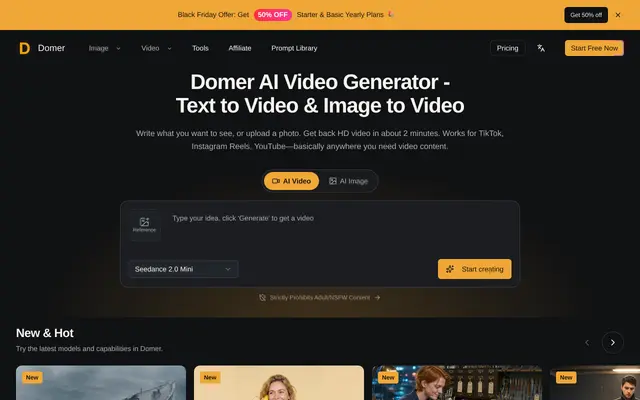
Domer AI is an AI video generator that transforms text or photos into high-definition video content. Users can describe a scene for text-to-video generation or upload an image and specify its movement for image-to-video. The platform offers various AI models, including Google Veo for quality, Kling for speed, and Wan for longer clips up to 15 seconds. It's suitable for platforms like Instagram Reels, TikTok, and YouTube Shorts, as well as for creating product demos and ad concepts.

omniakey.com
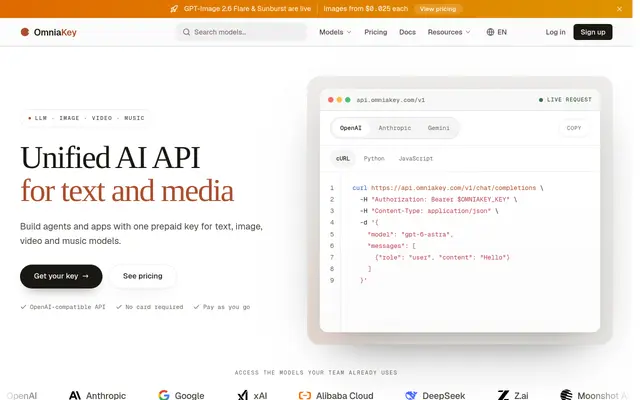
OmniaKey offers a unified AI API that allows developers to build agents and applications using various text, image, video, and music models. It features OpenAI-compatible endpoints and a usage-based billing system, requiring no credit card to start. The platform gives access to models from providers like OpenAI, Anthropic, Google, Midjourney, and ByteDance, all through one API key. Users can browse a model catalog to compare capabilities, context, and pricing before integration.

everygenai.live
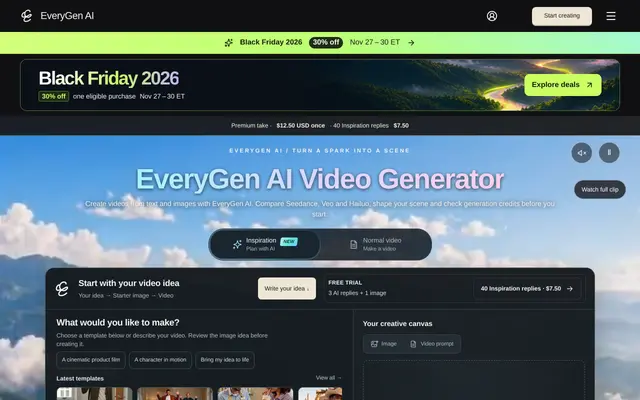
EveryGen AI is a video generator that allows users to create videos by inputting text or images. It features a "workbench" where users can develop their ideas from a thought to a first frame, keeping image and video direction together. The platform enables comparison of different video models like Seedance, Veo, and Hailuo. Users can utilize an AI assistant to create an initial image and define their scene, with options for both text-to-video and image-to-video creation, starting with a required first frame and an optional end frame.
veo3.net
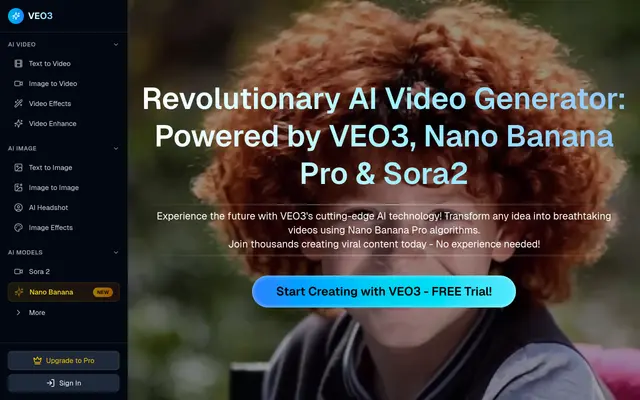
VEO3 is an AI video generator powered by Nano Banana Pro and Sora2 technology. It allows users to transform text into cinematic videos and convert static images into animated masterpieces. The platform offers viral-ready templates and boasts lightning-fast generation speeds, delivering 4K output. It emphasizes a zero learning curve with an intuitive interface and ensures bank-level security for user content.

vidloop.ai
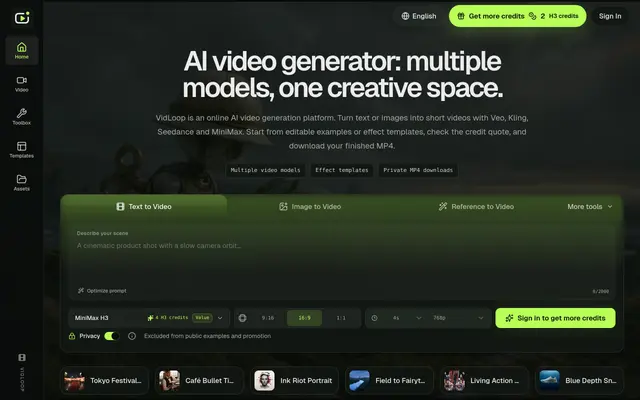
Vidloop is an AI video generation platform where users can create short videos from text or images. It features various video models like Veo, Kling, Seedance, and MiniMax. Users can start with editable examples or effect templates, check the credit quote, and download their finished MP4 videos. The platform also offers tools for extending and upscaling videos.

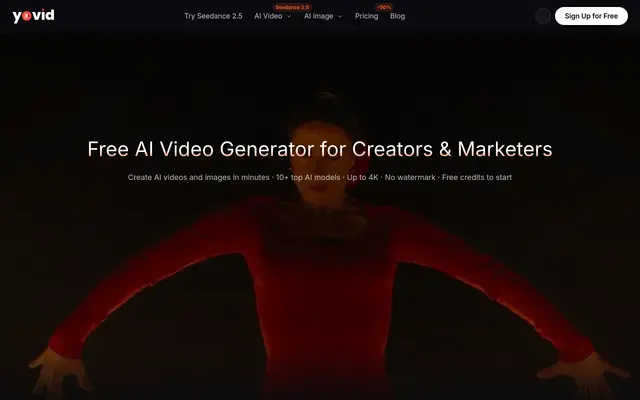
yovid.ai
Yovid provides an AI video generator and AI image generator with over 10 top AI models, including Seedance, Kling, Veo, Sora, MiniMax, and Wan. It supports creating videos up to 4K resolution with no watermark, and users get free credits to start. Key features include text-to-video, image-to-video, video-to-video, and video upscaling. It also offers AI image tools like an image upscaler, watermark remover, background remover, and image extender. Users can generate dialogue and sound with models that support audio.

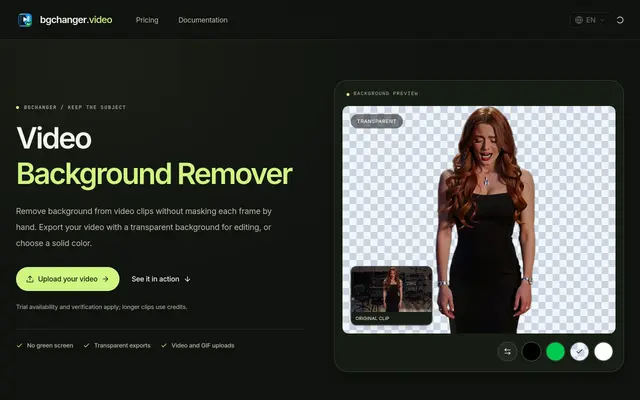
bgchanger.video
Video Background Remover removes backgrounds from video clips and isolates the subject. You can export the video with a transparent background for editing, or choose a solid color. It also accepts video and GIF uploads and lets you preview the background. Traditional video workflows can involve a green screen setup, manual masks, and repeated adjustments. This tool lets AI handle the first pass of subject separation across the clip. You can create a green-screen asset from ordinary footage by exporting your subject on a solid green background for later chroma key work. It also lets you choose white, black, green, or a custom color.

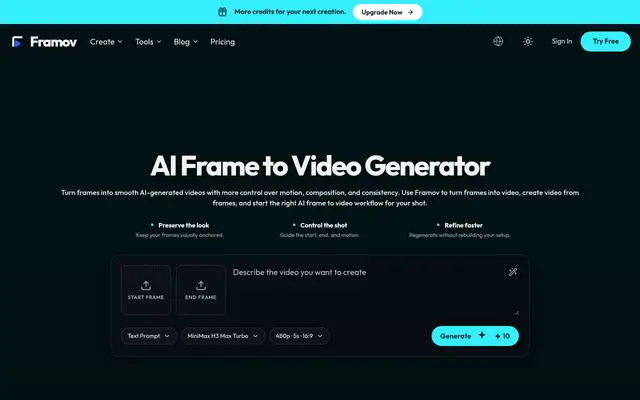
framov.com
Framov lets you create AI-generated videos from single images or frame pairs. You guide the motion between a start and end frame using a text prompt. The platform supports various AI models and allows you to preserve the visual look of your original frames while refining the motion without rebuilding your setup.

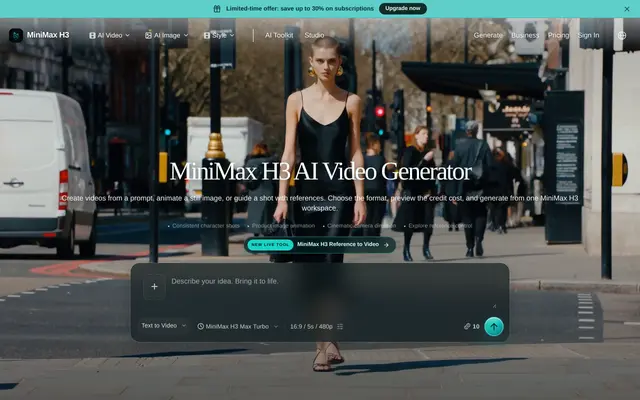
mini-h3.com
MiniMax H3 is an AI video generator that allows users to create videos from various inputs, including text prompts, still images, and reference media. The platform offers direct control over settings like duration, resolution, framing, and motion. It features a single production workspace for all video generation tasks, providing clear credit costs before each run and reliable task tracking for operational review.

memevideogenerate.com
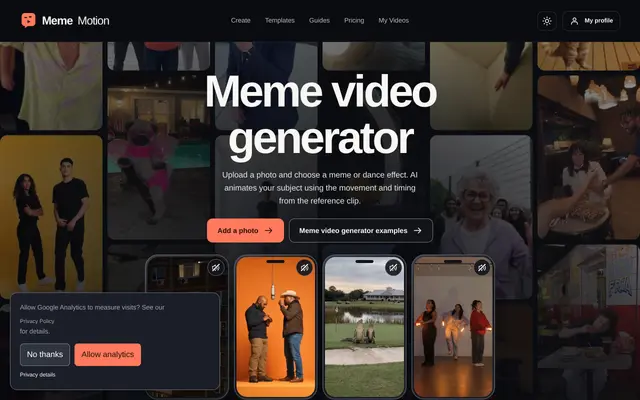
MemeMotion turns a photo into a short AI meme video in your browser. Upload a photo of your main character, then choose an effect. AI animates your subject using the movement and timing from the reference clip. You can keep the original setting or pick a different stage. Style your captions and choose the video quality, length, and frame shape. Download your finished MP4.

airapsong.com
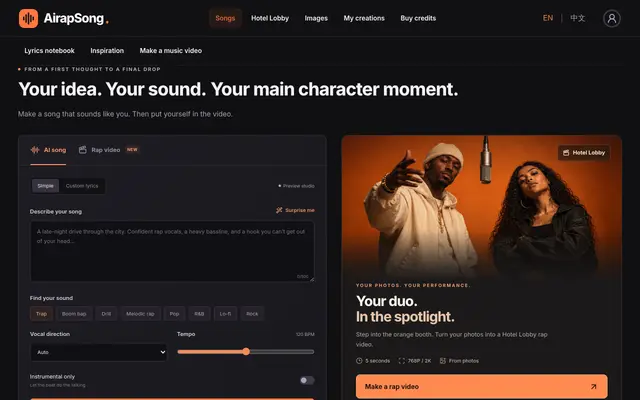
AirapSong is an online studio for creating AI songs, cover artwork, and short rap-style videos. Users can start with a written idea or their own lyrics to make a song, use a prompt or reference image for cover art, or turn portraits into a five-second "Hotel Lobby" video. Each tool within the studio has its own settings, and the credit cost is displayed before submitting a generation. Users can describe the mood, genre, and subject for a song, or provide custom lyrics, and then choose vocal direction or an instrumental track. For visuals, users can create cover art from a text prompt or edit an image, or upload photos for a five-second "Hotel Lobby" rap video.

auteo.ai
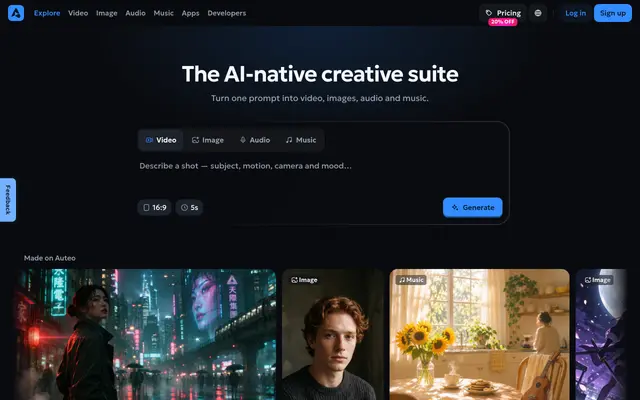
Auteo is an AI-native creative suite that allows you to create and edit video, images, audio, and music in one place. It helps you take an idea from the first frame to the final mix without switching tools. You can turn a prompt or reference image into cinematic video clips, generate and edit stills, create lifelike voiceovers from scripts, and compose original music tracks from a short description.

myfacelessreels.com
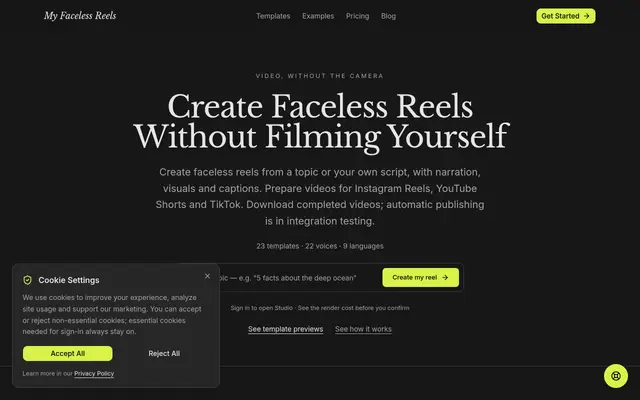
My Faceless Reels is an online generator that creates short videos without showing the creator. It combines script drafting, synthesized narration, visuals, and captions from a topic or your own text. Choose from 23 templates, 22 voices, and 9 languages. You can preview different styles and check the render cost before confirming your video.

rapvideogo.com
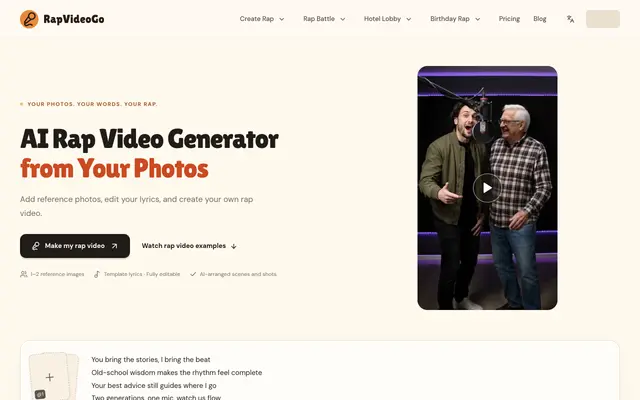
RapVideoGo creates AI-powered rap videos using your photos and editable lyric templates. You select a scene, add one or two reference images, and then customize the provided lyrics or write your own. The AI arranges the visuals and shots based on your input. After adding photos and lyrics, you can generate your video with vocals and a beat. The service requires no video editing skills, and the generated videos can be downloaded and shared. It also offers specific templates for occasions like birthdays, anniversaries, and team celebrations.

videofx.io
VideoFX Studio is a free online AI video effects platform that allows users to generate videos from text descriptions or still images. It offers multiple state-of-the-art AI models to fine-tune parameters and upscale results to 4K resolution. Key features include 30-45 second generation for 5-10 second 1080p clips with built-in audio, instant animation from still images, and one-click 4K upscaling that enhances detail and preserves original audio.

vorapix.ai
Vorapix is a versatile AI tool that brings text-to-video, image-to-video, and text-to-image capabilities into a single workspace. It offers access to 14 different AI model families, allowing users to generate video clips up to 4K resolution and 10 seconds long, as well as 4K still images. The platform includes dedicated studios for video and image generation, a photo enhancer to restore faded or damaged pictures, and a tool to remove watermarks from AI-generated images you own. Both studios share a single credit balance, and users get 10 free credits upon signing up.

imagelayered.com
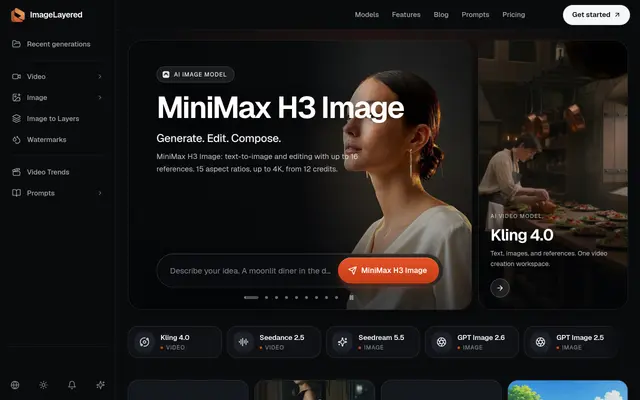
ImageLayered provides AI models like MiniMax H3 Image for text-to-image and editing with up to 16 references, and Kling 4.0 for video creation. It supports various aspect ratios and resolutions up to 4K for image generation. Key features include background removal, image extension, watermark removal for both images and videos, and tools to animate images. The platform also offers specific tools for product visuals, portraits, and anime illustration.

thechipmunksdance.com
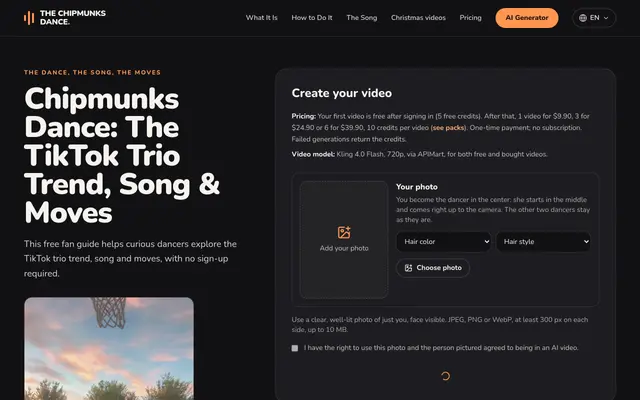
This website is a fan guide to the Chipmunks Dance, a three-person TikTok routine that took off in mid-October 2026. It explains what the dance is, the song it uses (a sped-up "You Spin Me Round (Like a Record)"), and how to do the moves. Visitors can use an AI video generator to create their own Chipmunks Dance video by uploading a photo. The first video is free after signing in, and subsequent videos are available for purchase. The site also offers AI prompts for use with other video tools and options for creating AI Christmas videos.

aifaceswap.live
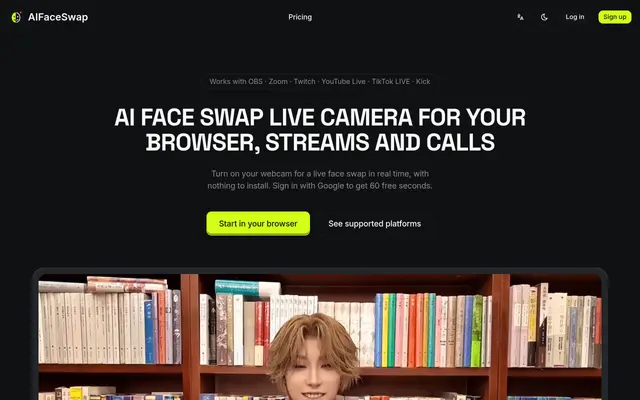
AIFaceSwap allows you to perform a real time face swap using your webcam, either directly in your browser or as a virtual camera for desktop applications. The browser-based tool works without installation, or use the desktop app for platforms like OBS, Zoom, Twitch, YouTube Live, TikTok LIVE, and Kick. Each account includes 60 free seconds.

createimage.online
Create Image is a browser workspace for generating AI images and videos. Describe your ideas with text prompts or use reference images to create characters, product visuals, covers, scenes, and more. The platform supports both still image creation with detailed control over composition and texture, and video generation to bring action, pacing, and camera movement together. You can start with a text prompt or an image, then refine details step-by-step.


growingupvideomaker.com
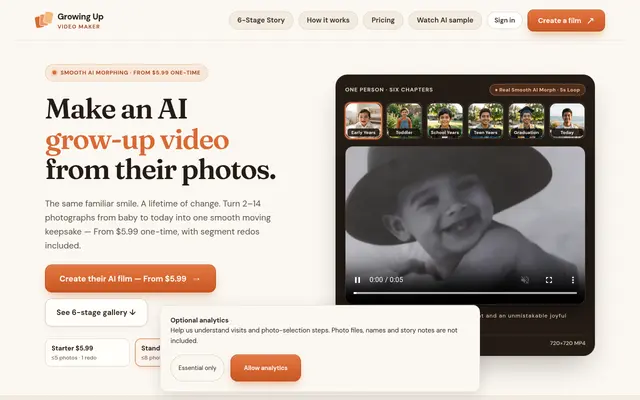
Growing Up Video Maker creates AI grow-up videos from your photos. It transforms 2 to 14 photographs into one smooth moving keepsake, ideal for a birthday gift. One-time orders start at $5.99 and include full film assembly as a 720p MP4. You can also get single-segment AI redos to refine specific moments in the video.

makememe.video
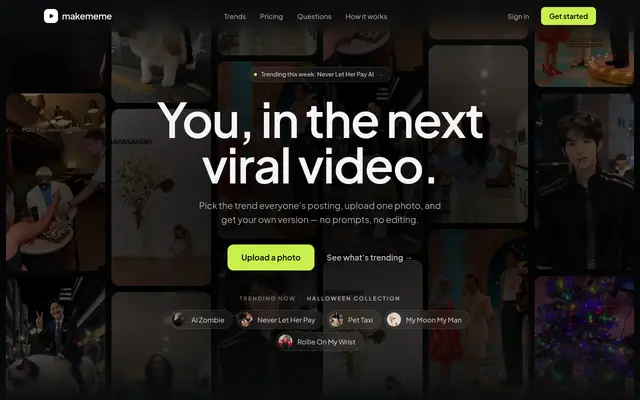
MakeMeme puts your face into popular AI meme videos without needing any video editing skills or prompts. Just pick a trend that's currently popular on TikTok and Reels, upload one clear photo of yourself, a friend who agreed, or your pet, and the service generates your personalized video. Videos are delivered as HD MP4s with no watermark and include the trend's original sound. Pricing starts from $0.99 per video, and if a video fails, credits are automatically returned. Photos are kept private and deleted after seven days, never used for training.

noscrubsai.net
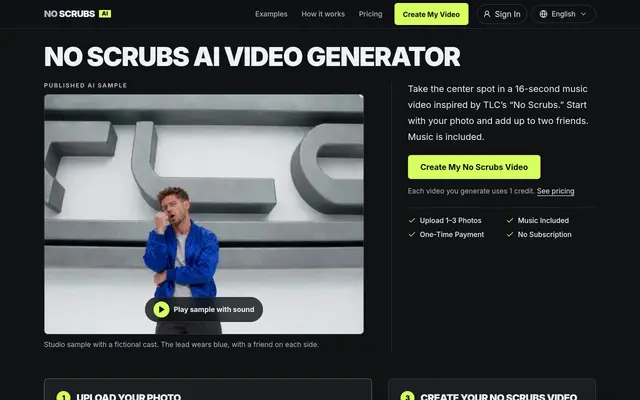
No Scrubs AI Video Generator lets you create a 16-second music video. Start with your photo, and add up to two friends to join you in the clip, complete with music. Upload a clear photo of yourself to be the star. For friends, choose individual photos with visible faces. If you leave a spot empty, an original fictional performer fills it instead. Videos are 720p and include music.

reavideoai.com
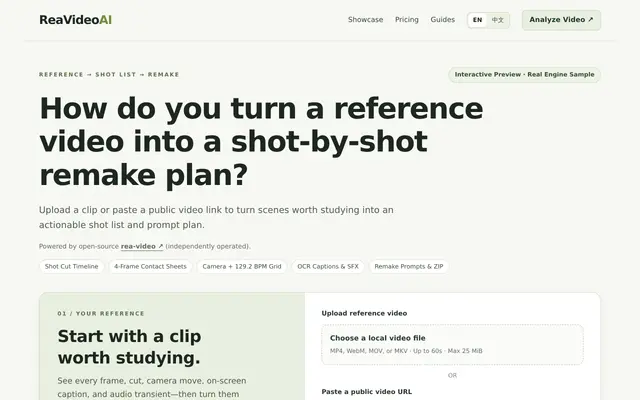
ReaVideoAI analyzes reference videos up to 60 seconds long, providing a shot-by-shot breakdown. It offers frame-accurate timecodes, 4-frame contact sheets for each shot, and identifies camera movements, on-screen captions, and audio transients. The tool generates remake prompts, offers one-click prompt copying, and provides a downloadable ZIP report with frames, stems, and JSON/Markdown. It supports English and Simplified Chinese output and accepts MP4, WebM, MOV, or MKV video files up to 25 MiB.

shottide.com
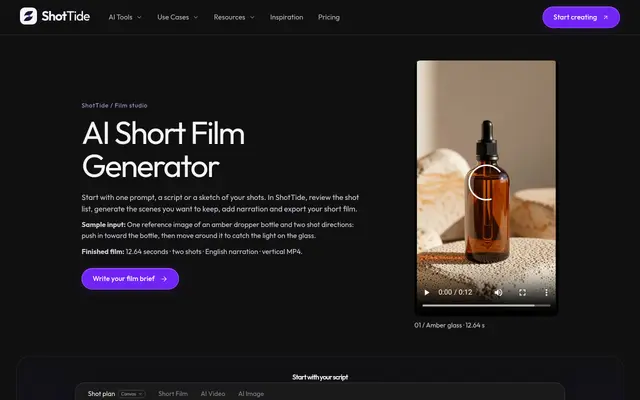
Shot Tide's AI Short Film Generator lets you start with a script, a prompt, or a sketch of your shots. You review the generated shot list, select scenes to keep, add narration, and export your short film. It offers use cases for product ads, story shorts, teaser trailers, and music videos. For example, a product ad with two camera directions and one bottle image creates a 12.64-second film.

watermarkremovervideo.com
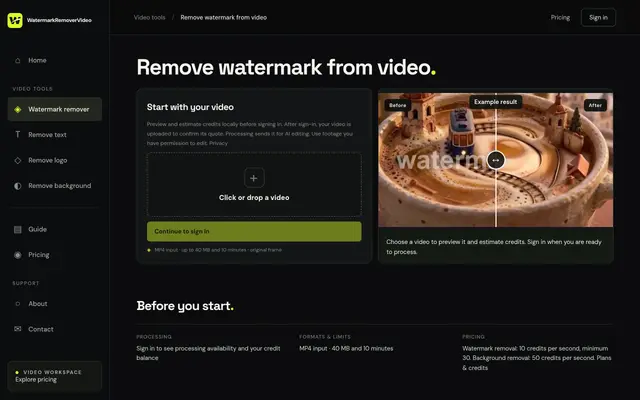
WatermarkRemoverVideo uses AI to remove watermarks, logos, and text from your videos without cropping the original frame. It estimates what might be behind the mark, rather than cutting away the edge of your video. Accepted examples include fixed brand logos, translucent text, changing on-screen subtitles, and date/time stamps. The tool supports MP4 input up to 40 MB and 10 minutes. Pricing is credit-based, with 10 credits per second for watermark removal.

airapvideomk.com
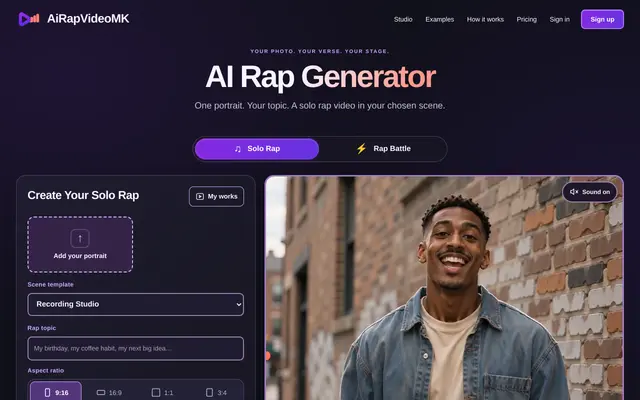
The AI Rap Generator creates a personalized rap performance from a portrait, a topic, and a chosen scene. Users add a portrait (JPG, PNG, or WebP), enter a short topic idea, and select one of five scene backdrops like Kitchen, Recording Studio, or Street Freestyle. The service generates original lyrics and an entire rap video where the uploaded photo becomes the performer. Each completed video reserves 100 credits, and users can download the final output after reviewing it.

scenetra.com
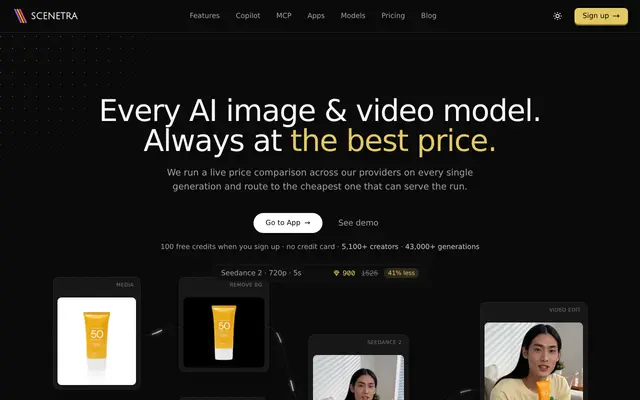
Scenetra is a visual AI workspace that uses a node-based interface to generate images, videos, and audio. It features a live price comparison across 16 providers for every generation, routing to the cheapest option without any markup on usage. The platform offers a Copilot to design workflows and prompts, and an MCP server for agents like Claude to build and run boards. It also provides ready-made apps for specific tasks, such as product photography, AI fashion photoshoots, and virtual try-ons.

makerapduo.com
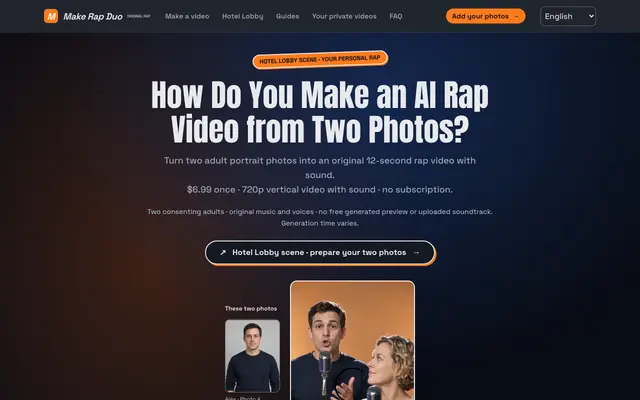
Make Rap Duo generates original 12-second rap videos from two adult portrait photos. Each video includes original music and voices, with lyrics inspired by the provided names and occasion. The resulting video is 720p vertical with sound. Users upload two clear, well-lit photos (JPG, PNG, or WebP up to 5 MiB each) and specify names and an optional moment to rap about. There are no free previews, and the service costs a one-time payment of $6.99 for a private video, downloadable within 7 days.

solmiai.party
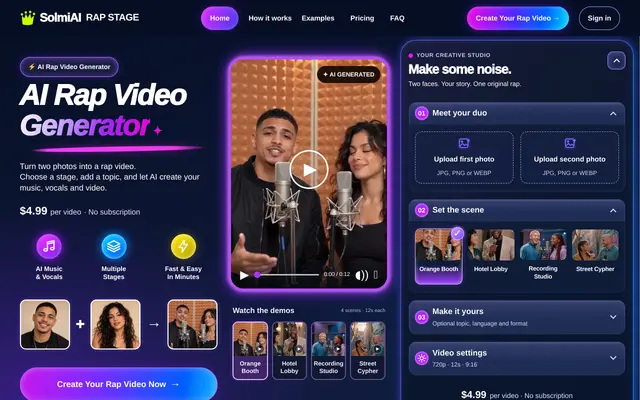
SolmiAI Rap Stage is an AI video generator that transforms two photos into a rap video. Users upload two clear, front-facing photos, select from multiple stages like Orange Booth or Hotel Lobby, and can add an optional topic for the rap's story. The AI generates custom lyrics, music, and two AI voices for a two-person performance. Videos are available in multiple formats (9:16 vertical, 1:1 square, 16:9 wide) and qualities (480p, 720p), with lengths from 5 to 15 seconds. Each video costs $4.99 with a one-time payment, and the final MP4 can be downloaded and shared.

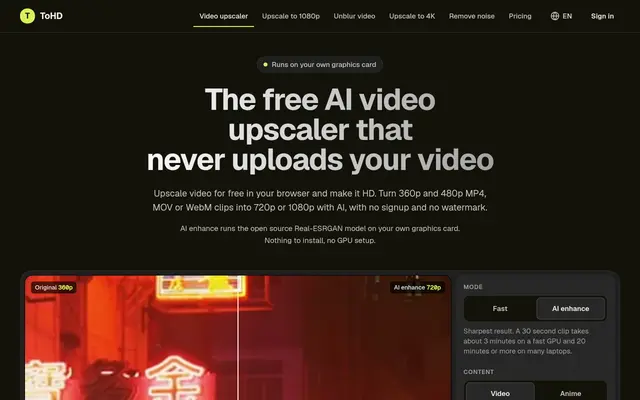
tohd.video
ToHD allows you to enhance your videos directly in your browser using AI, without needing to upload your footage. It utilizes the Real-ESRGAN model on your computer's graphics card, ensuring your video remains private and never leaves your device. This tool supports MP4, MOV, and WebM files up to 10 minutes long, with output resolutions up to 1080p. It operates without requiring any signup, and your processed videos will not have watermarks.

gen.new
Gen.new provides an AI creative workspace that allows users to chat with agents, generate images, videos, audio, and 3D assets, and organize their ideas on an infinite canvas. It's designed for various creative tasks from initial thought to final product. The platform supports popular AI models like GPT-6 Luna, ChatGPT, GPT Image 1.5, H3 Max Turbo, and TRELLIS for 3D assets, with planned integrations for others. Users can create, edit, and refine content within the same conversation, keeping context for their projects.

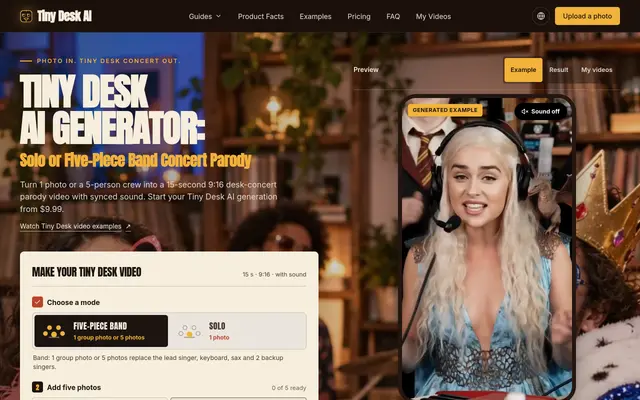
tinydesk-ai.best
Tiny Desk AI Generator creates 15-second, 9:16 vertical concert parody videos from your photos. You can choose a solo mode using one photo or a five-piece band mode with five individual photos or one group shot. Prices for video generation start from $9.99 per pack, with no subscription required. Failed renders are refunded. The tool aims for an authentic concert recreation without needing prompts or additional editing.

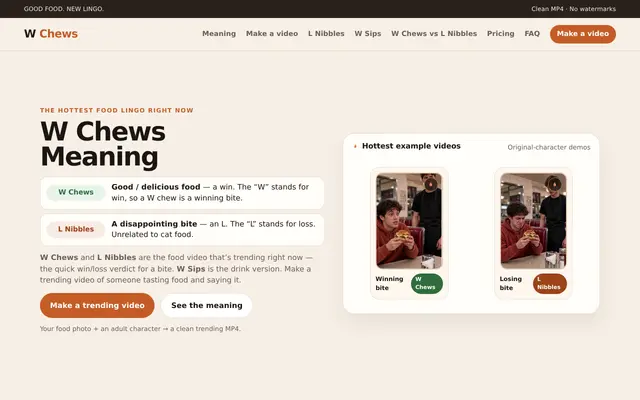
wchews.app
W Chews generates short, trending food review videos. Upload a food photo and an adult photo (or use the default character) to create a clean, watermark-free MP4. The service offers W Chews (for good food) or L Nibbles (for disappointing food) videos. Users select an ending move and preview the diner scene before generating. Pricing starts at $9.90 for 2 videos, which include a captioned GIF.

aidramaguide.com
AIDramaGuide details the seven steps of creating a scripted short using AI video tools, from script to share link. It shows how 26 different tools document each of these steps in their own help pages. For each tool, you can see if a step has a dedicated page, is covered within a wider page, or has no documentation found. Each entry includes the page title, a quote, and the date it was read (as of 2026-09-25).

aidramatools.com
AI Drama Tools is a directory that organizes AI video production by task. It lists 37 production tasks, from script writing and storyboards to lip sync, dubbing, and trailers. The directory details 24 AI video tool makers that maintain specific pages for each task. The content of each page listed was found, opened, and dated on the maker's own site as of September 25, 2026.

aivideorated.com
This site compiles and quotes the content usage policies and terms of 27 AI video generators. It labels what each policy states about age, violence, intimacy, minors, real people, brands, and enforcement, providing a reading date. Each listing includes the generator's stated minimum age or notes if none is specified, details what content fields are covered by its policy, and indicates whether an appeal process is published.

areaaudit.com
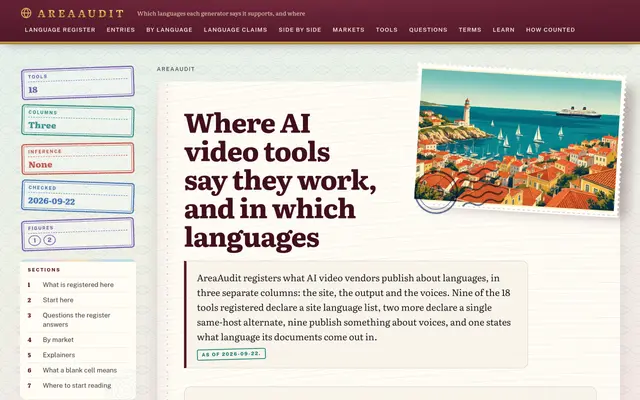
AreaAudit records and presents information about which languages AI video vendors say their tools support. It compiles this data into three columns: the site's language, the output language, and the available voices. The site currently registers 18 tools, noting which vendors declare site language lists, output language options, and voice support. It provides counts and details where available, such as 27 site languages for CapCut or 120+ voice languages for D-ID.

brandvideoai.com
BrandVideoAI gathers information on seventeen AI video vendors, detailing their commercial use policies. It specifies which paid plans grant commercial use rights and what limitations apply to free tiers. The site also highlights areas where vendors are not clear about commercial use. This data is compiled from vendor pages, help centers, and published licenses, with information current as of 2026-09-22.

campaignreel.com
CampaignReel shows side-by-side what ad placements may run for and how long a single generation from an AI creative tool can be. This helps to determine if an ad needs to be assembled from multiple generations rather than created in one piece. All figures include their source page and the date checked. The site covers ad placement requirements from platforms that sell ad space and output limits from AI tool vendors. It specifically highlights the longest single generation possible and the resolutions offered by tools like Kling AI, Pika, SceneMixer, and Vidu.

dramamakerai.com
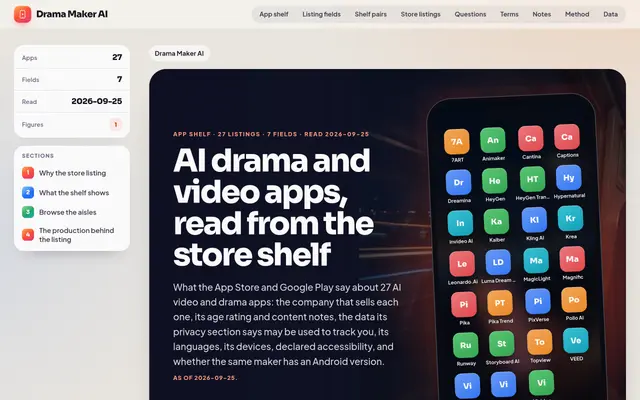
Drama Maker AI is a review of 27 AI video and drama apps, as listed on the App Store and Google Play. It compiles public information from each app's listing page, including seller, age rating, data tracking policies, supported languages, compatible devices, declared accessibility features, and Android availability. The analysis focuses on what the app stores themselves publish about these apps, rather than features discovered by installing them. The site highlights trends, such as the commonality of tracking data, English-only listings, and the scarcity of declared accessibility features.

episodereel.com
EpisodeReel is a directory of AI video tools for creating serial content. It focuses on how each tool addresses three key aspects of season production: maintaining a consistent cast, converting a script into episodes, and assembling episodes. The directory lists 26 AI video tools and indicates which of the three serial production steps each tool documents, with 10 tools addressing all three steps. The data was collected between September 12 and October 25, 2026.

gatetrue.com
GateTrue records how 16 AI video generators document the marking of their output. It notes what the free tier carries, how a paid plan changes the marking, how the mark is removed, and what the vendor says is written into the file. For each generator, GateTrue lists specific details regarding watermarks or other invisible marks for both free and paid tiers. It also specifies if and how these marks can be removed.

nodevalid.com
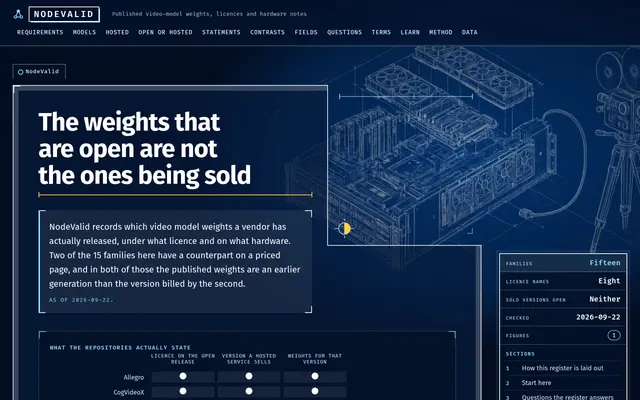
NodeValid is a register of published video model weights, along with details on their licenses and hardware compatibility. It also notes which versions of these weights are sold by hosted services. The site specifically highlights that open-source weights are often an earlier generation than those offered commercially. The register currently covers 15 families of video models.

noveltovideoai.com
This website provides an organized register of 29 different tools that convert scripts, stories, or novels into video or storyboards. It focuses on the 'intake' side of these tools, meaning what kind of source text they accept. For each tool, the register specifies accepted file formats, maximum text length, supported languages, what content they extract (e.g., scenes, characters), whether extracted elements can be edited before rendering, and how billing for reading is handled.

renderdrama.com
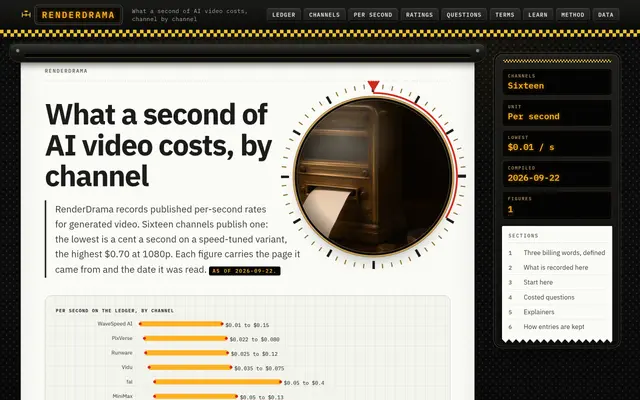
RenderDrama provides a comprehensive ledger of what a second of AI video costs, broken down channel by channel. It records published per-second rates from vendors' own public pages, showing the lowest and highest prices for each of the sixteen channels, with the lowest starting at a cent per second. Each entry includes the source page and the date the rate was read. For vendors billing in credits, the conversion to per-second cost is shown along with the underlying assumptions. The site defines key billing terms like "credit billing," "resolution tiers," and "prompt extension" with figures quoted directly from vendor pages.

sentioscope.com
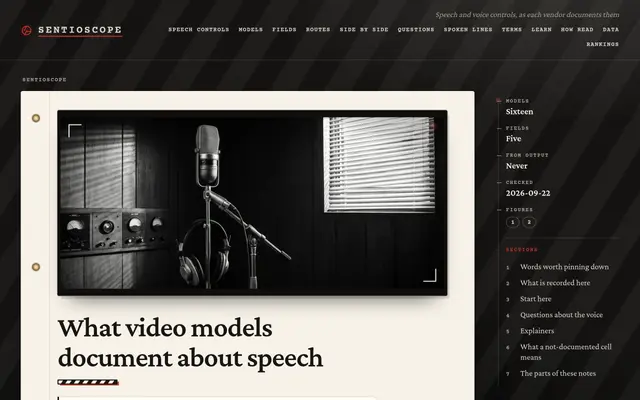
Sentioscope documents the speech and voice controls found in AI video models. It records what each model publishes about generated speech, specifically whether the audio is generated by the model or supplied, how a voice attaches to a character, and what drives lip-sync. The site tracks sixteen different models and five key fields. All information is based exclusively on vendor documentation, as of September 2026. It presents a clear overview, model by model, of which controls are documented and which are not.

text2videoboard.com
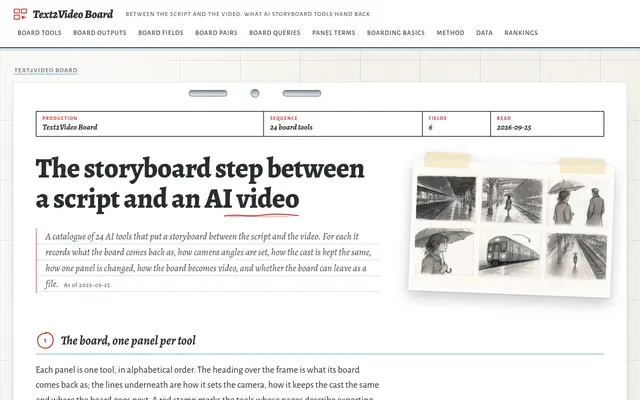
Text2Video Board is a directory of 24 AI tools that serve as a storyboard step between a script and the final AI video. Each tool's listing details how its board appears, how camera angles are set, how the cast is kept consistent, methods for editing individual panels, the process of converting the board to video, and whether the board can be exported as a file. The catalog, updated as of 2026-09-25, presents one panel per tool in alphabetical order. Information provided for each tool includes its board output format (e.g., image panels, panels plus lists, written shot plan), how it handles camera settings (e.g., set on the panel, read from the script, move presets), how it manages cast consistency (e.g., reference images, defined cast, assets called by name), and its next step (e.g., generated clips, animatic, first and last frames). Tools that allow exporting the board as files are specifically marked.

viggle.ai
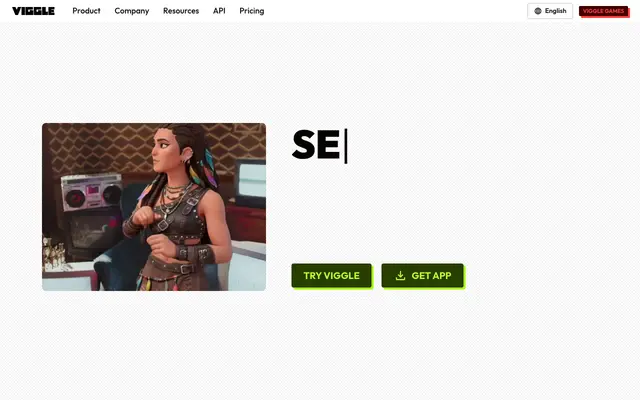
Viggle is an AI tool that animates characters from a single image, making them move, dance, or mimic a reference video. It powers a lot of viral character memes. You upload an image and a motion, and it does the rest.

hailuoai.video
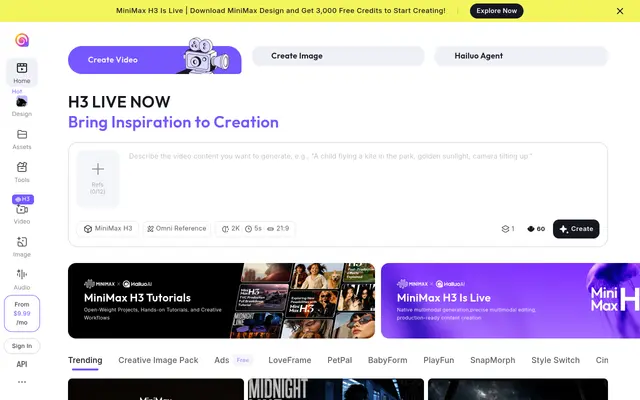
Hailuo AI, from MiniMax, generates short video clips from text prompts or images. It's known for smooth motion and realistic results. You get free credits to start before paid plans.

klingai.com
Kling AI generates video from text descriptions or still images, with control over motion, camera moves, and clip length. It handles both realistic scenes and stylized clips. It's one of the stronger consumer AI video models.

runwayml.com
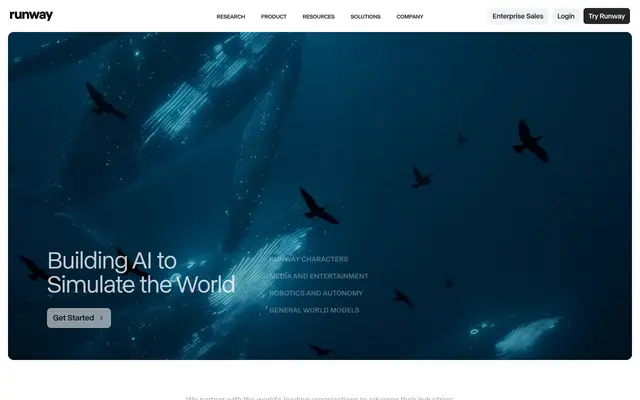
Runway is an applied AI research company whose Gen-3 models turn text and images into realistic video. Its web suite bundles video generation, editing, and visual effects tools. Creators use it for everything from social clips to film pre-visualization.

pika.art
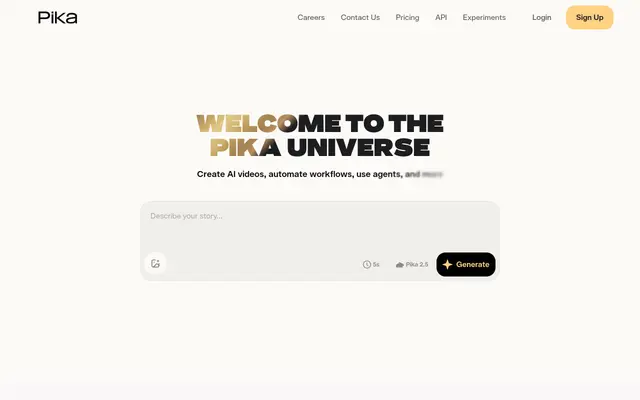
Pika is an AI video platform that generates and edits short clips from text or images. Its signature Pikaffects let you melt, inflate, or explode anything in a scene. It's built for fast, fun, social-ready video.

lumalabs.ai
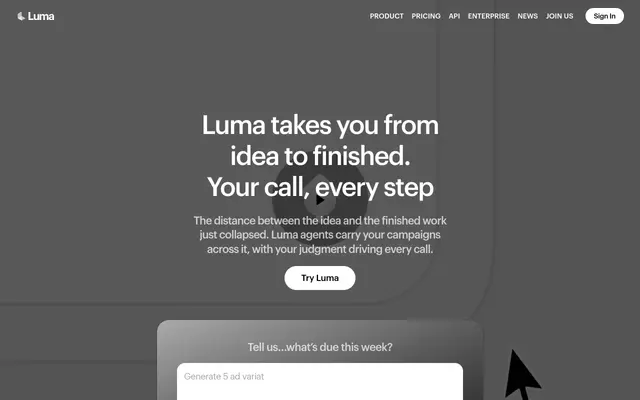
Luma AI builds tools for AI video and 3D capture. Its Dream Machine generates high-quality video from text and images, while its capture tech turns photos into photorealistic 3D models. It bridges AI generation and spatial content.

elevenlabs.io
ElevenLabs generates remarkably lifelike speech from text in 70+ languages, with thousands of voices and voice cloning. It also powers conversational voice agents and audio dubbing. It's a leading toolkit for AI audio.
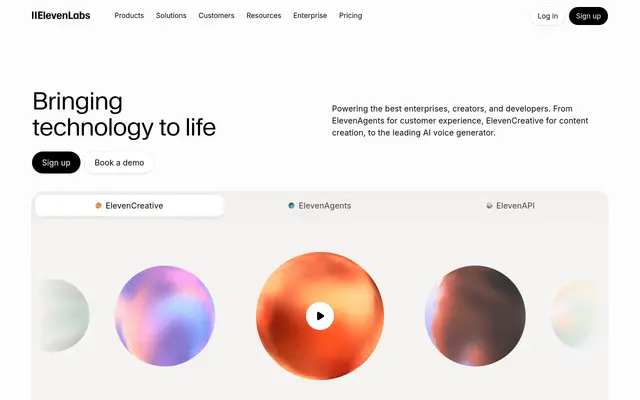

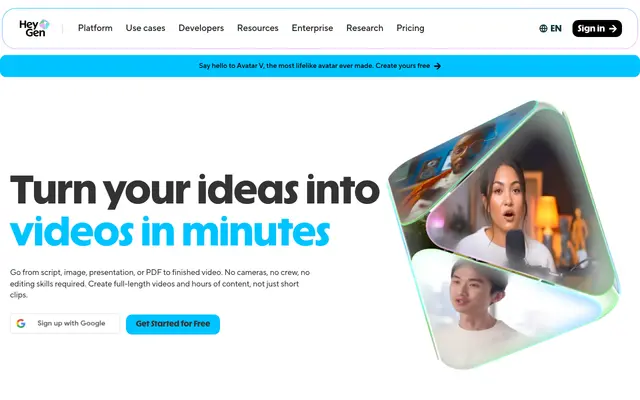
heygen.com
HeyGen creates AI avatar videos from text, with realistic lip-sync and voiceovers in 175+ languages. It can build avatars from photos and translate videos with automatic dubbing. It's built for fast, scalable video production.

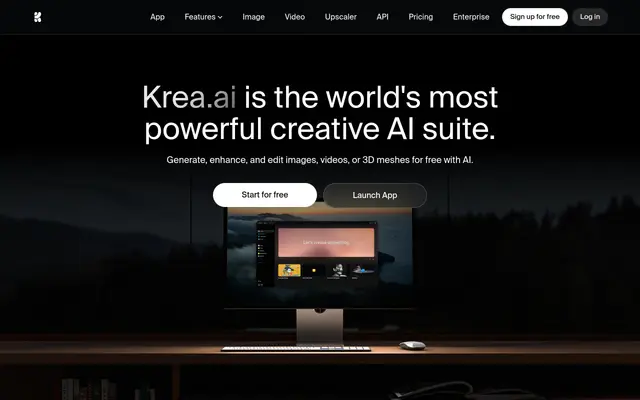
krea.ai
Krea is an AI creative suite that puts 60+ models like Flux, Veo, and Runway behind a single real-time canvas. You can generate, upscale, and edit visuals as you sketch, with outputs rendering in milliseconds. It spans image, video, and 3D workflows.

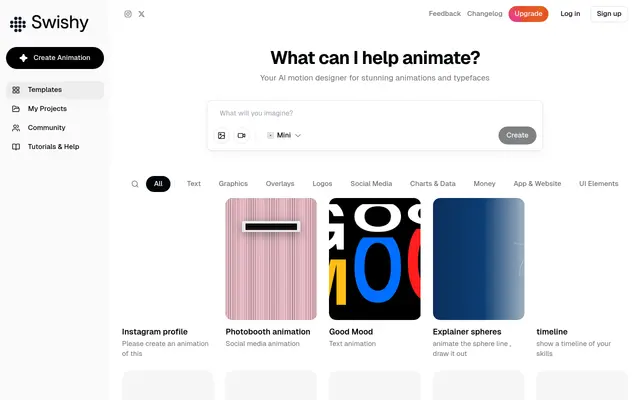
swishy.ai
Swishy is a prompt-driven motion design platform that turns text instructions into animated logos, kinetic typography, and motion graphics. You type what you want animated, preview results in the browser, and export straight to MP4, MOV, or GIF without touching a timeline.

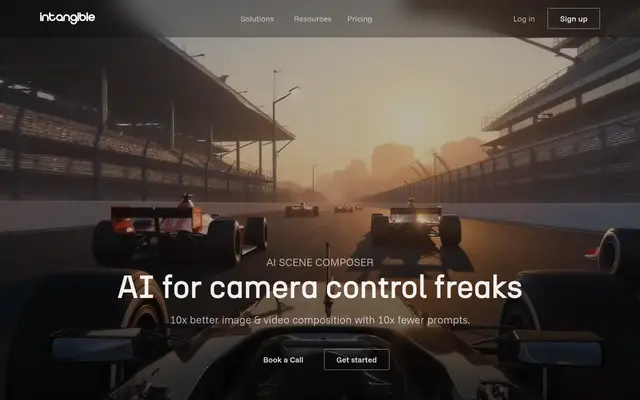
intangible.ai
Film directors, creative agencies, product marketers, and anyone doing pre-production visualization who wants to save $5K-$50K in production costs.

This is actually insane. Can I have the spreadsheet pls?

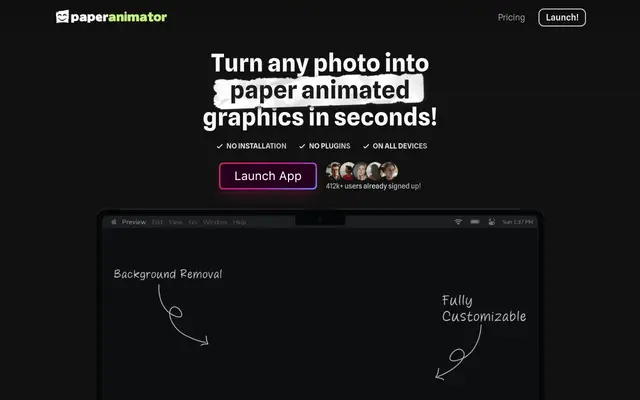
paperanimator.com
Animation tool that turns drawings into animated characters with simple drag-and-drop rigging.

LINK PLEASE SIR GOD BLESS

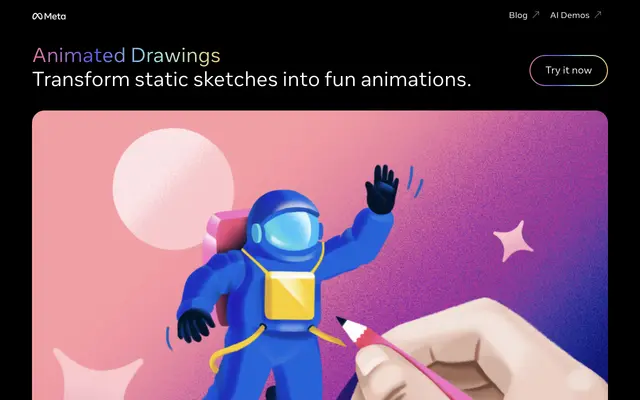
sketch.metademolab.com
Meta's AI tool that animates hand-drawn character sketches automatically.

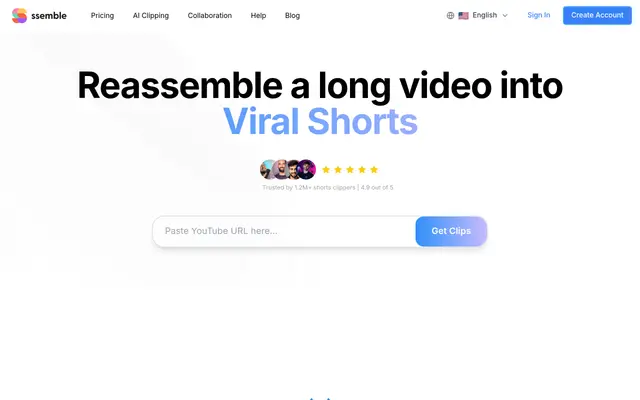
ssemble.com
Browser-based video editor with AI features for creating and editing videos without downloads.

Thx for saying if it's free every time
Frequently asked questions
Can these make a video from just text or an image?
Some can. A couple generate or animate from a prompt, a photo, or a sketch, while others focus on editing footage you already shot. Check each tool's input before you commit.
Are they free?
Several have free tiers, but AI video is compute-heavy, so free plans usually limit length, resolution, or the number of generations per day. Heavy use generally means paying.
Is the output good enough to publish?
For social clips and rough drafts, often yes. For polished commercial work, results are uneven, so plan to regenerate or edit before you ship anything.