tohd.video
ToHD is a free AI video upscaler that runs in your browser, turning 360p or 480p MP4, MOV, and WebM clips into 720p or 1080p.

About
ToHD allows you to enhance your videos directly in your browser using AI, without needing to upload your footage. It utilizes the Real-ESRGAN model on your computer's graphics card, ensuring your video remains private and never leaves your device.
This tool supports MP4, MOV, and WebM files up to 10 minutes long, with output resolutions up to 1080p. It operates without requiring any signup, and your processed videos will not have watermarks.
Highlights
- +Upscales video from 360p/480p to 720p/1080p with AI.
- +Runs entirely in your browser using your own graphics card, no upload needed.
- +Free to use, no signup, no watermark, and original audio is preserved.
Own tohd.video?
Claim it to manage your listing and get your badge link.
Frequently asked questions
What is tohd.video?
ToHD allows you to enhance your videos directly in your browser using AI, without needing to upload your footage.
Is tohd.video free?
Yes. tohd.video is free to use.
What are some alternatives to tohd.video?
Similar sites in our directory include aifaceswap.live, createimage.online, growingupvideomaker.com.
tohd.video alternatives & similar sites

aifaceswap.live
AIFaceSwap allows you to perform a real time face swap using your webcam, either directly in your browser or as a virtual camera for desktop applications. The browser-based tool works without installation, or use the desktop app for platforms like OBS, Zoom, Twitch, YouTube Live, TikTok LIVE, and Kick. Each account includes 60 free seconds.


createimage.online
Create Image is a browser workspace for generating AI images and videos. Describe your ideas with text prompts or use reference images to create characters, product visuals, covers, scenes, and more. The platform supports both still image creation with detailed control over composition and texture, and video generation to bring action, pacing, and camera movement together. You can start with a text prompt or an image, then refine details step-by-step.


growingupvideomaker.com
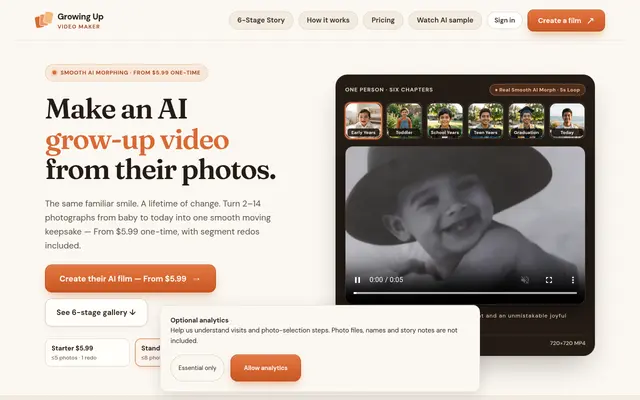
Growing Up Video Maker creates AI grow-up videos from your photos. It transforms 2 to 14 photographs into one smooth moving keepsake, ideal for a birthday gift. One-time orders start at $5.99 and include full film assembly as a 720p MP4. You can also get single-segment AI redos to refine specific moments in the video.
Launch your
powerful website
Reach thousands of users across YouTube, Instagram and our newsletter.
- Live within 24 hours
- Custom launch video

makememe.video
MakeMeme puts your face into popular AI meme videos without needing any video editing skills or prompts. Just pick a trend that's currently popular on TikTok and Reels, upload one clear photo of yourself, a friend who agreed, or your pet, and the service generates your personalized video. Videos are delivered as HD MP4s with no watermark and include the trend's original sound. Pricing starts from $0.99 per video, and if a video fails, credits are automatically returned. Photos are kept private and deleted after seven days, never used for training.


noscrubsai.net
No Scrubs AI Video Generator lets you create a 16-second music video. Start with your photo, and add up to two friends to join you in the clip, complete with music. Upload a clear photo of yourself to be the star. For friends, choose individual photos with visible faces. If you leave a spot empty, an original fictional performer fills it instead. Videos are 720p and include music.


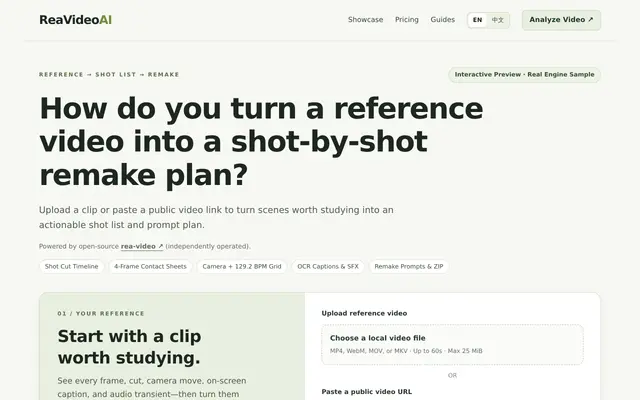
reavideoai.com
ReaVideoAI analyzes reference videos up to 60 seconds long, providing a shot-by-shot breakdown. It offers frame-accurate timecodes, 4-frame contact sheets for each shot, and identifies camera movements, on-screen captions, and audio transients. The tool generates remake prompts, offers one-click prompt copying, and provides a downloadable ZIP report with frames, stems, and JSON/Markdown. It supports English and Simplified Chinese output and accepts MP4, WebM, MOV, or MKV video files up to 25 MiB.