
Motion design without After Effects
After Effects is powerful but heavy, and not everyone wants to learn keyframes and the timeline. These browser tools animate text and graphics with presets and simpler controls. Jitter handles general animated graphics and social posts, while Paper Animator, Swishy, and Typeface Animator focus on animating type and illustrations. They're aimed at people who want a moving result fast, not full motion-graphics pros.

animatedlogoai.com
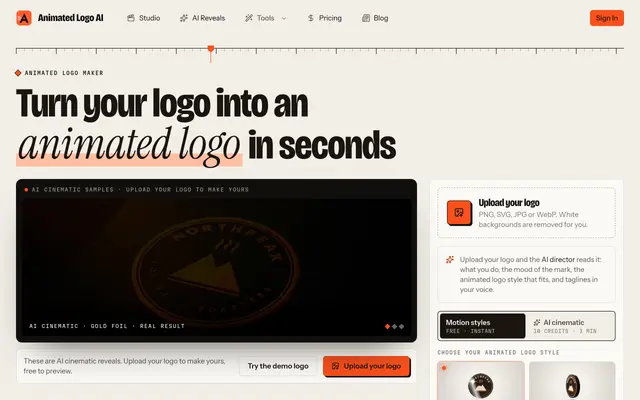
Animated Logo AI helps you create an animated logo from your PNG, SVG, JPG, or WebP file. Upload your logo, and the AI director suggests a style, mood, and even taglines. You can preview eight studio styles with your logo instantly, or choose AI cinematic reveals like gold foil or liquid chrome. Adjust the format for platforms like YouTube, TikTok, or Instagram, and choose an optional tagline. Each animated logo style includes sound design, timed to the motion. Finished logos can be downloaded as MP4, GIF, or transparent video, always ending on your exact original mark.

clickforart.com
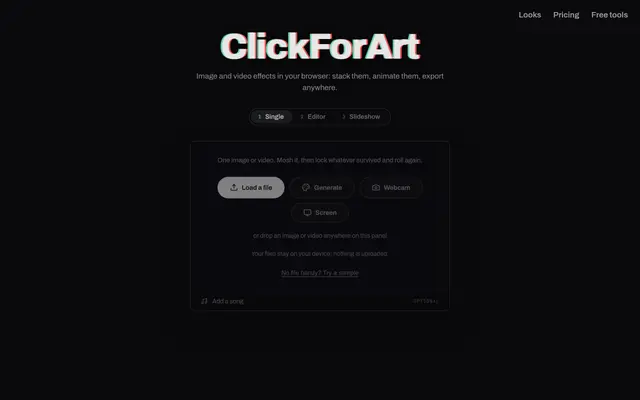
ClickForArt provides 187 effects, each with multiple presets, and 183 free tools that don't require an account. Files stay on your device unless you save a project to your account, and it does not use AI for its effects. It offers three ways to work: Single mode for random effect stacks on one image or video, Editor mode with layers and a timeline for keyframing, and Slideshow mode to sync cuts to music. Pro and Studio plans allow 4K at 60 fps video exports and include a commercial license.
animateimage.org
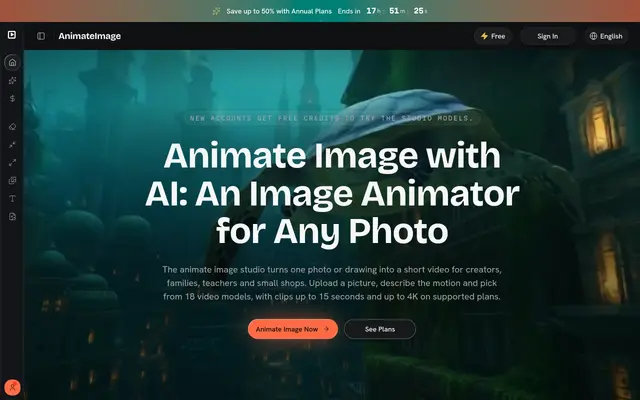
Upload a picture, describe the motion, and pick from 18 video models for clips up to 15 seconds and up to 4K resolution on supported plans. Six free GIF tools run in your browser: remove backgrounds, compress, resize, add text, convert PNG to GIF, and split GIF to PNG.

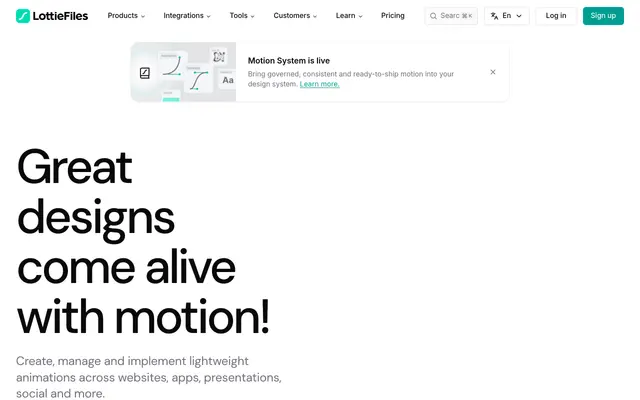
lottiefiles.com
LottieFiles is a hub for creating, editing, and shipping Lottie animations — tiny JSON-based motion files that scale crisply. It offers a huge free library plus tools to tweak and export. It integrates with most design and dev workflows.

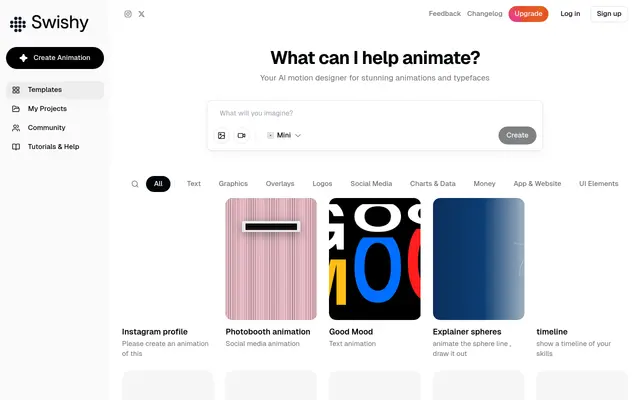
swishy.ai
Swishy is a prompt-driven motion design platform that turns text instructions into animated logos, kinetic typography, and motion graphics. You type what you want animated, preview results in the browser, and export straight to MP4, MOV, or GIF without touching a timeline.

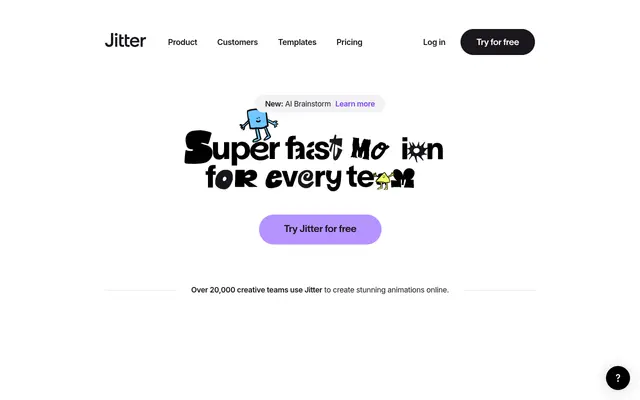
jitter.video
Designers who need motion graphics but don't want to learn After Effects. Perfect for social content, product demos, and UI animations.

GIF not jif. Jif is a peanut butter brand

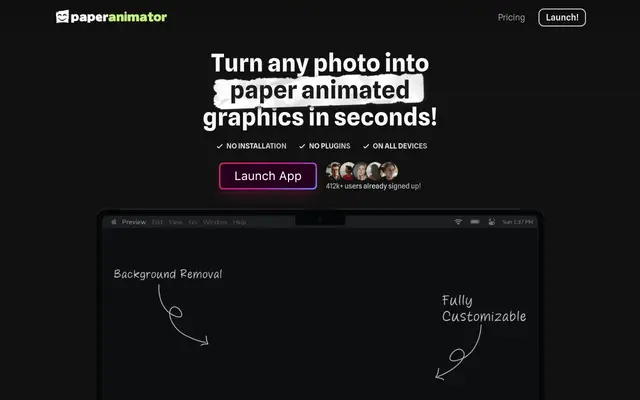
paperanimator.com
Animation tool that turns drawings into animated characters with simple drag-and-drop rigging.

LINK PLEASE SIR GOD BLESS
Launch your
powerful website
Reach thousands of users across YouTube, Instagram and our newsletter.
- Live within 24 hours
- Custom launch video

typefaceanimator.com
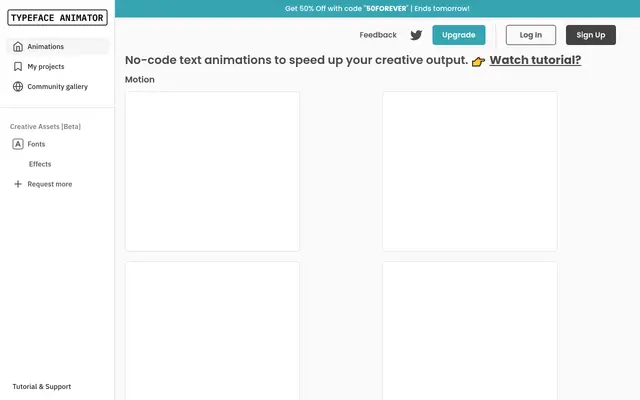
Browser-based tool for creating animated typeface transitions and kinetic typography effects.

thanks for saying its not free
Frequently asked questions
Do I need to install anything?
No. These all run in the browser, so there's nothing to download. You work in a web editor and export your animation as a video or GIF when you're done.
Can these replace After Effects entirely?
For simple animated text, logos, and social clips, yes. For complex compositing, particle effects, or detailed motion graphics, After Effects still does more. These tools trade depth for speed and an easier learning curve.
Are they free to use?
Each has a free tier. Expect limits on exports, watermarks, or resolution on the free plan, with paid tiers removing those. Try the free version first to see if it covers what you need.