
Short-form video for creators
Making clips for TikTok, Reels, or Shorts means a lot of small edits: trimming, captions, animated text, and quick effects. This set covers those pieces in the browser. Ssemble is a full online editor, Tinywow has one-off video and file tools, Jitter adds animated graphics, and Space Type Generator makes 3D animated text you can drop into a clip. Good for solo creators who don't want desktop software.

boomclapai.com
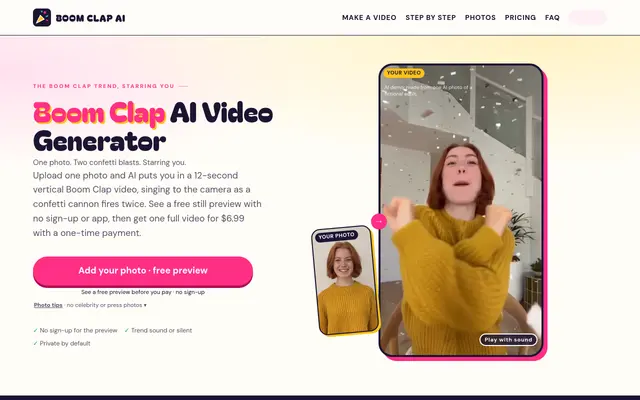
Boom Clap AI generates a 12-second vertical video for the Boom Clap trend. You upload one photo of yourself, and the AI places you in the video, singing to the camera while confetti blasts twice. You can see a free still preview of you in the confetti without signing up. The full 12-second video, ready for TikTok and Reels, can be purchased for $6.99 as a one-time payment. The video is private by default and typically ready in 10 to 15 minutes.

flowaivideogen.com
Flow AI Video Generator takes one photo and generates an AI video in minutes. It offers eight scene presets, including Cinematic Scene, Vertical Hook, Product Showcase, and Anime Scene, to give your photo a studio-grade look. You can generate videos in 9:16 or 16:9 aspect ratios, with resolutions up to 1080p, all without watermarks. The service works directly in your browser, without needing an app or editing skills. It accepts JPG, PNG, or WebP photos up to 10 MB, featuring a clear, front-facing person, pet, or product. New users receive free credits to create a starter clip.


hotellobbyaigen.com
This AI video generator takes two photos and creates a short, shareable video. It's designed for users who want to quickly make fun, face-swapped clips without needing to download an app. Users get 10 free credits when they sign up and can generate videos up to 1080p resolution.


rapvideoai.com
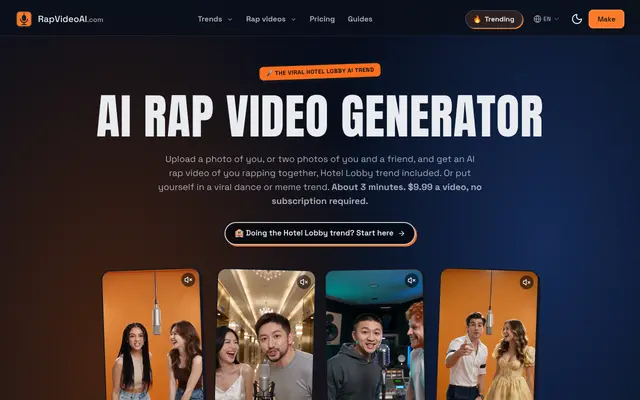
RapVideoAI lets you create AI rap videos using one or two photos. You can put yourself in viral dance and meme trends, including the Hotel Lobby AI trend, or generate custom rap songs for occasions like birthdays or anniversaries. The process involves uploading photos and choosing a stage. The AI generates lyrics, beats, vocals, and renders a lip-synced video in minutes. Videos are $9.99 each with no subscription required.

flyingcarai.io
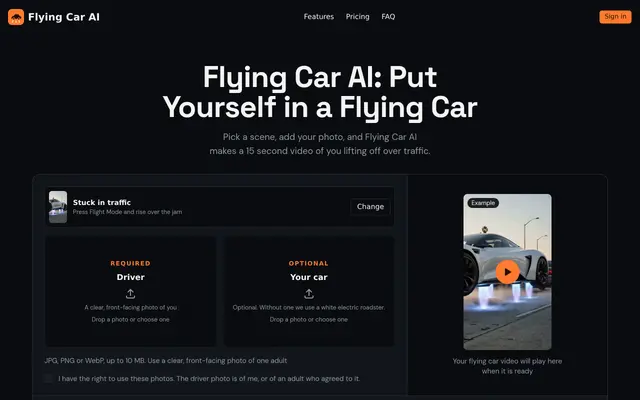
Flying Car AI is a video maker that puts you behind the wheel of a flying car. You upload a clear, front-facing photo of yourself, and optionally a photo of your own car. You then choose one of four scenes: stuck in traffic, tangled in the wires, everyone flies while you drive, or the cop who needs a ladder. For the traffic scene, you can also pick a city like Los Angeles or London. In 1 to 3 minutes, the AI builds a 15-second clip with engine, thruster, and street sounds. The video is ready to download as an MP4 and post on platforms like TikTok, Instagram Reels, YouTube Shorts, or X.

outstanding-tiny-desk.app
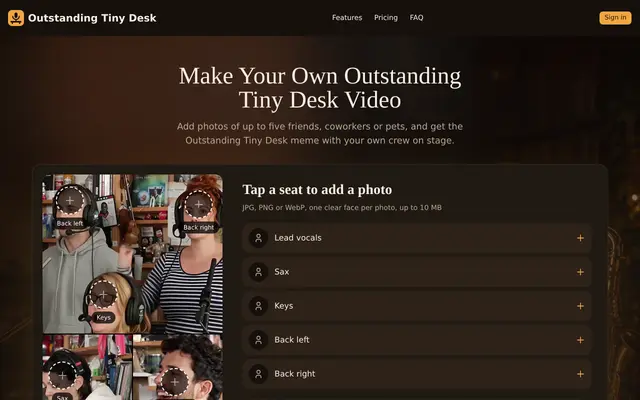
Outstanding Tiny Desk AI Video Maker lets you turn photos into the popular Outstanding Tiny Desk meme video. You can add photos of up to five individuals or pets to fill the band's seats: lead vocals, sax, keys, and two in the back row. Empty seats keep the original performers. Each video is 17 seconds long, vertical (9:16), and comes in two versions: one with the song and a silent copy for TikTok trends. The process takes about 8 minutes, and you can close the page while it generates. Use clear, front-facing photos, up to 10 MB.
removewatermarkfromvideo.org
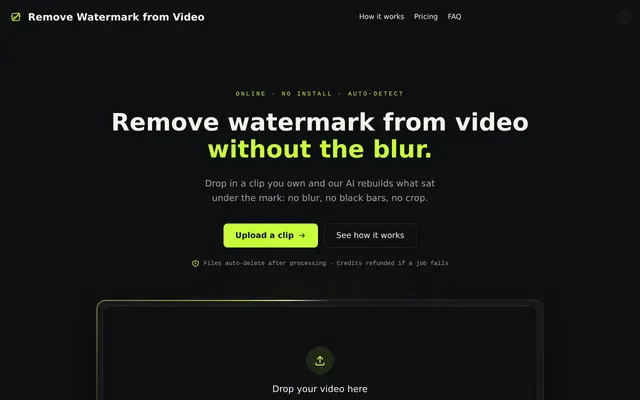
This online AI tool removes watermarks from videos by rebuilding the pixels and motion behind the mark, ensuring full quality without blur, black bars, or cropping. It automatically detects watermarks and processes videos like MP4, MOV, and WebM. Designed for creators reusing their own footage, it runs entirely in your browser without installation. Files are automatically deleted after processing, and you can preview the clean result before downloading.
Launch your
powerful website
Reach thousands of users across YouTube, Instagram and our newsletter.
- Live within 24 hours
- Custom launch video

samebutme.com
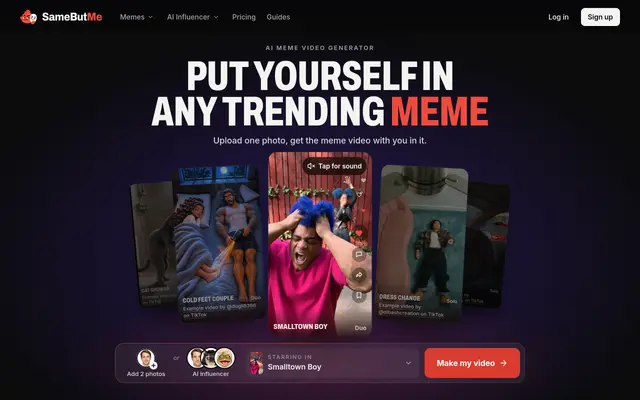
SameBut Me is an AI meme video generator that takes your photo and puts you into popular trending video clips. You can choose from various AI video templates, including dance, duo, and solo trends. The process involves uploading one photo to get the meme video with you in it, complete with original moves, camera work, and sound. Videos are generated without watermarks and are ready in about six minutes.

danceaigenerator.com
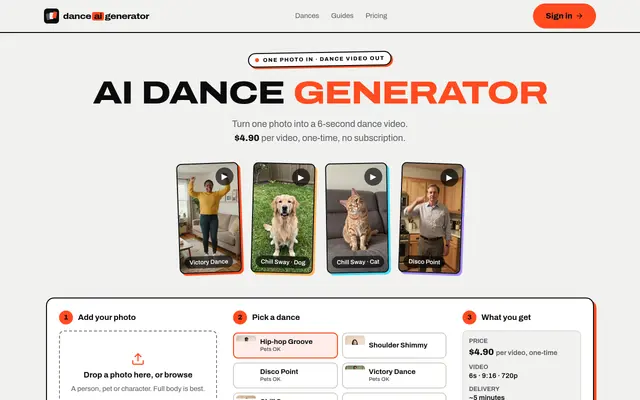
AI Dance Generator turns a single photo into a 6-second dance video. You add your photo of a person, pet, or character, then pick from available dances like Hip-hop Groove, Disco Point, or Chill Sway. Each video costs $4.90, which is a one-time fee with no subscription required. Videos are delivered as 720p, 9:16 MP4s, typically within 5 minutes. A free preview is available.
veo3.net
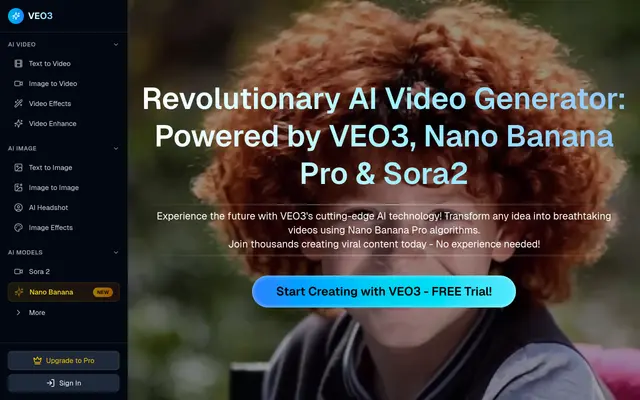
VEO3 is an AI video generator powered by Nano Banana Pro and Sora2 technology. It allows users to transform text into cinematic videos and convert static images into animated masterpieces. The platform offers viral-ready templates and boasts lightning-fast generation speeds, delivering 4K output. It emphasizes a zero learning curve with an intuitive interface and ensures bank-level security for user content.

bgchanger.video
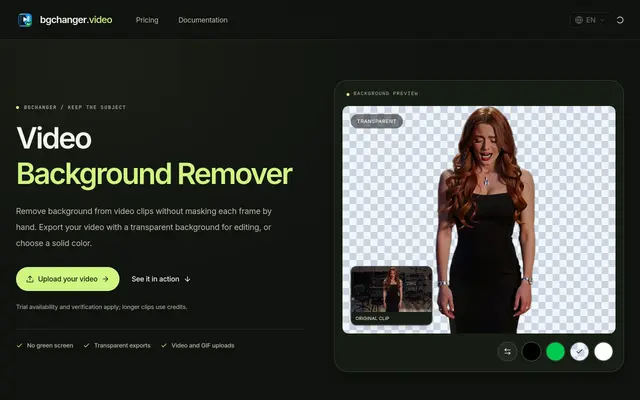
Video Background Remover removes backgrounds from video clips and isolates the subject. You can export the video with a transparent background for editing, or choose a solid color. It also accepts video and GIF uploads and lets you preview the background. Traditional video workflows can involve a green screen setup, manual masks, and repeated adjustments. This tool lets AI handle the first pass of subject separation across the clip. You can create a green-screen asset from ordinary footage by exporting your subject on a solid green background for later chroma key work. It also lets you choose white, black, green, or a custom color.

clickforart.com
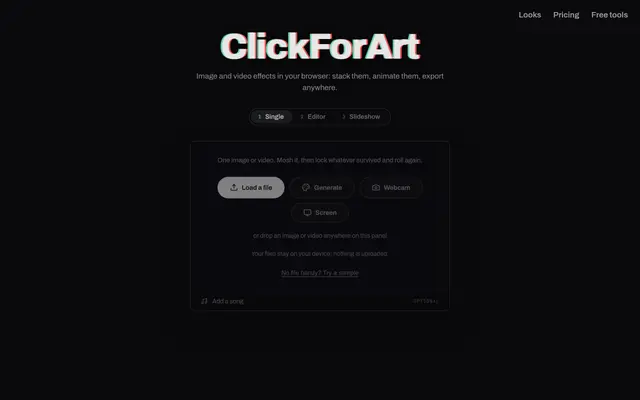
ClickForArt provides 187 effects, each with multiple presets, and 183 free tools that don't require an account. Files stay on your device unless you save a project to your account, and it does not use AI for its effects. It offers three ways to work: Single mode for random effect stacks on one image or video, Editor mode with layers and a timeline for keyframing, and Slideshow mode to sync cuts to music. Pro and Studio plans allow 4K at 60 fps video exports and include a commercial license.

memevideogenerate.com
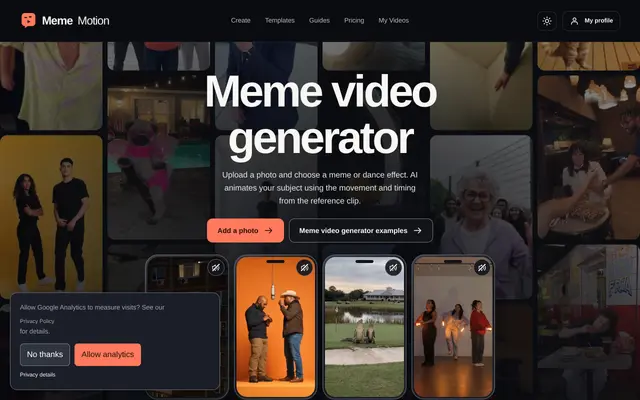
MemeMotion turns a photo into a short AI meme video in your browser. Upload a photo of your main character, then choose an effect. AI animates your subject using the movement and timing from the reference clip. You can keep the original setting or pick a different stage. Style your captions and choose the video quality, length, and frame shape. Download your finished MP4.

animateimage.org
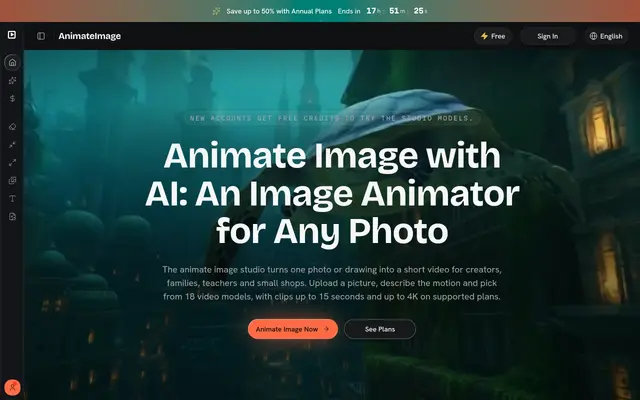
Upload a picture, describe the motion, and pick from 18 video models for clips up to 15 seconds and up to 4K resolution on supported plans. Six free GIF tools run in your browser: remove backgrounds, compress, resize, add text, convert PNG to GIF, and split GIF to PNG.

auteo.ai
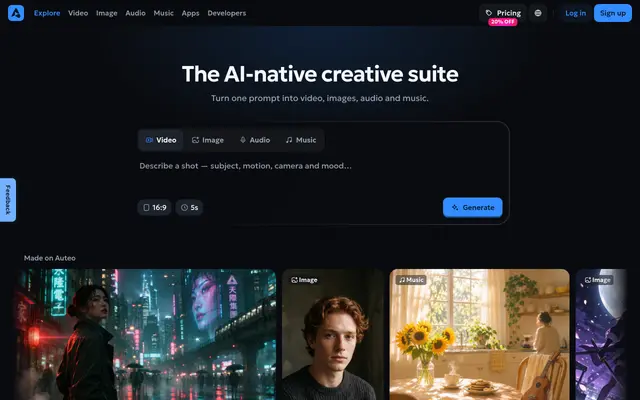
Auteo is an AI-native creative suite that allows you to create and edit video, images, audio, and music in one place. It helps you take an idea from the first frame to the final mix without switching tools. You can turn a prompt or reference image into cinematic video clips, generate and edit stills, create lifelike voiceovers from scripts, and compose original music tracks from a short description.

myfacelessreels.com
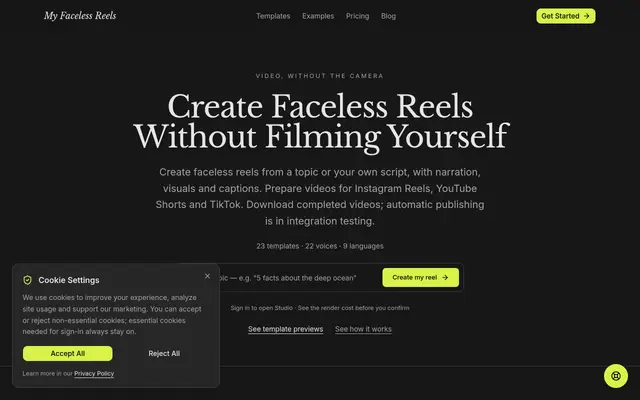
My Faceless Reels is an online generator that creates short videos without showing the creator. It combines script drafting, synthesized narration, visuals, and captions from a topic or your own text. Choose from 23 templates, 22 voices, and 9 languages. You can preview different styles and check the render cost before confirming your video.

rapvideogo.com
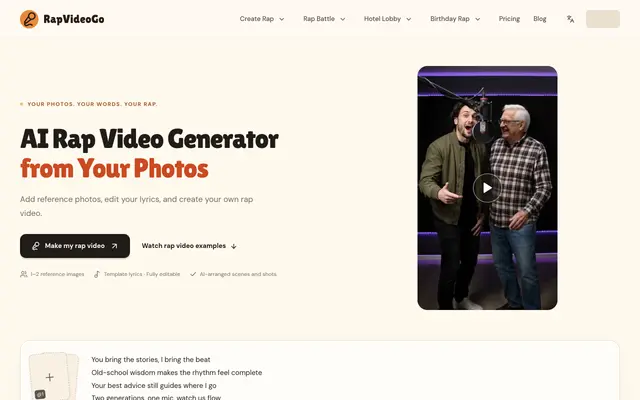
RapVideoGo creates AI-powered rap videos using your photos and editable lyric templates. You select a scene, add one or two reference images, and then customize the provided lyrics or write your own. The AI arranges the visuals and shots based on your input. After adding photos and lyrics, you can generate your video with vocals and a beat. The service requires no video editing skills, and the generated videos can be downloaded and shared. It also offers specific templates for occasions like birthdays, anniversaries, and team celebrations.

thechipmunksdance.com
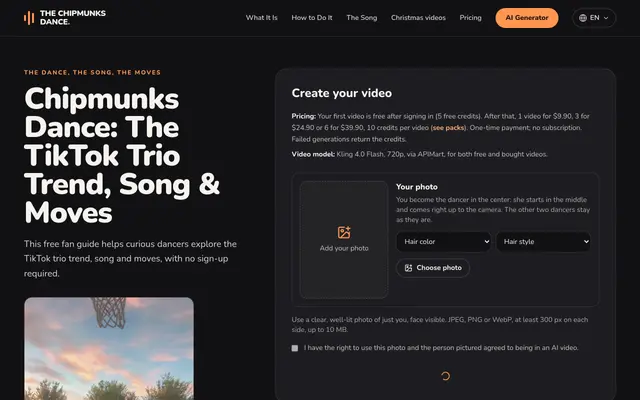
This website is a fan guide to the Chipmunks Dance, a three-person TikTok routine that took off in mid-October 2026. It explains what the dance is, the song it uses (a sped-up "You Spin Me Round (Like a Record)"), and how to do the moves. Visitors can use an AI video generator to create their own Chipmunks Dance video by uploading a photo. The first video is free after signing in, and subsequent videos are available for purchase. The site also offers AI prompts for use with other video tools and options for creating AI Christmas videos.

growingupvideomaker.com
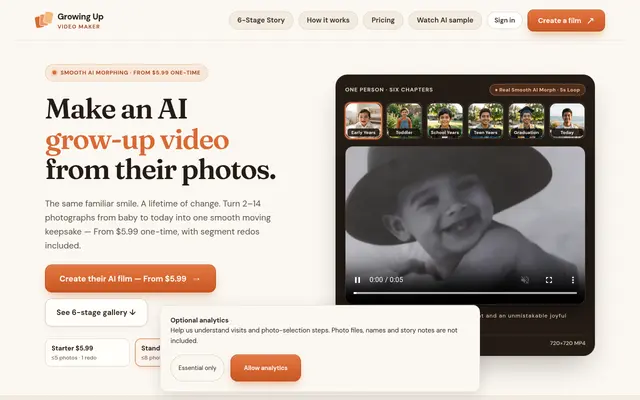
Growing Up Video Maker creates AI grow-up videos from your photos. It transforms 2 to 14 photographs into one smooth moving keepsake, ideal for a birthday gift. One-time orders start at $5.99 and include full film assembly as a 720p MP4. You can also get single-segment AI redos to refine specific moments in the video.

makememe.video
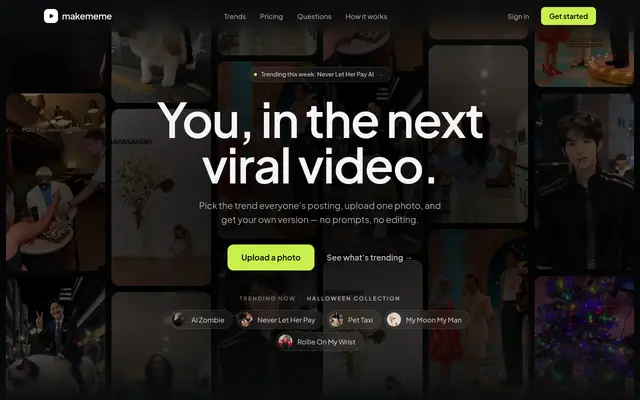
MakeMeme puts your face into popular AI meme videos without needing any video editing skills or prompts. Just pick a trend that's currently popular on TikTok and Reels, upload one clear photo of yourself, a friend who agreed, or your pet, and the service generates your personalized video. Videos are delivered as HD MP4s with no watermark and include the trend's original sound. Pricing starts from $0.99 per video, and if a video fails, credits are automatically returned. Photos are kept private and deleted after seven days, never used for training.

reavideoai.com
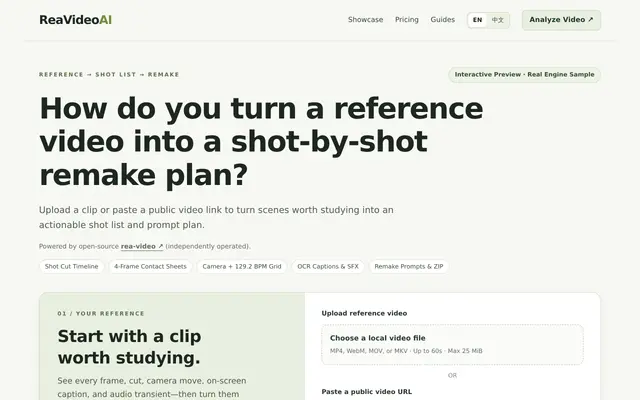
ReaVideoAI analyzes reference videos up to 60 seconds long, providing a shot-by-shot breakdown. It offers frame-accurate timecodes, 4-frame contact sheets for each shot, and identifies camera movements, on-screen captions, and audio transients. The tool generates remake prompts, offers one-click prompt copying, and provides a downloadable ZIP report with frames, stems, and JSON/Markdown. It supports English and Simplified Chinese output and accepts MP4, WebM, MOV, or MKV video files up to 25 MiB.

shottide.com
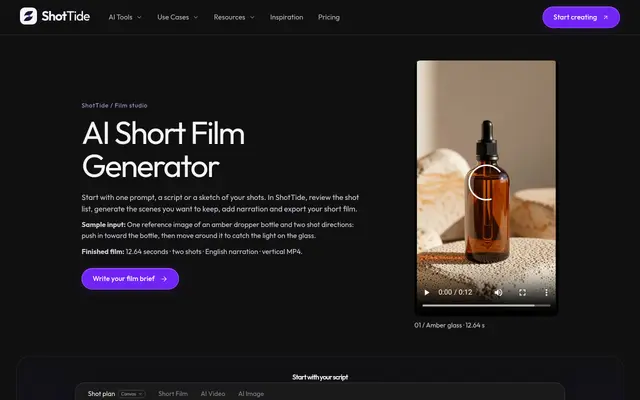
Shot Tide's AI Short Film Generator lets you start with a script, a prompt, or a sketch of your shots. You review the generated shot list, select scenes to keep, add narration, and export your short film. It offers use cases for product ads, story shorts, teaser trailers, and music videos. For example, a product ad with two camera directions and one bottle image creates a 12.64-second film.

airapvideomk.com
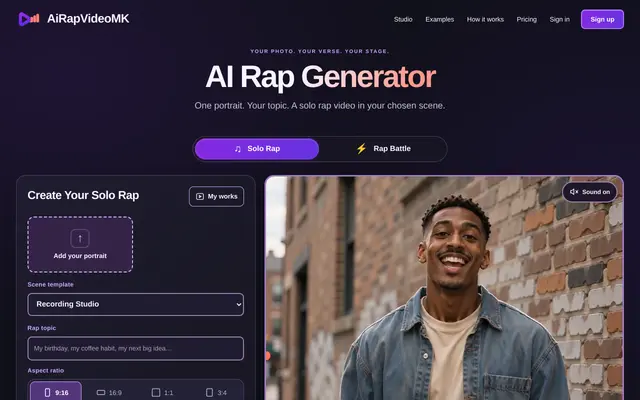
The AI Rap Generator creates a personalized rap performance from a portrait, a topic, and a chosen scene. Users add a portrait (JPG, PNG, or WebP), enter a short topic idea, and select one of five scene backdrops like Kitchen, Recording Studio, or Street Freestyle. The service generates original lyrics and an entire rap video where the uploaded photo becomes the performer. Each completed video reserves 100 credits, and users can download the final output after reviewing it.

tinydesk-ai.best
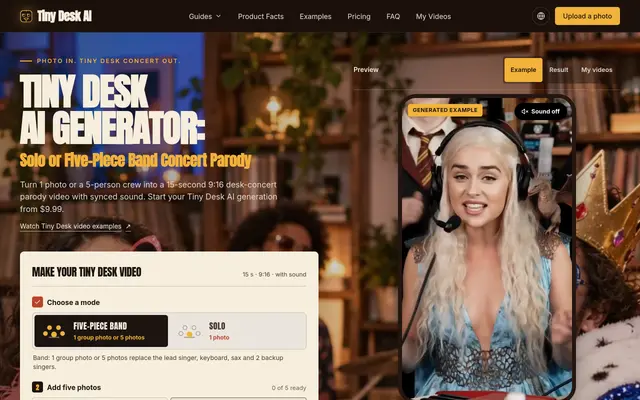
Tiny Desk AI Generator creates 15-second, 9:16 vertical concert parody videos from your photos. You can choose a solo mode using one photo or a five-piece band mode with five individual photos or one group shot. Prices for video generation start from $9.99 per pack, with no subscription required. Failed renders are refunded. The tool aims for an authentic concert recreation without needing prompts or additional editing.

wchews.app
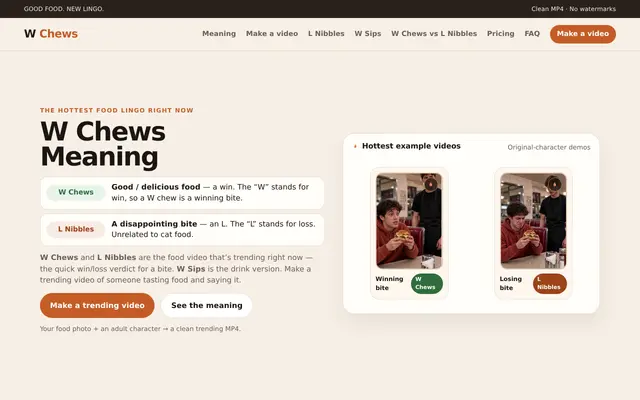
W Chews generates short, trending food review videos. Upload a food photo and an adult photo (or use the default character) to create a clean, watermark-free MP4. The service offers W Chews (for good food) or L Nibbles (for disappointing food) videos. Users select an ending move and preview the diner scene before generating. Pricing starts at $9.90 for 2 videos, which include a captioned GIF.
papereffects.site
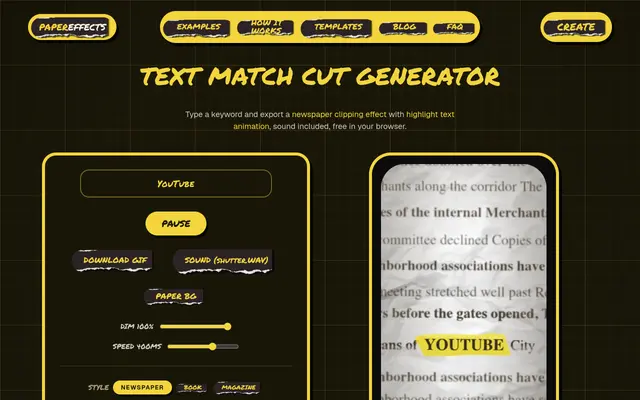
The Text Match Cut Generator creates a newspaper clipping effect with highlight text animation and sound, all in your browser. Simply type a keyword, choose a paper style (newspaper, magazine, or book), set the aspect ratio and speed, then export a GIF with sound, a WAV stem, and a paper background frame. There's no signup, no watermark, and all rendering happens locally on your device.

pika.art
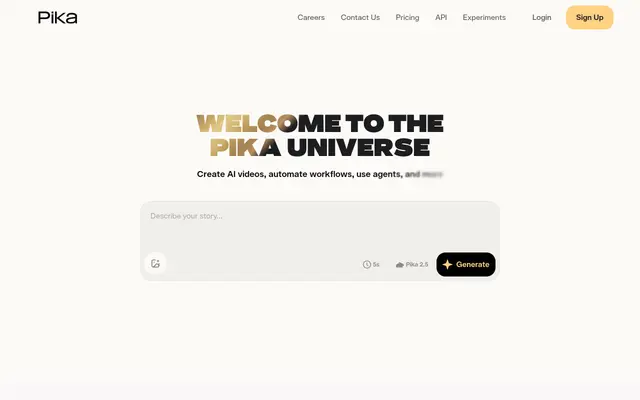
Pika is an AI video platform that generates and edits short clips from text or images. Its signature Pikaffects let you melt, inflate, or explode anything in a scene. It's built for fast, fun, social-ready video.

jitter.video
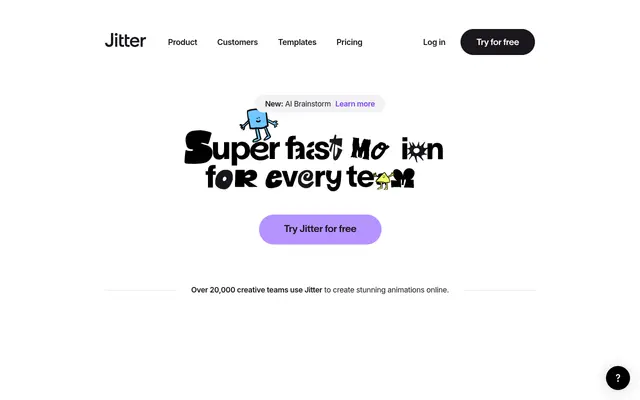
Designers who need motion graphics but don't want to learn After Effects. Perfect for social content, product demos, and UI animations.

GIF not jif. Jif is a peanut butter brand

spacetypegenerator.com
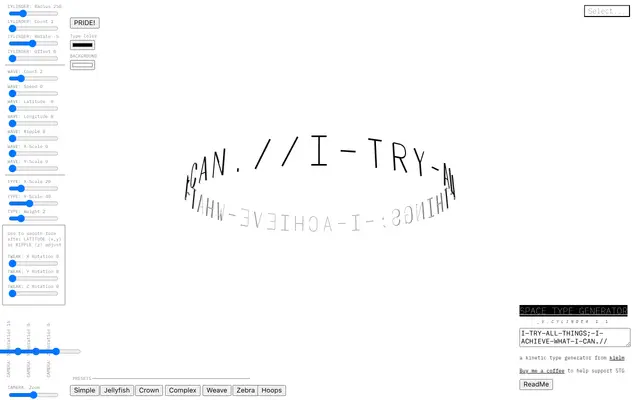
Text-focused animation generator for creating dynamic typography effects for Instagram and YouTube videos.

Legendary Short Pull

ssemble.com
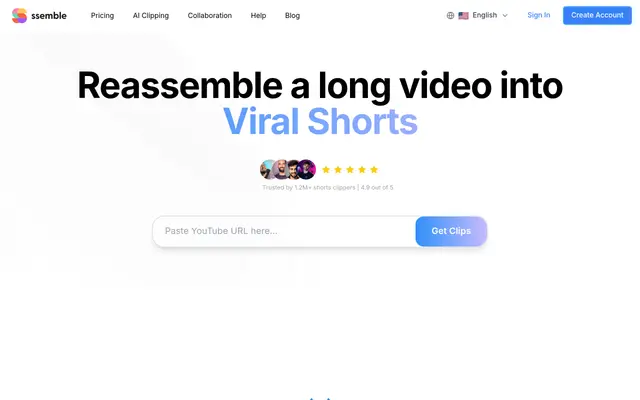
Browser-based video editor with AI features for creating and editing videos without downloads.

Thx for saying if it's free every time

tinywow.com
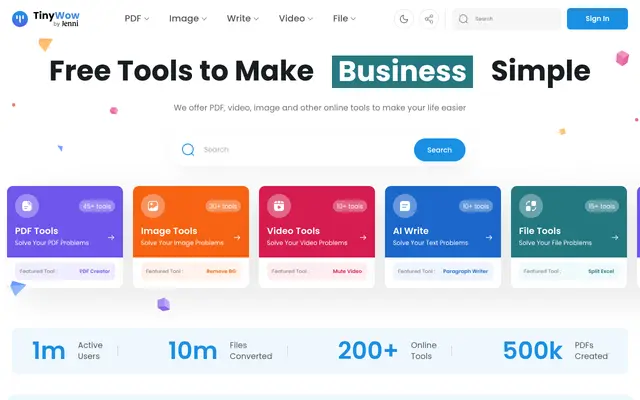
A Swiss Army knife of 200+ free online tools for PDF, image, video, and file conversions.
Frequently asked questions
Can I edit a full video here, or just pieces?
Both. Ssemble is a complete editor for cutting and assembling clips. The others handle specific jobs like adding animated text or running a quick conversion, which you then bring into your main edit.
Are these free, and will there be a watermark?
All have free options. Some free exports include a watermark or cap the resolution, and paid plans remove those. Tinywow's quick tools are free with usage limits rather than per-feature paywalls.
Do they work on a phone?
They run in a mobile browser, but editing video on a small screen is awkward. Most creators find these easier on a laptop or desktop, then post from their phone.