digitaltoolpad.com
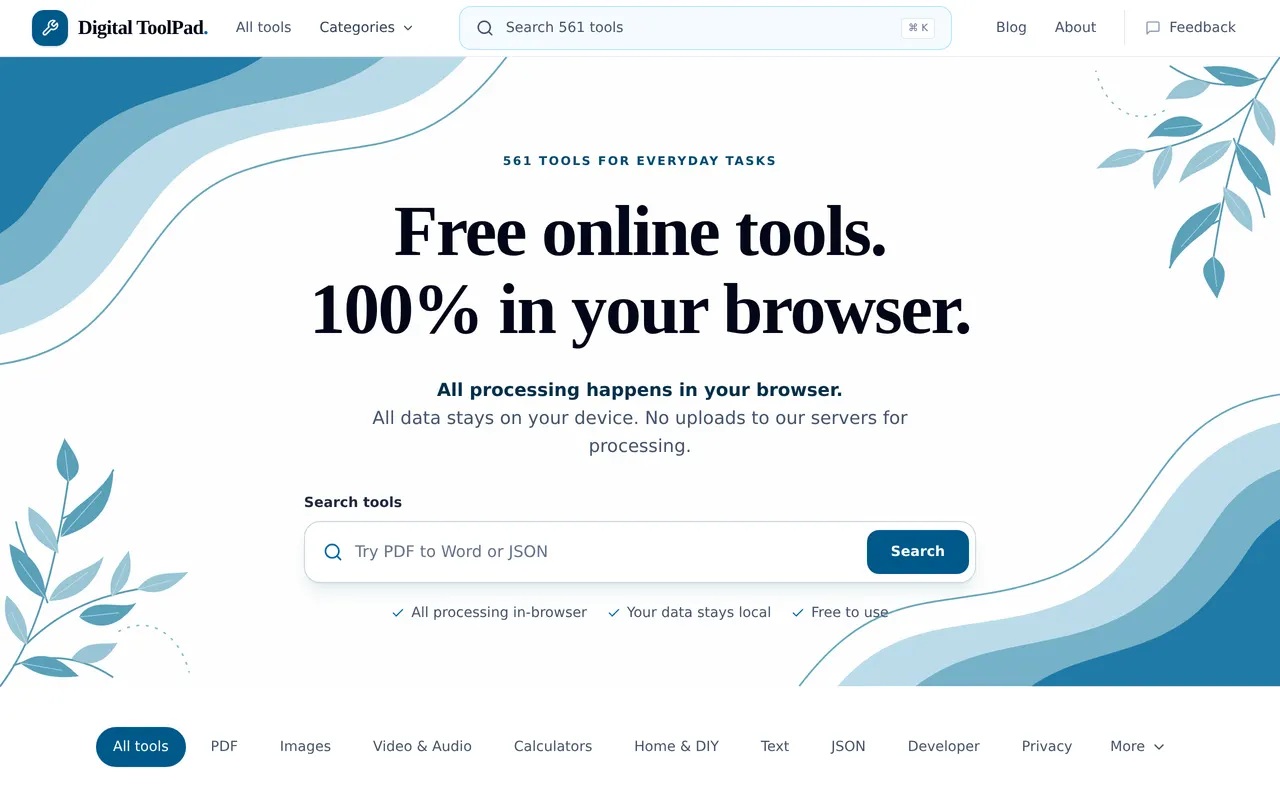
Digital ToolPad provides a collection of 561 free online tools for converting and editing files, text, and code, all processed in your browser.
About
Digital ToolPad offers a comprehensive suite of 561 free online tools that run entirely in your browser. This means all processing happens on your device, and no files or text are uploaded to their servers, ensuring your data stays local and private.
The collection includes tools for PDF, images, text, code, calculators, and more, covering a wide range of everyday tasks. There's no account needed to use the tools, and they are completely free.
Highlights
- +561 free online tools available.
- +All processing happens in your browser; no uploads to servers.
- +Tools for PDF, images, text, and code.
Own digitaltoolpad.com?
Claim it to manage your listing and get your badge link.
Frequently asked questions
What is digitaltoolpad.com?
Digital ToolPad offers a comprehensive suite of 561 free online tools that run entirely in your browser.
Is digitaltoolpad.com free?
Yes. digitaltoolpad.com is free to use.
What are some alternatives to digitaltoolpad.com?
Similar sites in our directory include texttopen.com, acronymgenerator.online, attachduo.com.
digitaltoolpad.com alternatives & similar sites

texttopen.com
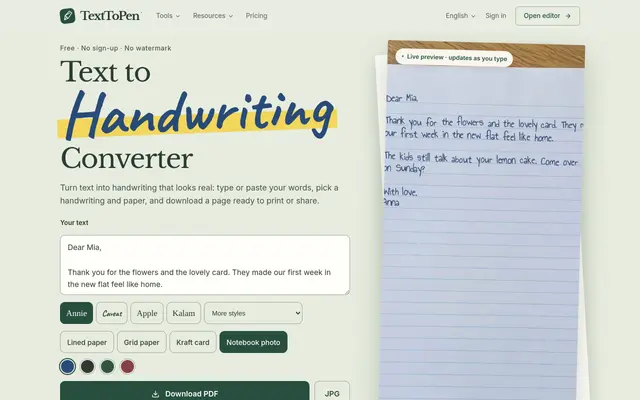
Text to Pen is a free online converter that transforms text into handwriting without watermarks or sign-up. You can type or paste your words, then select from 30 handwriting fonts and 16 paper styles, including lined paper, grid paper, kraft card, and notebook photos. Choose an ink color and pen type, and download your page as a PDF for A4 or US Letter, or as a JPG or PNG image. The tool updates a live preview as you type, and supports features like headings, lists, bold, and underline.

acronymgenerator.online
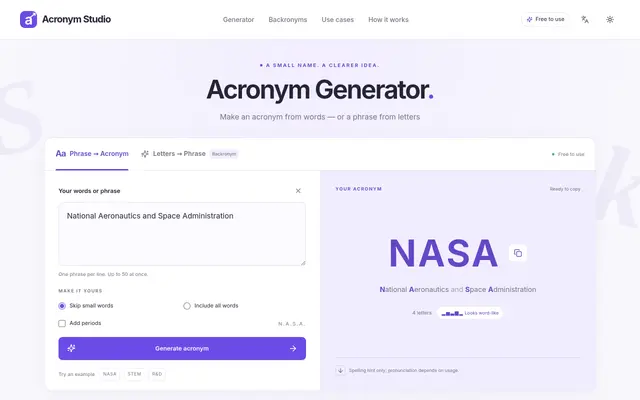
This free tool generates acronyms from your phrases or creates new phrases from your chosen letters. It supports batch input for up to 50 phrases, allows you to skip small words, include all words, and add periods to the acronyms. The generator runs privately in your browser, meaning your inputs are not uploaded or saved, and no signup or account is required to use its features, including word locks and instant copy.

attachduo.com
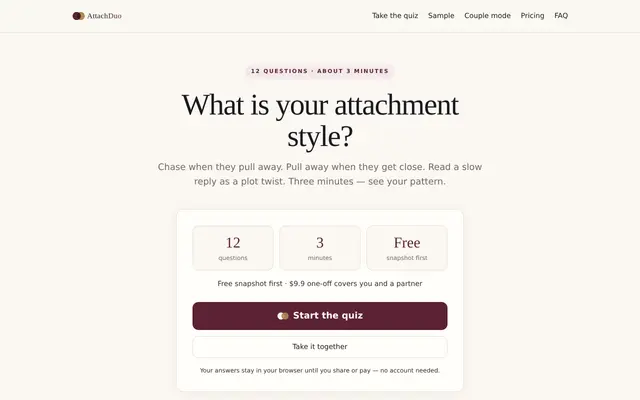
AttachDuo offers a quick, 3-minute attachment style test. It provides a free snapshot with anxiety and avoidance scores, along with an optional paid deep report. The deep report, available for a one-time payment of $9.90, covers an individual and their partner. It includes full profiles, everyday triggers, conflict patterns, word-for-word scripts, compatibility insights, and a 30-day plan. Your answers stay in your browser until you share or pay, with no account needed.
Launch your
powerful website
Reach thousands of users across YouTube, Instagram and our newsletter.
- Live within 24 hours
- Custom launch video

vocotype.com
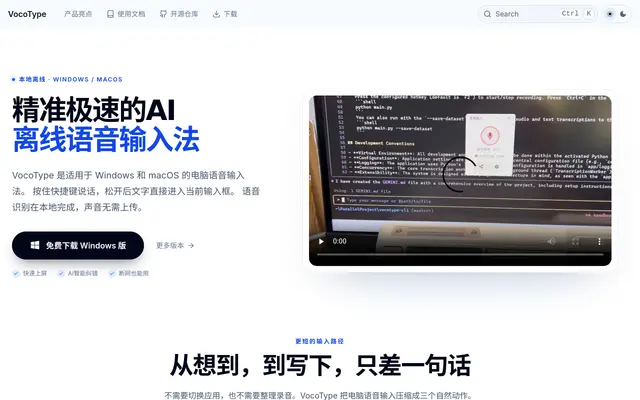
VocoType is a speech input method for Windows and macOS that allows users to quickly convert spoken words into text by holding a hotkey. The speech recognition is performed locally on your computer, ensuring that no audio data is uploaded to the cloud. It features rapid on-screen display, smart error correction, custom dictionaries, and supports mixed Chinese-English input. The software can also transcribe audio and video files, export SRT subtitles, and offers AI-powered text refinement.

anytype.io
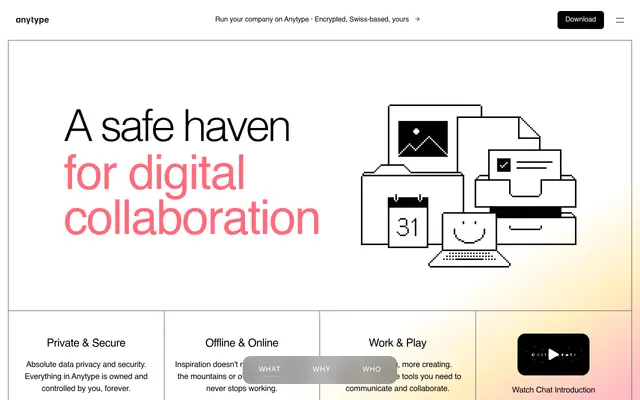
Anytype is a privacy-first alternative to Notion. Your notes, docs, and databases are stored locally and end-to-end encrypted, so your data stays yours, with optional sync across devices. It is open source and free for personal use, with paid tiers for more storage.

readme.so
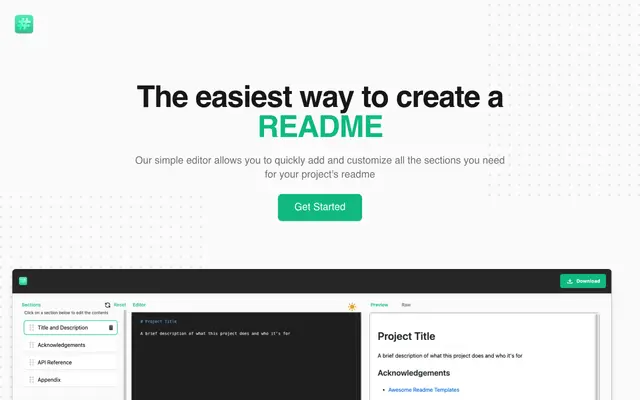
readme.so is the easiest way to put together a README: choose from ready-made sections like installation, usage, and license, arrange them, edit the content, and copy the finished Markdown. It is free and open source.