
Markdown & writing tools
For anyone who writes in Markdown and wants a clean editor with a live preview instead of guessing how the formatting will render. Dillinger lets you write on one side and see the formatted result on the other, then export to HTML, PDF, and other formats. It runs in the browser, so there's nothing to install.

attachduo.com
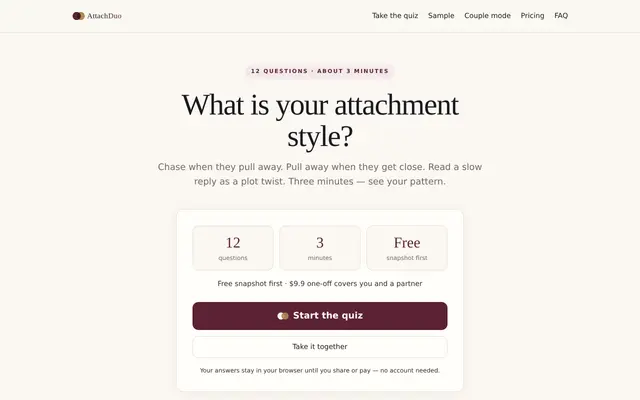
AttachDuo offers a quick, 3-minute attachment style test. It provides a free snapshot with anxiety and avoidance scores, along with an optional paid deep report. The deep report, available for a one-time payment of $9.90, covers an individual and their partner. It includes full profiles, everyday triggers, conflict patterns, word-for-word scripts, compatibility insights, and a 30-day plan. Your answers stay in your browser until you share or pay, with no account needed.
vocotype.com
VocoType is a speech input method for Windows and macOS that allows users to quickly convert spoken words into text by holding a hotkey. The speech recognition is performed locally on your computer, ensuring that no audio data is uploaded to the cloud. It features rapid on-screen display, smart error correction, custom dictionaries, and supports mixed Chinese-English input. The software can also transcribe audio and video files, export SRT subtitles, and offers AI-powered text refinement.

anytype.io
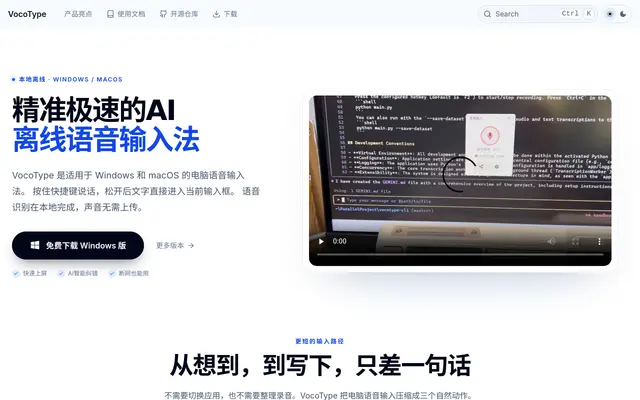
Anytype is a privacy-first alternative to Notion. Your notes, docs, and databases are stored locally and end-to-end encrypted, so your data stays yours, with optional sync across devices. It is open source and free for personal use, with paid tiers for more storage.
Launch your
powerful website
Reach thousands of users across YouTube, Instagram and our newsletter.
- Live within 24 hours
- Custom launch video

readme.so
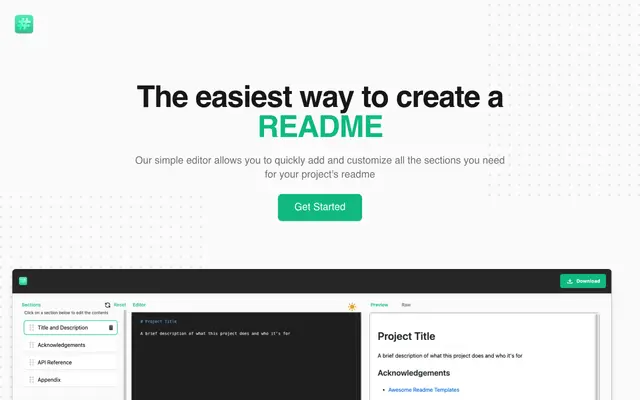
readme.so is the easiest way to put together a README: choose from ready-made sections like installation, usage, and license, arrange them, edit the content, and copy the finished Markdown. It is free and open source.

logseq.com
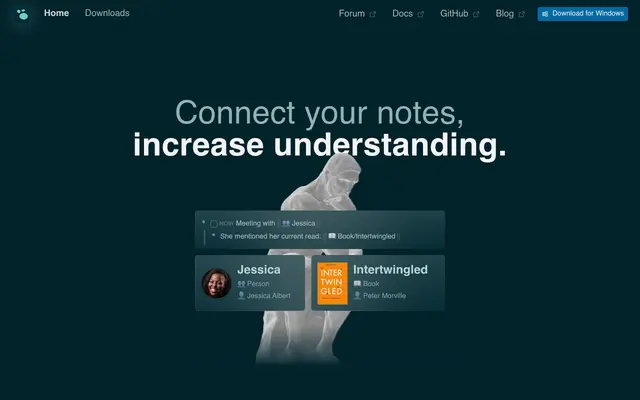
Logseq is a privacy-first, open-source outliner for notes and tasks. Everything is stored locally as plain Markdown files you own, and bidirectional links build a knowledge graph as you write. It suits researchers and anyone who wants networked notes without lock-in. Free and open source.

obsidian.md
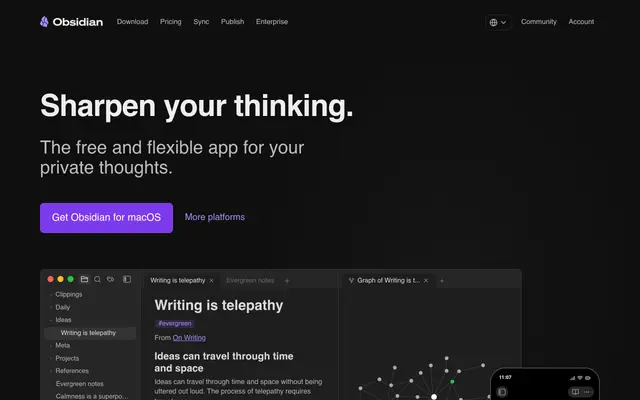
Obsidian is a note-taking app that stores everything as plain Markdown files on your own device. You link notes together, visualize them as a graph, and extend it with a large plugin community. It's free for personal use, with paid sync and publish add-ons.

dillinger.io
Dillinger is a free, open-source Markdown editor that runs in your browser. You write on one side and see the formatted preview on the other, then export to HTML, PDF, and more. It can sync with cloud services if you connect them.

deepl.com
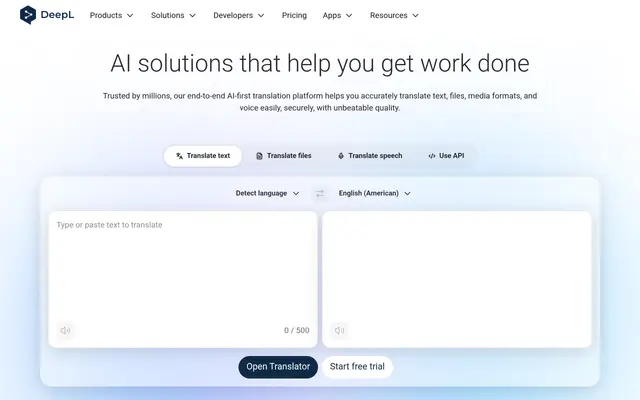
DeepL is an AI translator known for unusually natural, nuanced results across 30+ languages. It translates text, documents, and whole websites, and offers a writing assistant that refines tone and grammar. Many prefer it to bigger-name translators.

onelook.com
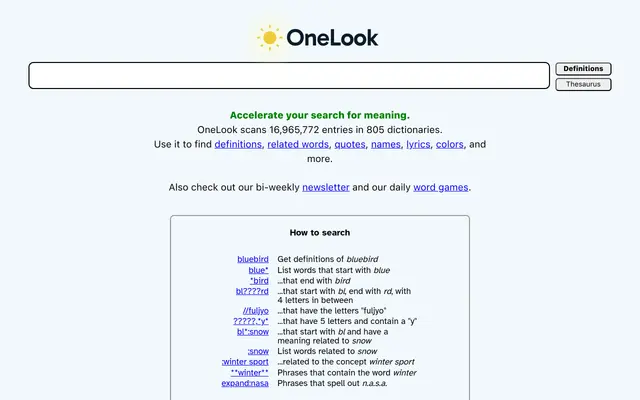
Reverse dictionary and thesaurus that finds words when you only know the definition or concept.
Frequently asked questions
Is it free?
Yes. Dillinger is free and open source. You can use it in the browser without paying or signing up.
Do my documents stay private?
Your text stays in your browser unless you connect a cloud service like Dropbox or GitHub yourself. Nothing is published or shared by default.
What can I export to?
You can export your Markdown as HTML, PDF, styled HTML, or plain Markdown, which covers most places you'd want to paste or publish the writing.